






















Keyframes to Video: Guide the Sequence with Pictures
Give the shot a beginning, middle and end.


Rhythmic footsteps of heels walking on a hard surface accompanied by a soft background music loop.
How it works
Try it now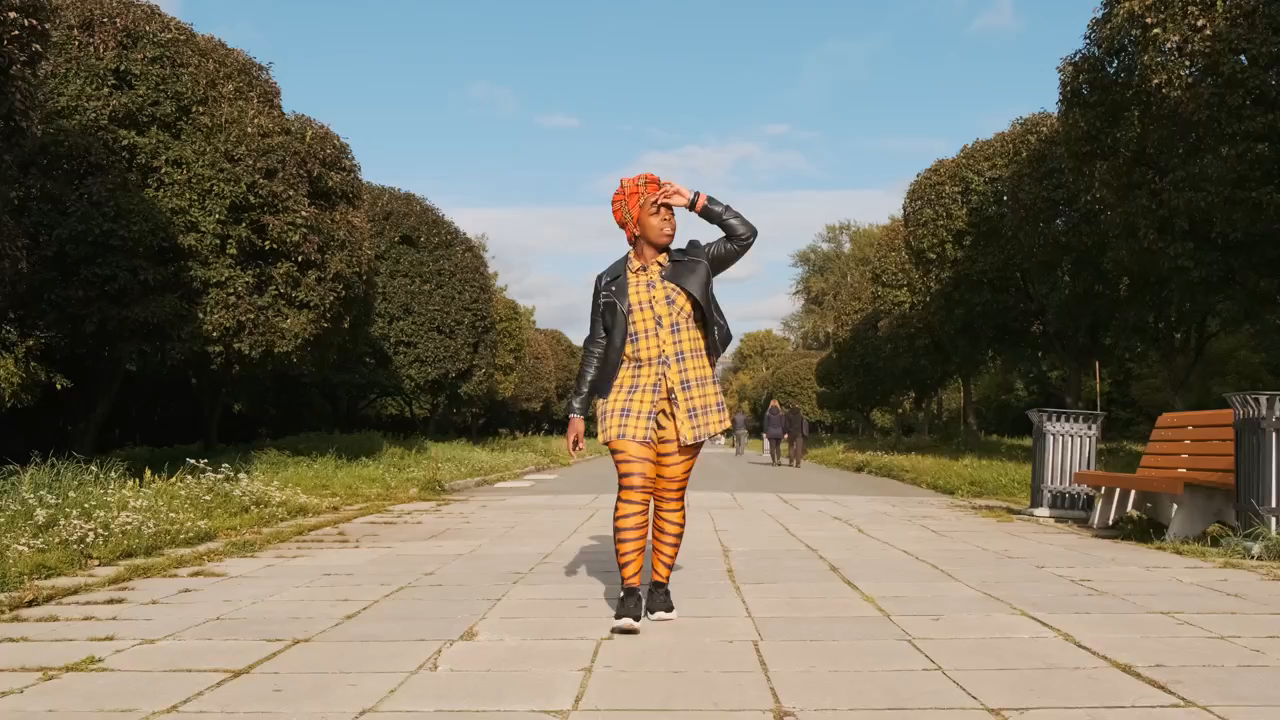 01
Add your start frame
Drop it in, or pick one of yours.
- 02
Say how it should move
A sentence or two is enough.
- 03
Make it
Start creating, then keep working with HowWorks.
Explore the possibilities
About
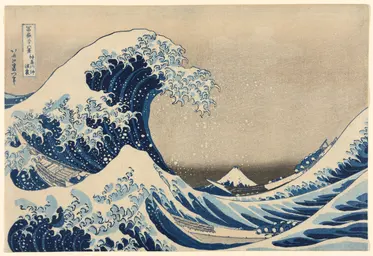
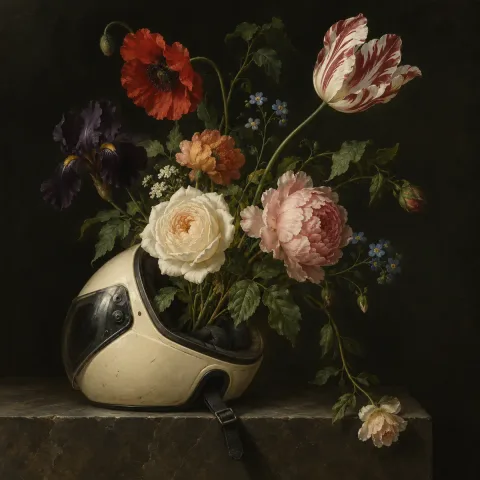
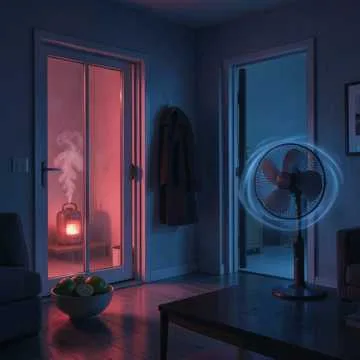
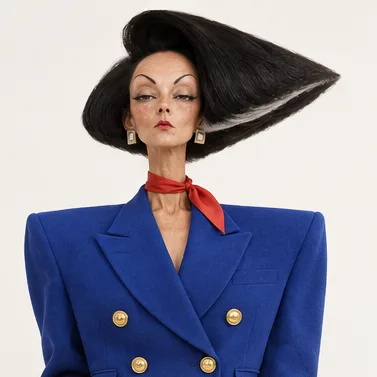
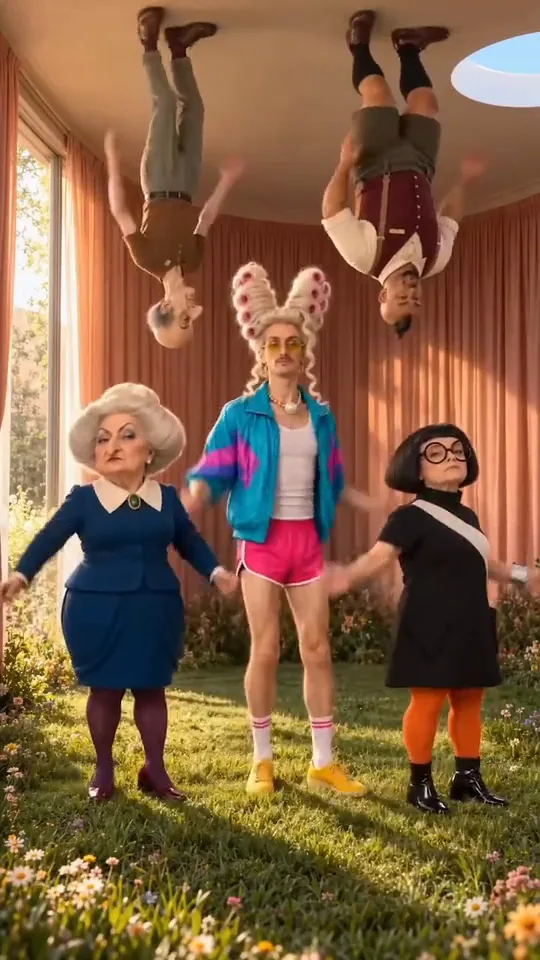
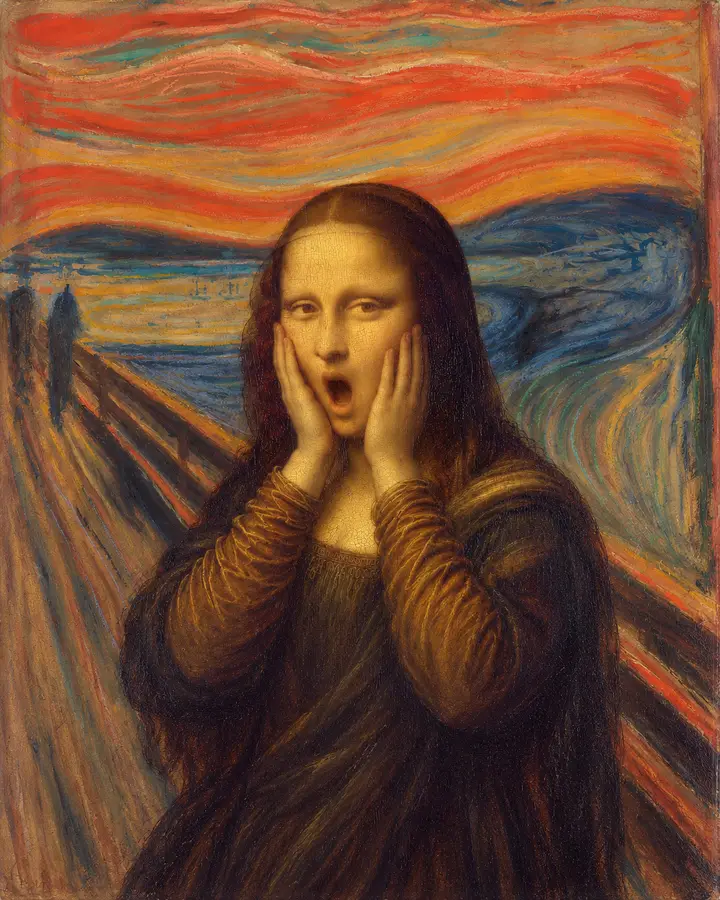
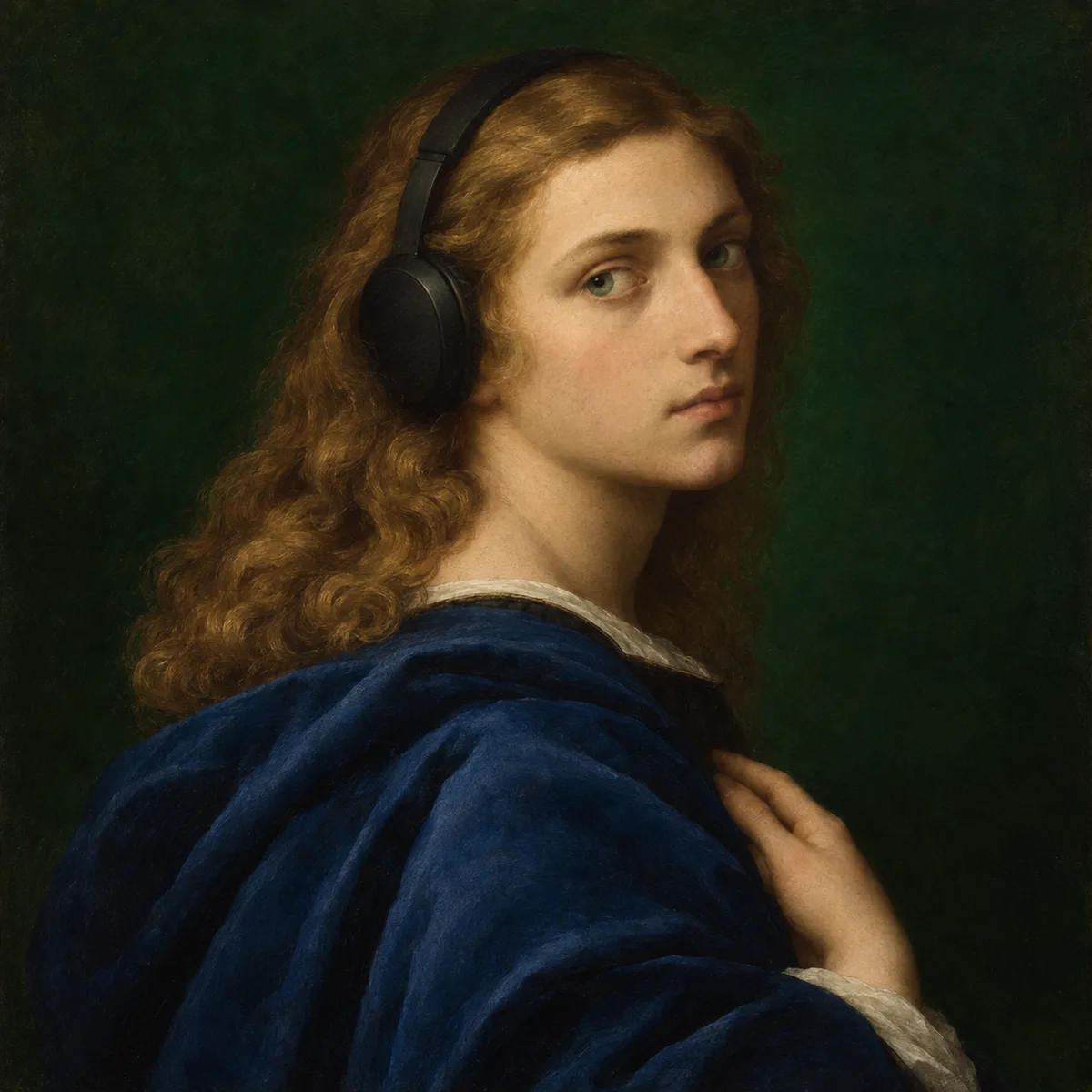
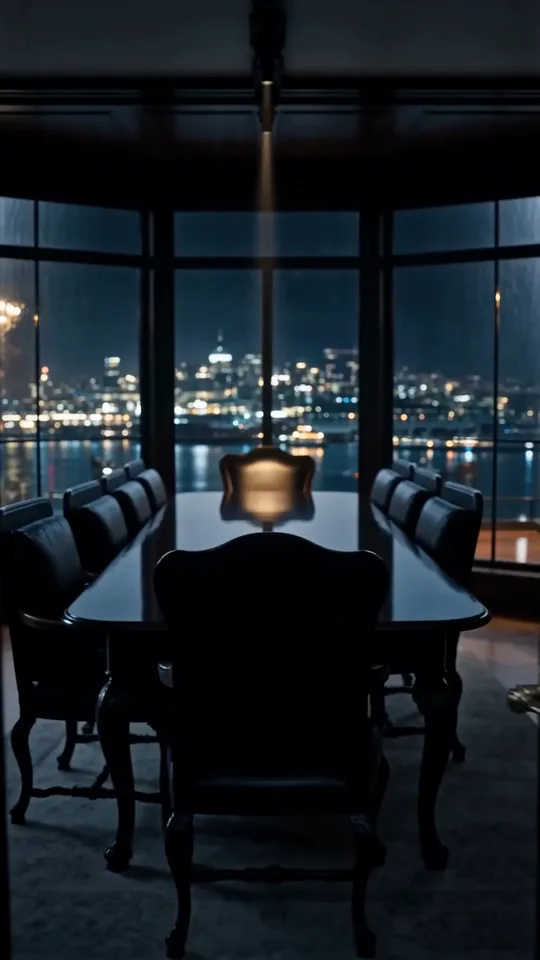
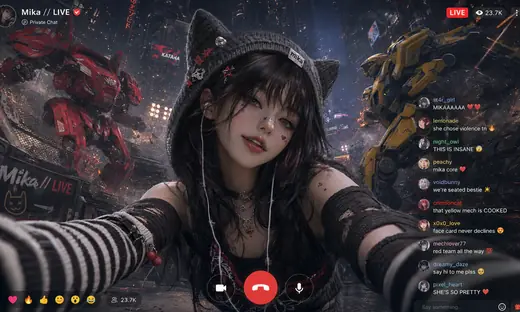
Arrange pictures in the order the video should follow. A start frame establishes the opening, middle frames guide the progression, and an end frame anchors the final composition. Explain how the subject and camera should move between them. This is useful when two endpoints alone do not describe the sequence you have in mind. Only compatible models accept middle frames; their controls determine the available inputs. Ordering frames guides the result but does not set an exact timestamp for every picture.
Questions
How are keyframes different from reference images?
Keyframes have an intended order in the sequence. General references can describe appearance or content without specifying a beginning, middle and end.
Can I set the exact second for every frame?
Not on the current ordered-frame workflow. The images guide progression; they are not a timeline of exact timestamps.
Which models can I use?
Choose a model whose current controls accept middle frames. Kling 4.0 supports this workflow; Kling 4.0 Flash does not accept middle or end frames.
Keep exploring


From the blog
- Best AI Video Generators in 2026: Compare Tools, Costs & Uses
Compare the best AI video generators by task, current pricing, model access, image-to-video controls, and free limits. Official sources checked October 2026.
- Best Free AI Video Generators in 2026: Credits, Watermarks & Limits
Compare free AI video generators by recurring access, trial credits, watermarks, and export limits. See what you can actually create before paying.
- Best AI Video Upscalers in 2026: Software, Online & Free Options
Compare AI video upscalers for desktop and online use, including free options, length limits, GPU needs, 1080p/4K output, and whole-job costs.