


















MiniMax H3 Max: Talking Photo
Talking Photo with MiniMax H3 Max, with the model already selected.


The morning light is here. Let us begin a new chapter, one careful step at a time.
How it works
Try it now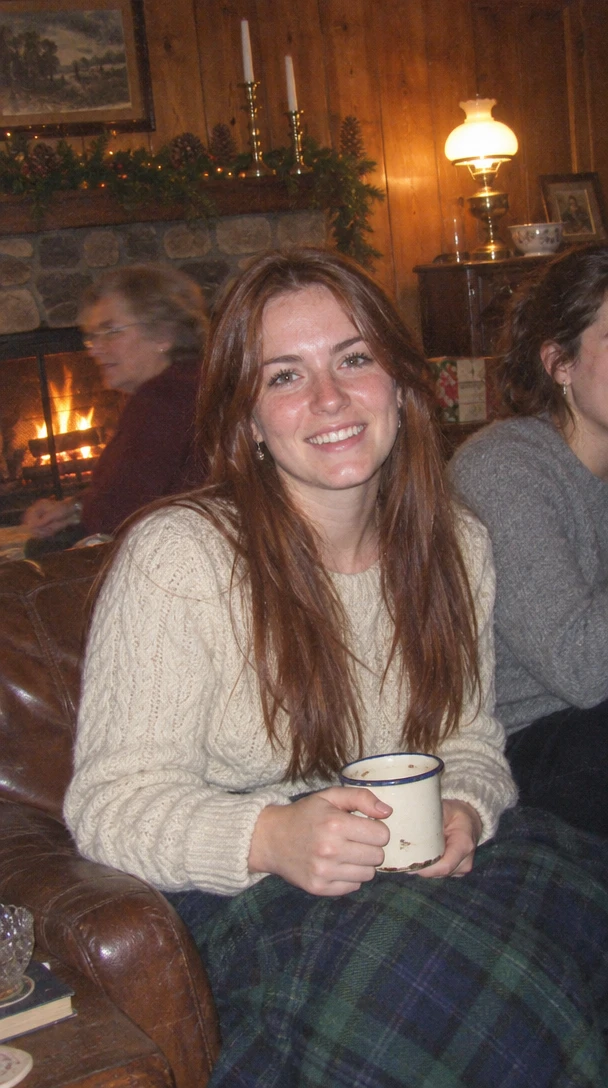 01
Add your start frame
Drop it in, or pick one of yours.
- 02
Make it
Start creating, then keep working with HowWorks.
Explore the possibilities
MiniMax H3 Max at a glance
- Good at
- Fastest to render, with a Turbo tier for quick drafts. 5–15s, up to 1080p.
- Modes
- Text to Video, Image to Video, First & Last Frame, Reference to Video, Extend Video, Talking Photo, Recast, Insert scene, Camera Controls, Reframe
- Length
- 5–15 s (presets 5, 10, 15 s)
- Resolution
- 480p, 720p, 1080p
- Aspect ratios
- 16:9, 9:16, 1:1, 4:3, 3:4, 21:9
- Image-led framing
- May follow the input image; check the output frame
- Sound
- Always on
- Reference images
- Up to 9
- Tiers
- Standard · Turbo
About
Provide a clear portrait and the speech audio it should follow. The source image supplies the face; the audio supplies the performance and timing. A short, understandable sentence is easier to assess than a crowded scene with several faces. Review lip movement, expression and whether the subject remains recognisable. Choose only the inputs and controls shown for this operation; other operations or model versions can have different limits.
Questions
What do I need for MiniMax H3 Max talking photo?
Add one clear portrait and one speech recording. The portrait supplies the face and the audio supplies the delivery and timing. Use understandable speech and review the mouth movement, facial expression and identity over the entire result.
Does the talking-photo length follow the speech?
The speech recording supplies the performance timing. The ordinary video-generation length presets are not the intended length control for this talking-photo task. Start with a short recording so lip movement and pronunciation are easy to review.
Does this create a cloned voice?
No. Talking Photo animates the portrait using the audio you supply. Generate or provide the desired speech first; creating a new synthetic voice is a separate Voice Design task.


