




















MiniMax H3 Max: Video Extension
Video Extension with MiniMax H3 Max, with the model already selected.

How it works
Try it now- 01
Add your video
Drop it in, or pick one of yours.
- 02
Say what you want
A sentence or two is enough.
- 03
Make it
Start creating, then keep working with HowWorks.
Explore the possibilities
MiniMax H3 Max at a glance
- Good at
- Fastest to render, with a Turbo tier for quick drafts. 5–15s, up to 1080p.
- Modes
- Text to Video, Image to Video, First & Last Frame, Reference to Video, Extend Video, Talking Photo, Recast, Insert scene, Camera Controls, Reframe
- Length
- 5–15 s (presets 5, 10, 15 s)
- Resolution
- 480p, 720p, 1080p
- Aspect ratios
- 16:9, 9:16, 1:1, 4:3, 3:4, 21:9
- Image-led framing
- May follow the input image; check the output frame
- Sound
- Always on
- Reference images
- Up to 9
- Tiers
- Standard · Turbo
About
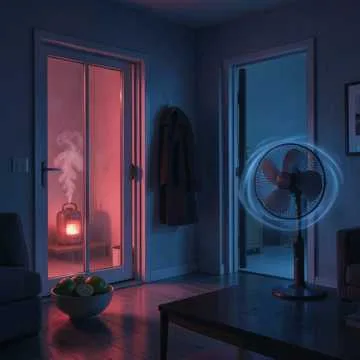
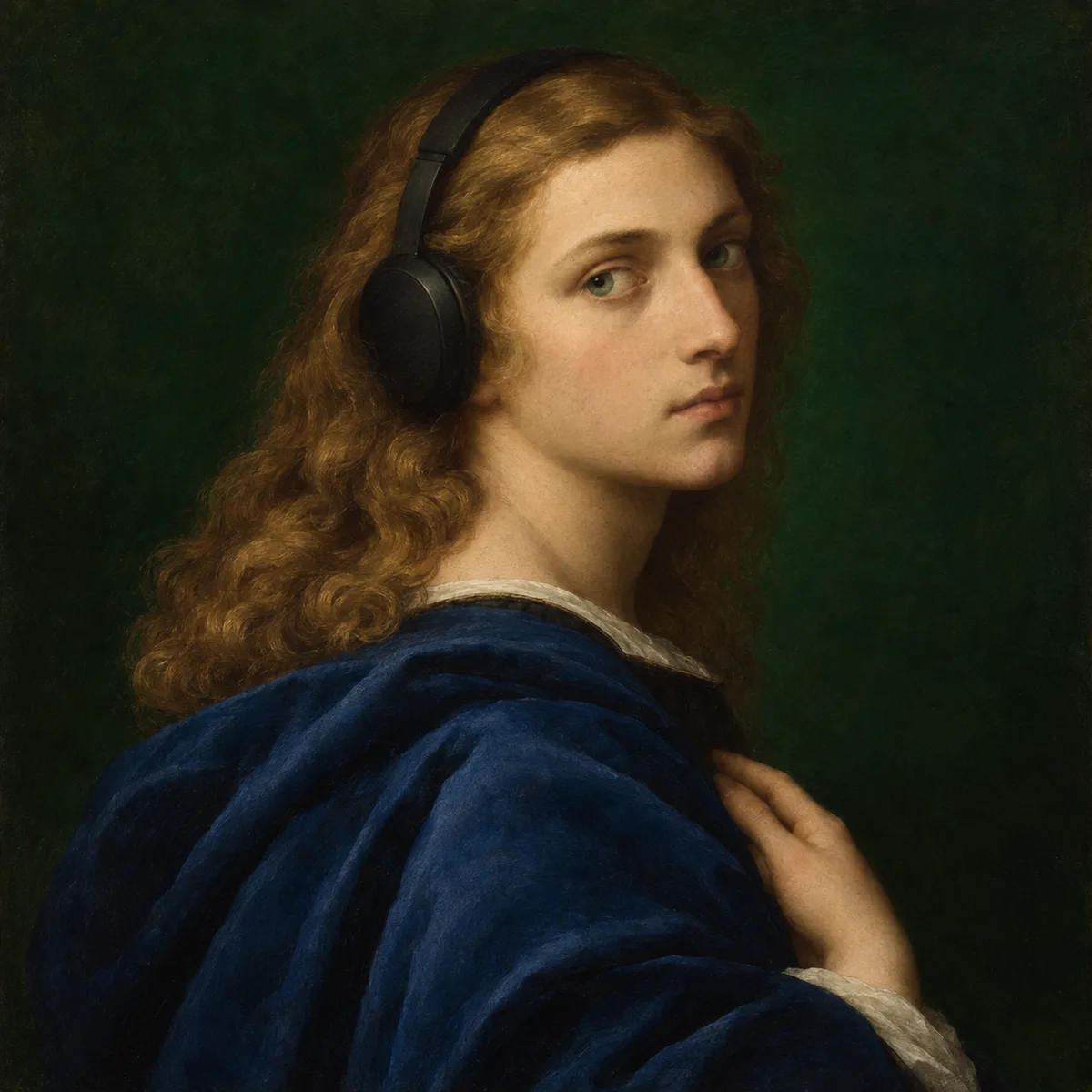
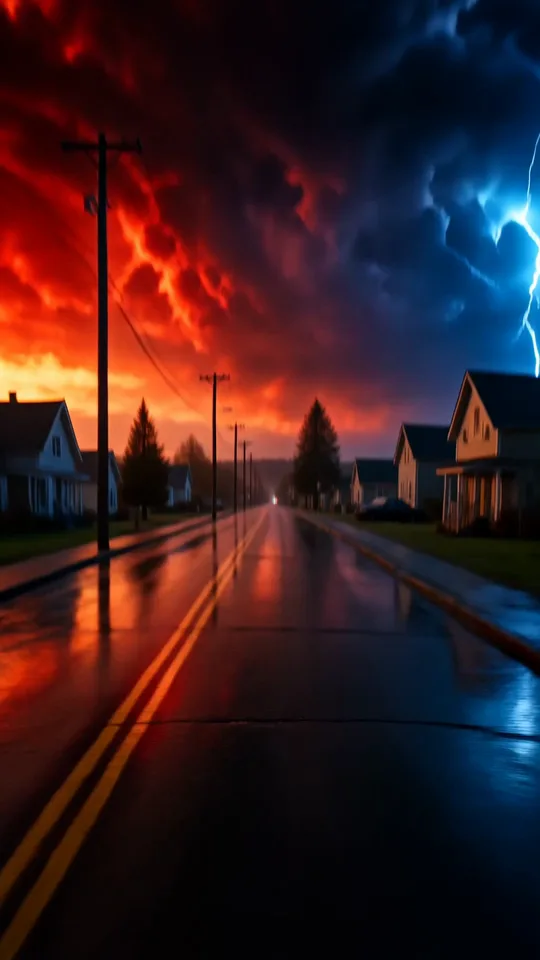
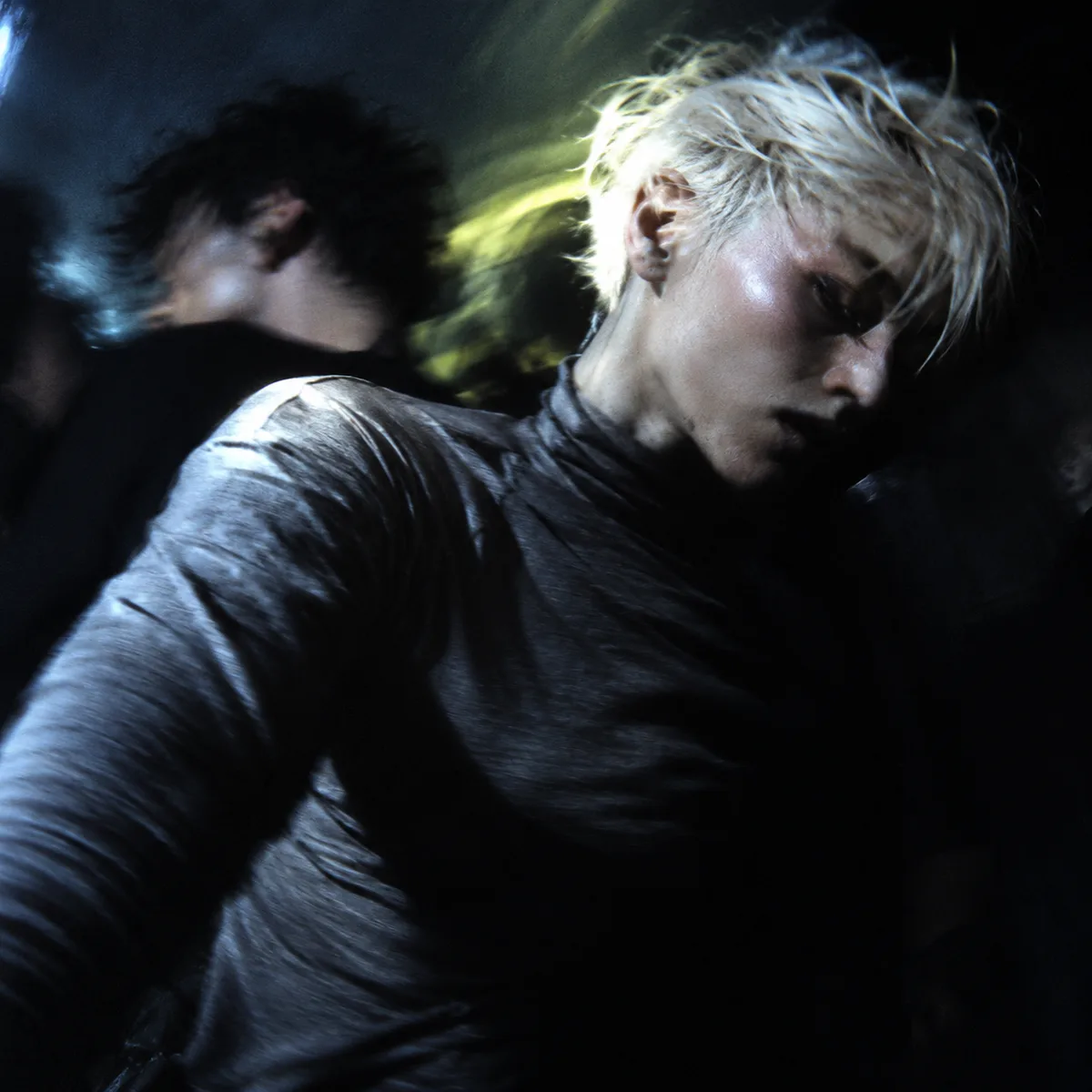
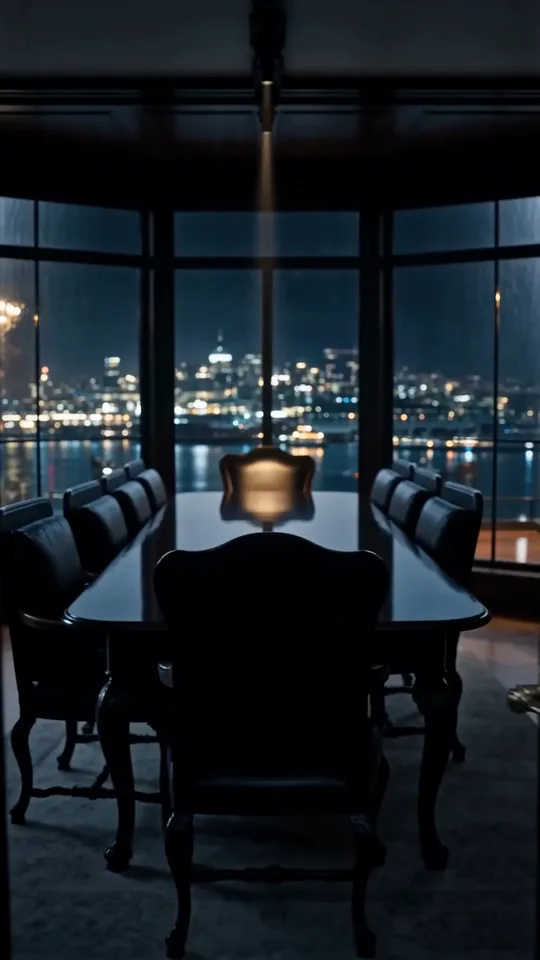
Bring a source clip and describe the next action or the atmosphere you want to hold. The fireside example continues a small, quiet movement in the same room. Review the join and the added footage for identity, lighting and camera consistency. The delivered file can contain both the original clip and the continuation. Choose only the inputs and controls shown for this operation; other operations or model versions can have different limits.
Questions
What does MiniMax H3 Max video extension create?
Start from an existing clip and describe what should happen next. Extension generates a continuation; it is not merely a slower playback of the original. Check the join, movement, lighting and subject consistency before using the longer shot.
Does the requested extension length include the original clip?
Treat the requested duration as the continuation you want to add, then inspect the returned result and its join with the source. The selected example’s Use preset supplies the source clip and a new continuation brief.
What should remain consistent at the join?
Check the subject’s face and clothing, the direction of movement, camera framing and illumination. Listen separately for an audible jump; the selected visual preview is silent and does not demonstrate soundtrack continuity.


