








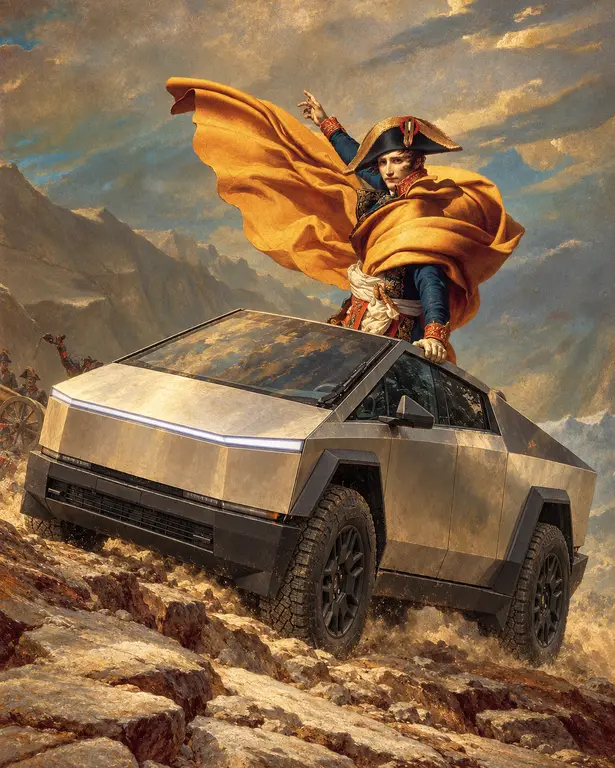
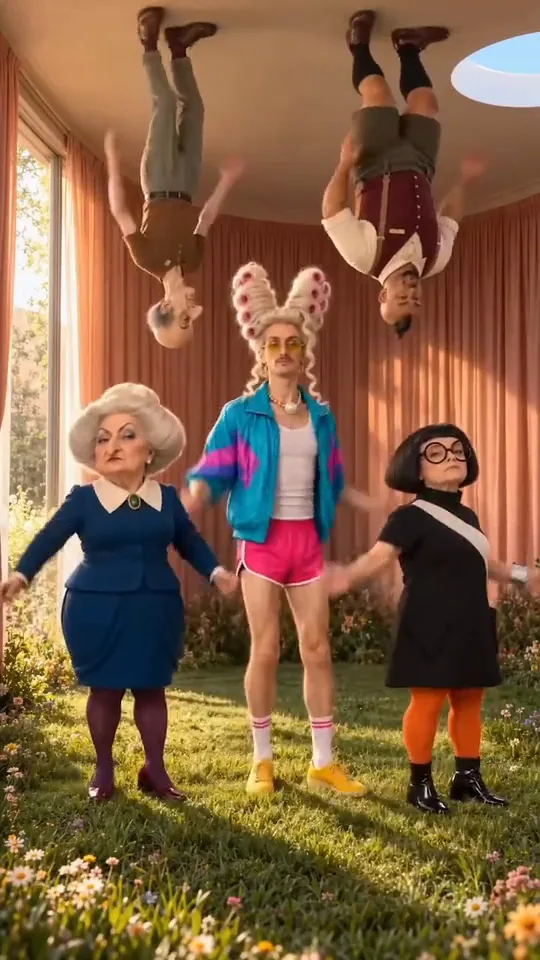
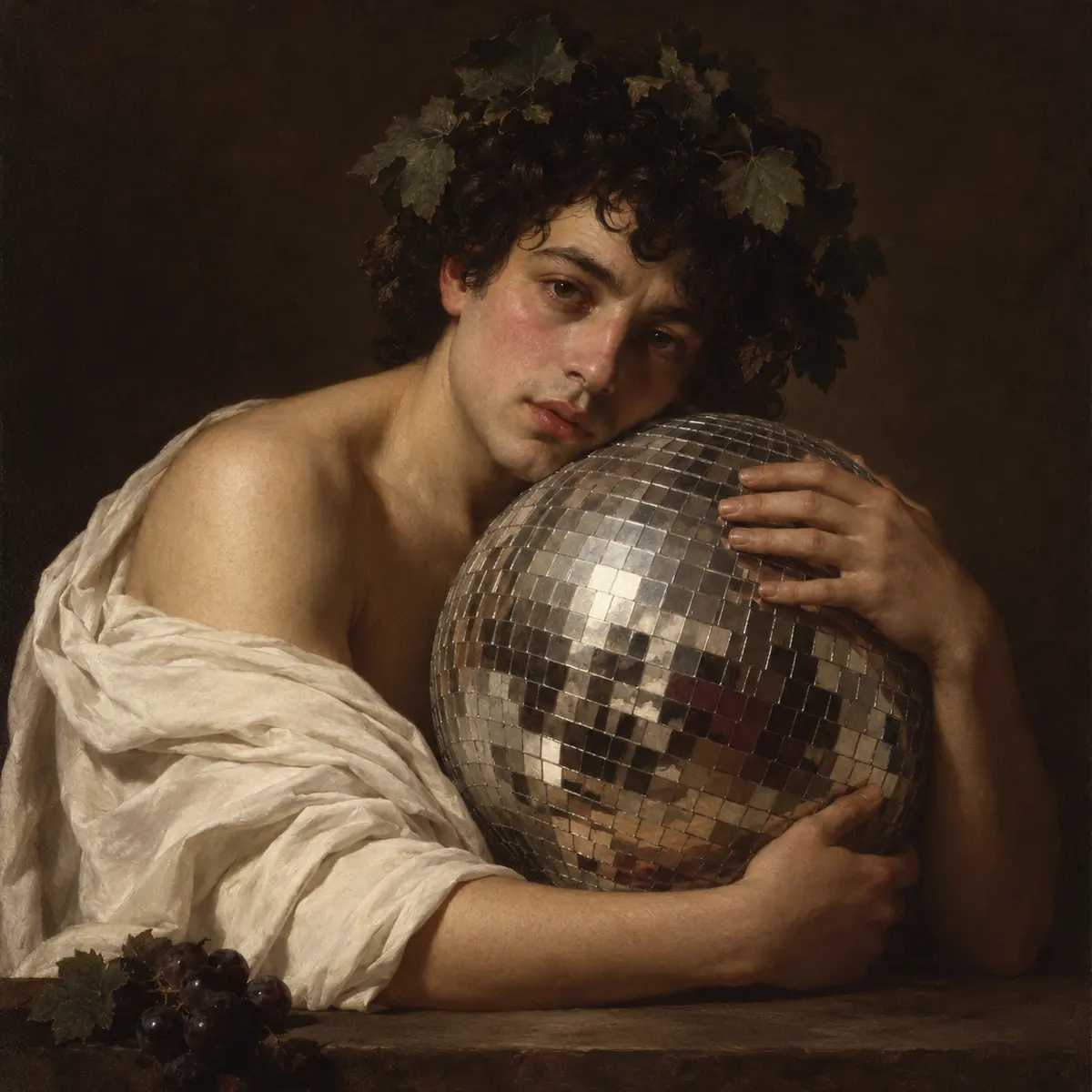
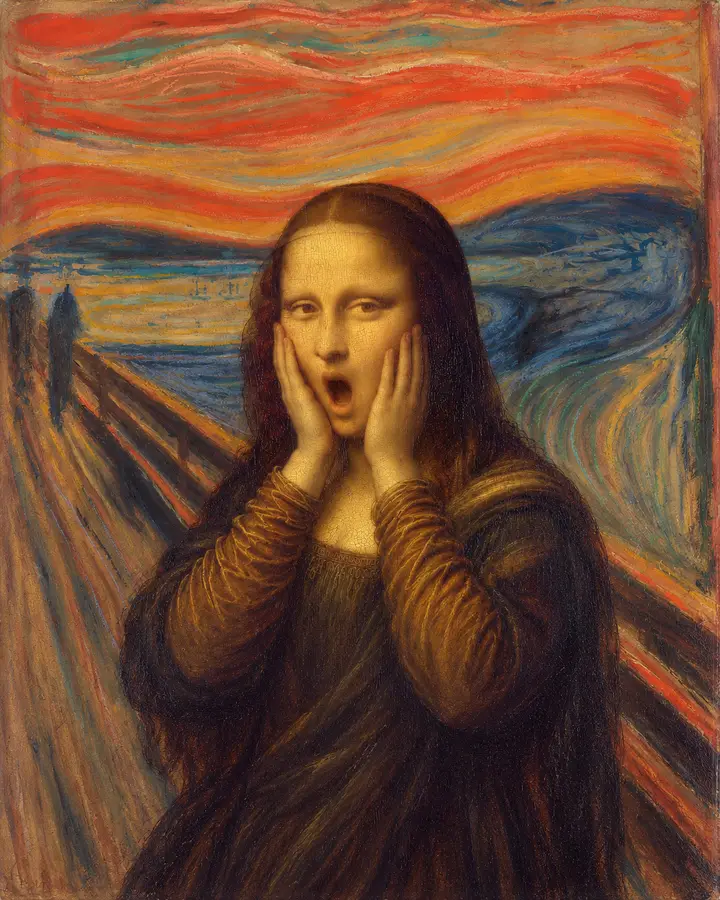
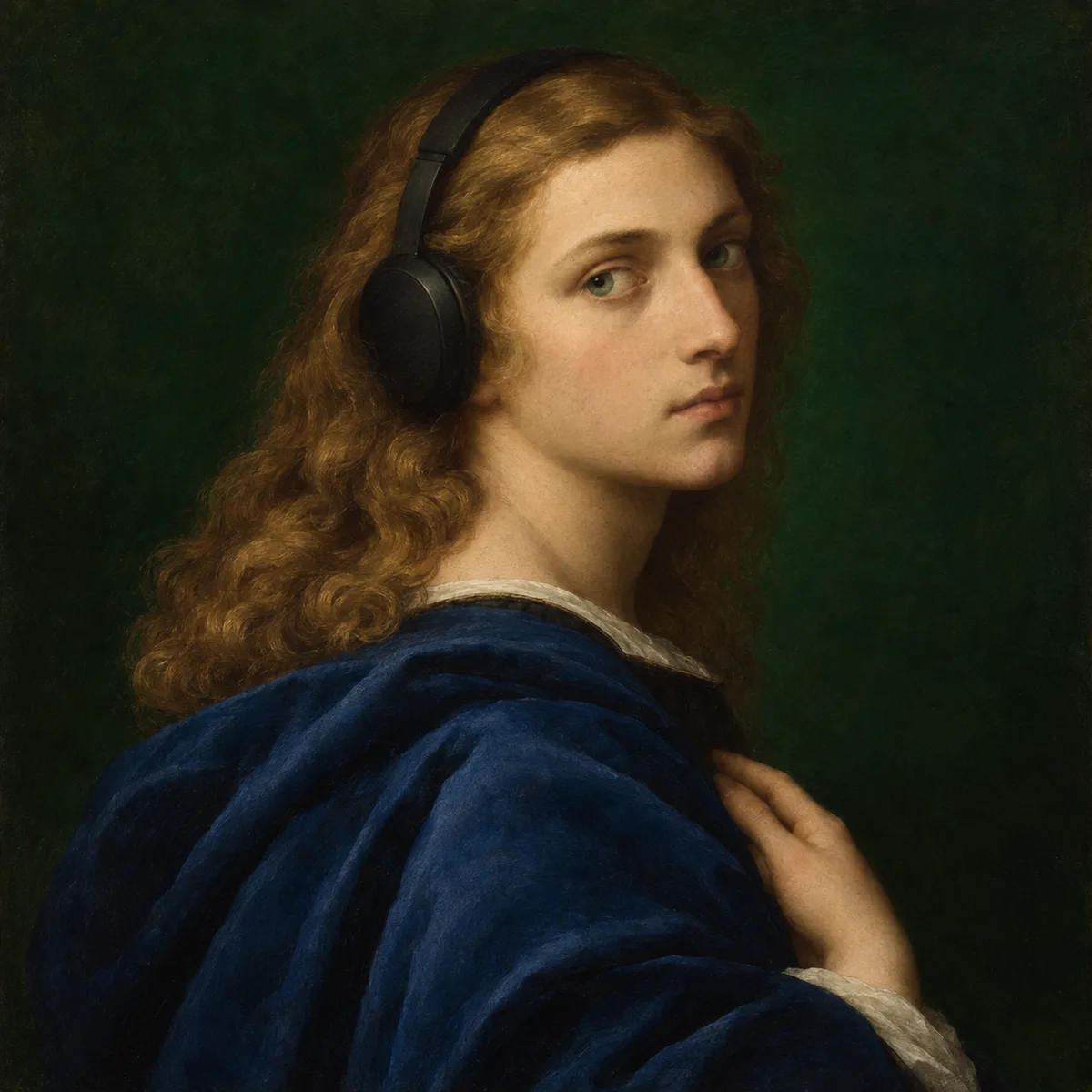
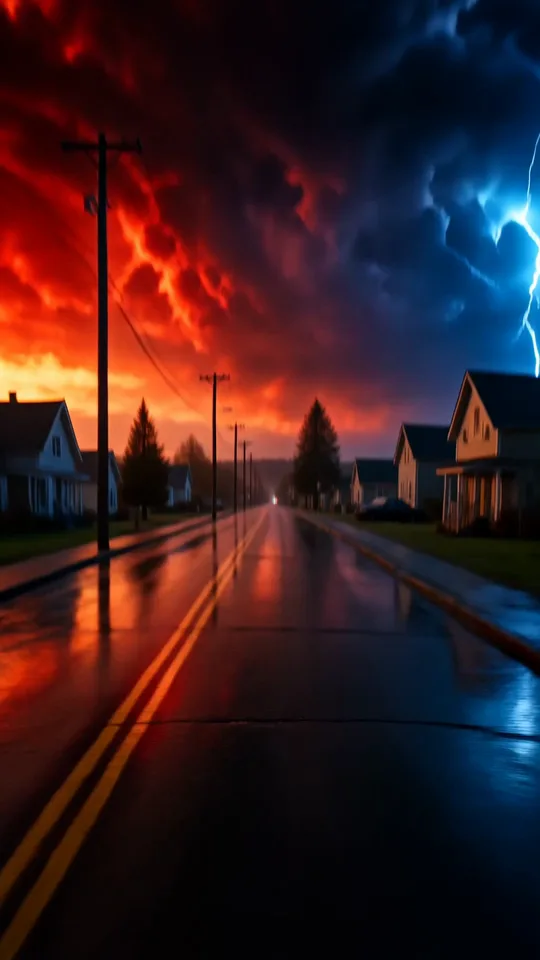
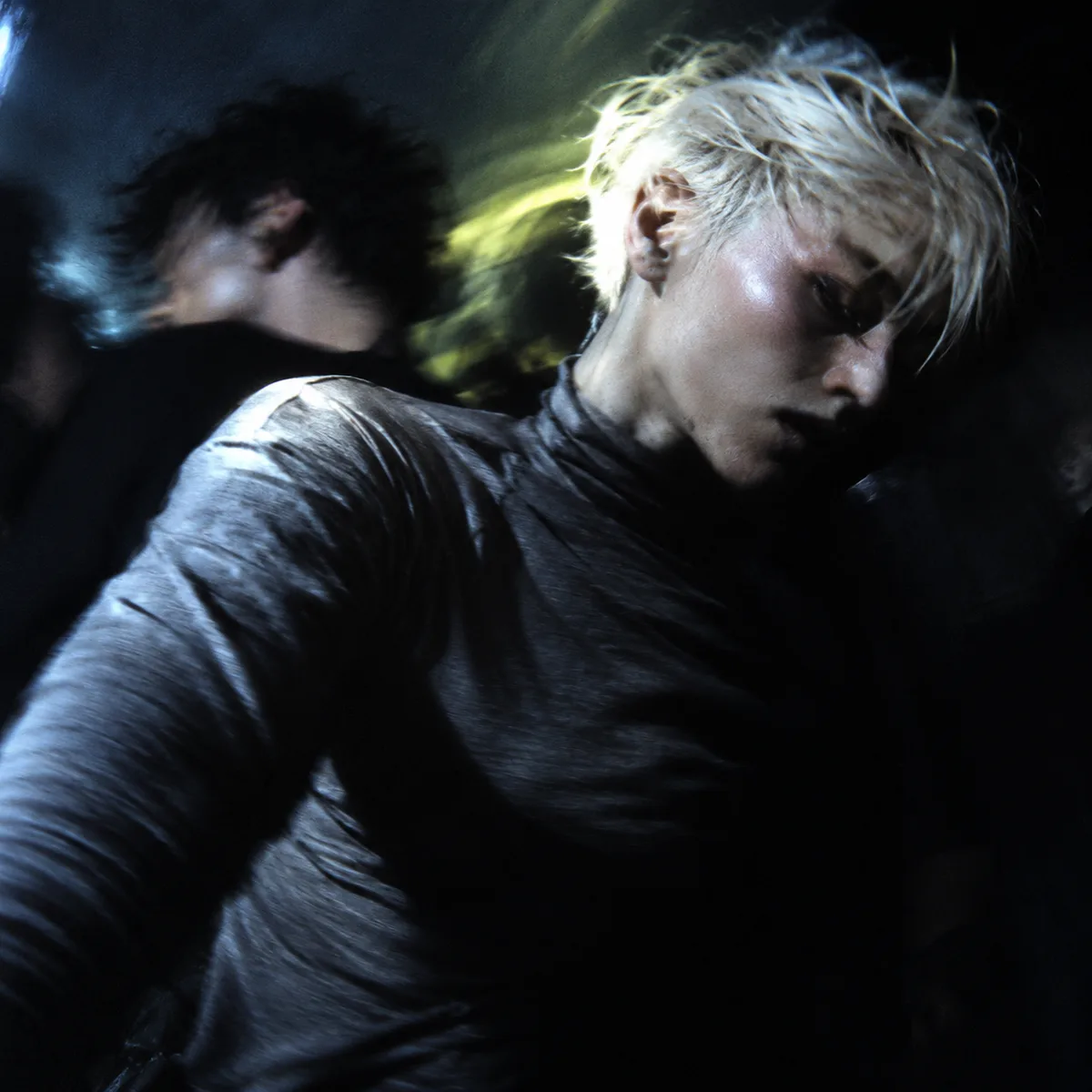
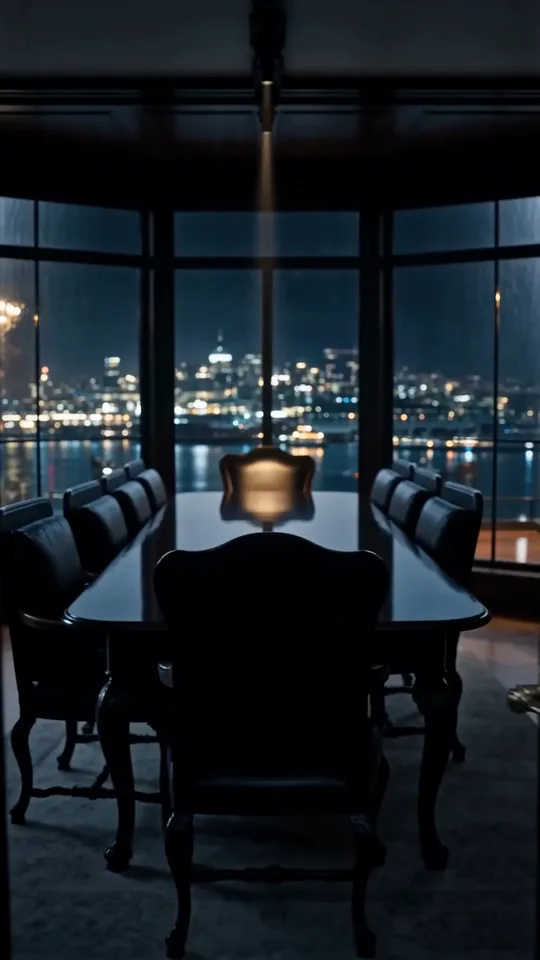
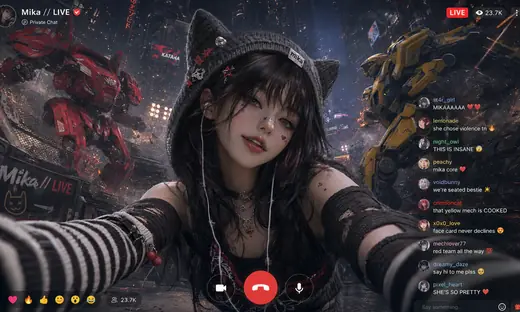



MiniMax H3 Image: Text to Image
Text to Image with MiniMax H3 Image, with the model already selected.

How it works
Try it now- 01
Say what you want
A sentence or two is enough.
- 02
Use MiniMax H3 Image
Choose the settings that fit what you want to make.
- 03
Make it
Start creating, then keep working with HowWorks.
Explore the possibilities
MiniMax H3 Image at a glance
- Good at
- High-resolution images, detailed scenes and multi-image composition.
- Modes
- Text to Image, Image Editor
- Resolution
- 1K, 2K, 4K
- Aspect ratios
- Auto, 1:1, 4:3, 3:4, 16:9, 9:16
- Reference images
- Up to 16
- Output images per request
- 1–10
About
Start with a visual brief: subject, layout, materials, lighting and the space the design needs. Add exact wording only when lettering belongs in the image, then inspect the actual spelling and composition. The selected model creates a new picture; it does not require an input image. Choose only the inputs and controls shown for this operation; other operations or model versions can have different limits.
Questions
What should I describe for MiniMax H3 Image text to image?
Name the subject, setting, lighting and composition. Put exact wording in quotation marks when you need text in the picture. The selected example is a starting point for a new image, not a promise of an identical result.
Can H3 Image improve my written prompt?
Prompt enhancement is on by default for text to image, and the available setting lets you choose whether to use it. Keep concrete product details and any exact wording clear before generating.
Can I use H3 Image for both photographs and illustrations?
Describe the intended medium explicitly: a product photograph, an illustrated card or a graphic composition. The ceramic gift example shows one photographic direction; it does not establish that every style will work equally well.


