



Seedance 2.0 Reference to Video
Keep the visual cues. Give them a new moving scene.


Whoops! Total... Intentional drift! You guys love that, don't you? Ashen? Hey, it's me. Keep this line open, yeah?
How it works
Try it now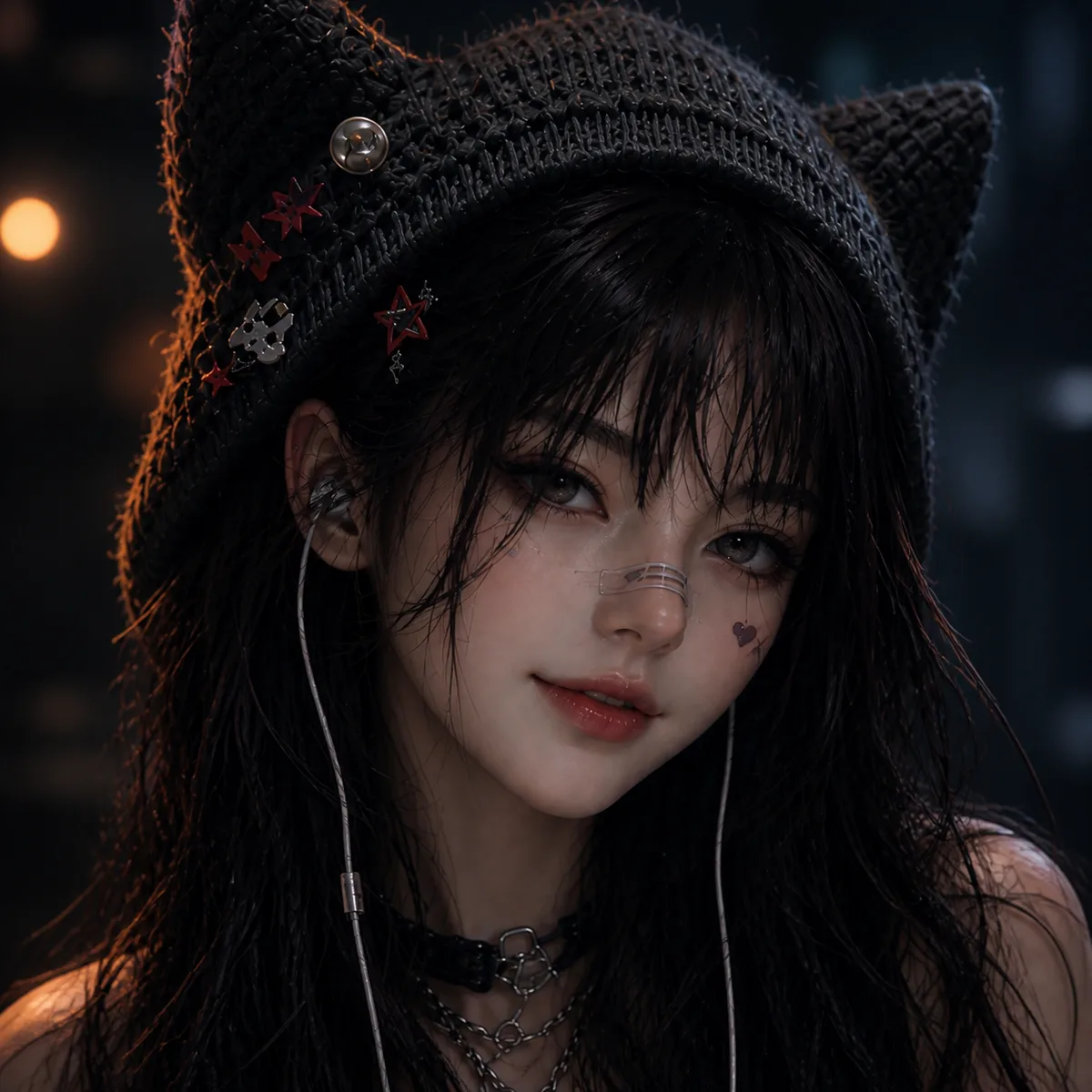 01
01Add your reference
Drop it in, or pick one of yours.
- 02
Say what you want
A sentence or two is enough.
- 03
Make it
Start creating, then keep working with HowWorks.
Explore the possibilities

Seedance 2.0 at a glance
- Good at
- Strongest on complex motion and physics, multi-shot storytelling. 4–15s, up to 4K.
- Modes
- Text to Video, Image to Video, First & Last Frame, Reference to Video
- Length
- 4–15 s (presets 5, 10, 15 s)
- Resolution
- 480p, 720p, 1080p, 4K
- Aspect ratios
- 16:9, 9:16, 1:1, 4:3, 3:4, 21:9
- Image-led framing
- Choose an output aspect ratio
- Sound
- On by default, can be switched off
- Reference images
- Up to 9
- Tiers
- Standard · Fast (480p/720p) · Mini (480p/720p)
About
Reference images can supply a character, an object or a visual direction while the prompt defines a new scene. Use Seedance 2.0 reference to video for those cues without making one image the required opening frame. Explain each reference and keep the action focused enough to judge. The model supports up to nine reference images, 4–15-second clips and audio that can be switched off. Standard offers output through 4K; Fast and Mini offer 480p or 720p. Review how the shot used each reference, including details that changed during movement.
Questions
How is reference to video different from image to video?
Image to Video uses a supplied start frame. Reference to Video uses images as guidance for the scene in the prompt. Choose the start-frame workflow if the exact opening composition matters.
How many references does Seedance 2.0 support?
Its model configuration supports up to nine image references. Identify which one shows the subject, setting or visual treatment, and leave out images that do not contribute useful direction.
Can I use references on Fast or Mini?
The current configuration includes reference-to-video on Standard, Fast and Mini. Fast and Mini offer 480p or 720p; Standard has the wider range through 4K. Check the selected options before sending.
What should I write alongside the images?
Name the important reference details, then describe the action, camera and pace. For example: use the sculpture image for its shape and the studio image for its light; make one slow camera move around the sculpture.
Does a reference lock every detail?
Inspect recognizable features, materials and continuity throughout the clip. References guide the shot; they do not establish that every detail will remain identical in every frame.
Keep exploring
 ModelSeedance 2.0
4–15 s · 4K · Sound
 FeatureReference to Video
Guide a shot with image references
 Model featureSeedance 2.0 Image to Video
4–15 s · 4K · Sound
 ModelMiniMax H3
5–15 s · 4K · Sound
 ModelMiniMax H3 Max
5–15 s · 1080p · Sound
 ModelSeedance 2.5
4–30 s · 1080p · Sound
 Use caseAI Animation Generator
Make an animated scene
 Use caseAI TikTok Video Generator
Plan a vertical short