



Seedance 2.0 First & Last Frame
Choose where the shot begins and ends. Describe the movement between them.


He knew this door led downstairs. He opened it and died below. Footage shows him leave a safety marker, then curve towards the stairwell without visibly turning. Tracking was normal. The new build promised to steer him to safety. Why did it steer him here?
How it works
Try it now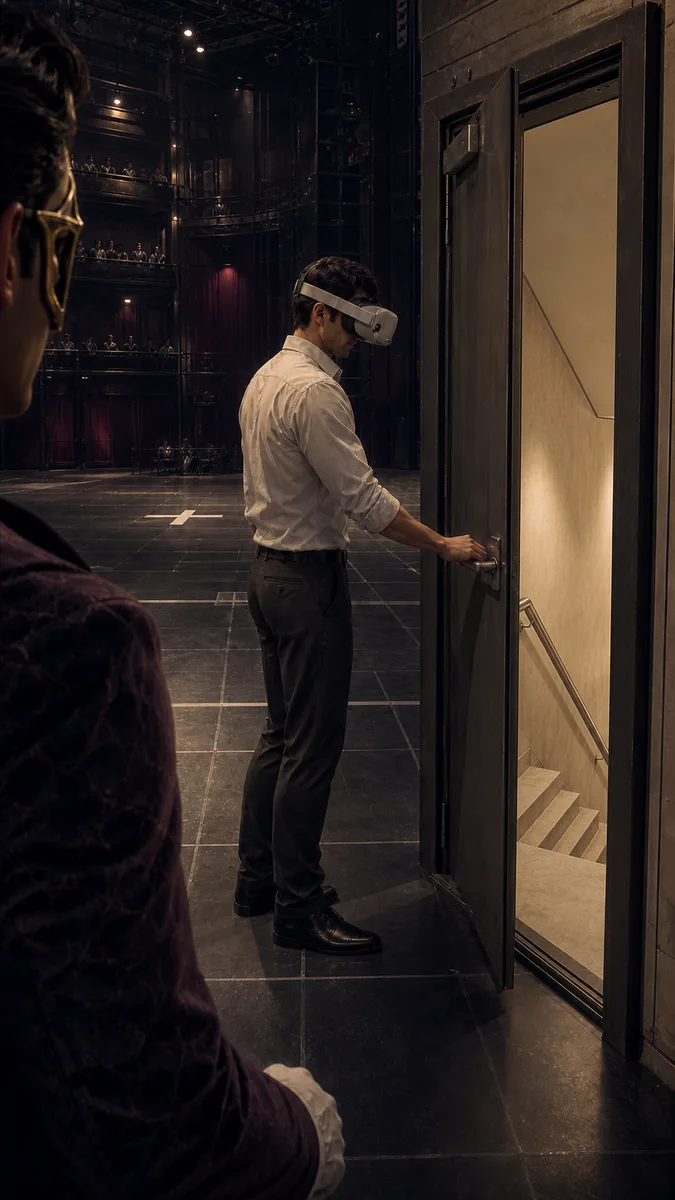 01
01Add your start frame
Drop it in, or pick one of yours.
- 02
Say how it should move
A sentence or two is enough.
- 03
Make it
Start creating, then keep working with HowWorks.
Explore the possibilities
Seedance 2.0 at a glance
- Good at
- Strongest on complex motion and physics, multi-shot storytelling. 4–15s, up to 4K.
- Modes
- Text to Video, Image to Video, First & Last Frame, Reference to Video
- Length
- 4–15 s (presets 5, 10, 15 s)
- Resolution
- 480p, 720p, 1080p, 4K
- Aspect ratios
- 16:9, 9:16, 1:1, 4:3, 3:4, 21:9
- Image-led framing
- Choose an output aspect ratio
- Sound
- On by default, can be switched off
- Reference images
- Up to 9
- Tiers
- Standard · Fast (480p/720p) · Mini (480p/720p)
About
Two images define where a shot begins and where it should arrive. Use Seedance 2.0 First & Last Frame for a change of light, a reveal or movement between two prepared compositions. Upload both endpoints and explain how the scene travels between them. Choose the output ratio explicitly and give the action enough room within 4–15 seconds. An audio switch lets you request a silent transition or add sound direction. Standard supports output through 4K; Fast and Mini use 480p or 720p. Compare the transition with both supplied frames.
Questions
Which images do I need?
Supply a start-frame image and an end-frame image. Those roles define the endpoints; a style reference or a written ending cannot replace the required end frame.
How should I prepare the two frames?
Use compatible crops and make subject positions understandable between images. Keep identifying details consistent when a person or product should remain recognizable, then explain the intended motion.
How do I choose duration and shape?
Seedance 2.0 supports 4–15 seconds and needs an explicit output ratio for this image-led setup. Compose both images for that frame and choose enough time for the intended movement.
Can the transition include sound?
Seedance 2.0 offers an audio on/off setting. With sound enabled, describe the ambience or action sounds and listen to the result separately from inspecting the visuals.
Will the middle follow an exact path?
Describe the path, pace and camera clearly, then review the intermediate frames. Two supplied endpoints guide the beginning and ending but do not determine exact geometry or continuity in between.
Keep exploring
 ModelSeedance 2.0
4–15 s · 4K · Sound
 FeatureFirst & Last Frame
Connect two supplied images
- Model featureSeedance 2.0 Image to Video
4–15 s · 4K · Sound
 ModelMiniMax H3
5–15 s · 4K · Sound
 ModelMiniMax H3 Max
5–15 s · 1080p · Sound
 ModelSeedance 2.5
4–30 s · 1080p · Sound
 Use caseAI Animation Generator
Make an animated scene
 Use caseAI TikTok Video Generator
Plan a vertical short