



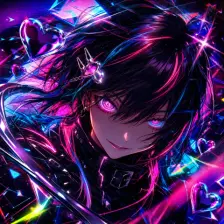



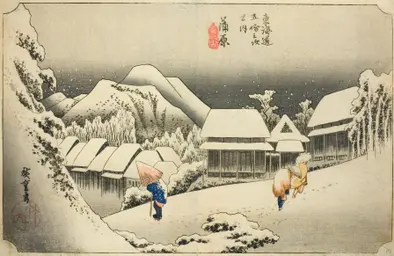
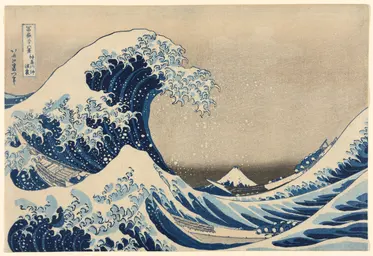
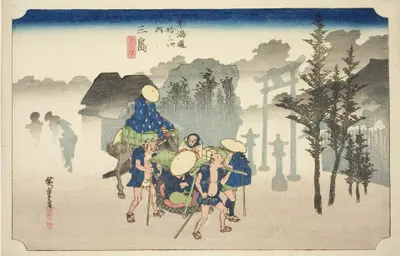

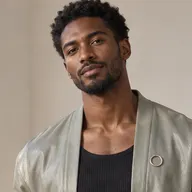
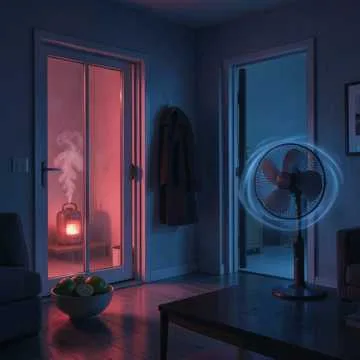
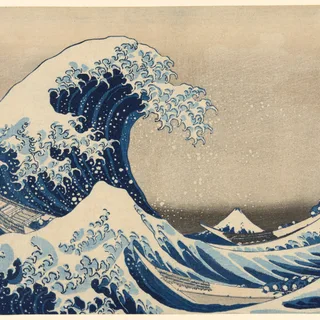
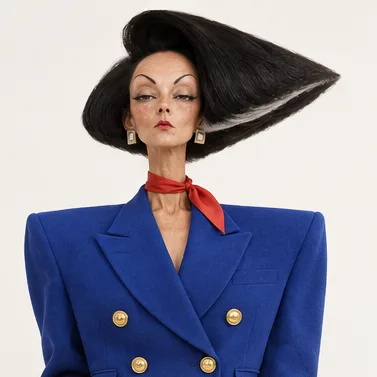
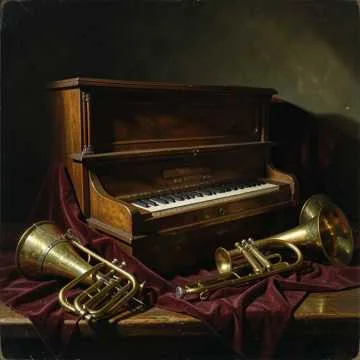
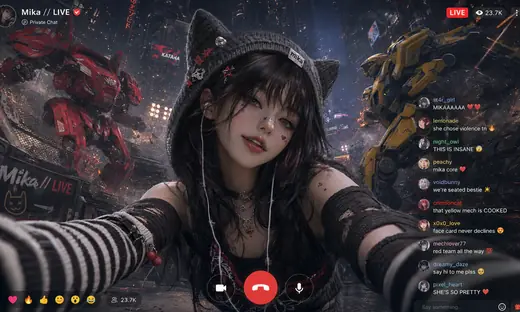

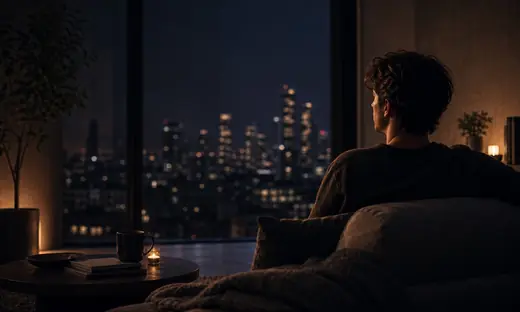

AI animation. A small world in motion.
Use an AI animation generator for short clips. Give the scene a visual style, an action and a camera.

Cinematic sound effects and wordless audience reactions; no intelligible dialogue.
How it works
Try it now- 01
Say what you want
A sentence or two is enough.
- 02
Work with HowWorks Agent
Describe the result you want. The Agent works with the tools you choose.
- 03
Make it
Start creating, then keep working with HowWorks.
Explore the possibilities


About
Create a short animated scene from the world you imagine: a clay moon above a paper sea, a hand-drawn character opening an umbrella or a tiny robot at a doorstep. Tell the HowWorks Agent about the visual style, the subject and one readable action. Describe the camera and materials that hold the scene together. Start from words for a new world, or use Image to Video when your own illustration should establish the opening. The result is a rendered video clip you can use in a larger edit.
Questions
What should I include in an animation brief?
Describe the visual style, the subject, one main action and the camera. Keep those choices consistent within the shot. For example: a flat-color bird makes one hop across a branch, shown from a fixed side view.
Can I request a 2D or 3D look?
You can describe either look in the brief. Be specific about line, shape, material and lighting, then judge whether the actual result fits your intended style.
Can I start from my own illustration?
Use Image to Video and add the illustration as a start frame. This text-led page begins with your description rather than a required image.
Will the same character stay consistent across separate clips?
Plan to review each clip against your character design. A shared description does not by itself establish matching character details across separate results.
Does this create an editable animation project?
This workflow produces a rendered video clip. Use it as footage in your chosen editing workflow; layered illustrations, character rigs and editable 3D scene files require a different production process.
Keep exploring
 FeatureText to Video
Build a shot from words
 FeatureImage to Video
Start with your image
 ToolAI Video Generator
An AI video generator for scenes from text, images or references. Direct the motion, the camera and the sound.
 Use caseAI TikTok Video Generator
Plan a vertical short
 ModelMiniMax H3
5–15 s · 4K · Sound
 ModelMiniMax H3 Max
5–15 s · 1080p · Sound
 ModelSeedance 2.0
4–15 s · 4K · Sound
 ModelSeedance 2.5
4–30 s · 1080p · Sound
From the blog
- Best AI Video Generators in 2026: Compare Tools, Costs & Uses
Compare the best AI video generators by task, current pricing, model access, image-to-video controls, and free limits. Official sources checked October 2026.
- Best Free AI Video Generators in 2026: Credits, Watermarks & Limits
Compare free AI video generators by recurring access, trial credits, watermarks, and export limits. See what you can actually create before paying.
- Best AI Video Upscalers in 2026: Software, Online & Free Options
Compare AI video upscalers for desktop and online use, including free options, length limits, GPU needs, 1080p/4K output, and whole-job costs.