



Nano Banana 2.1 Image Editor
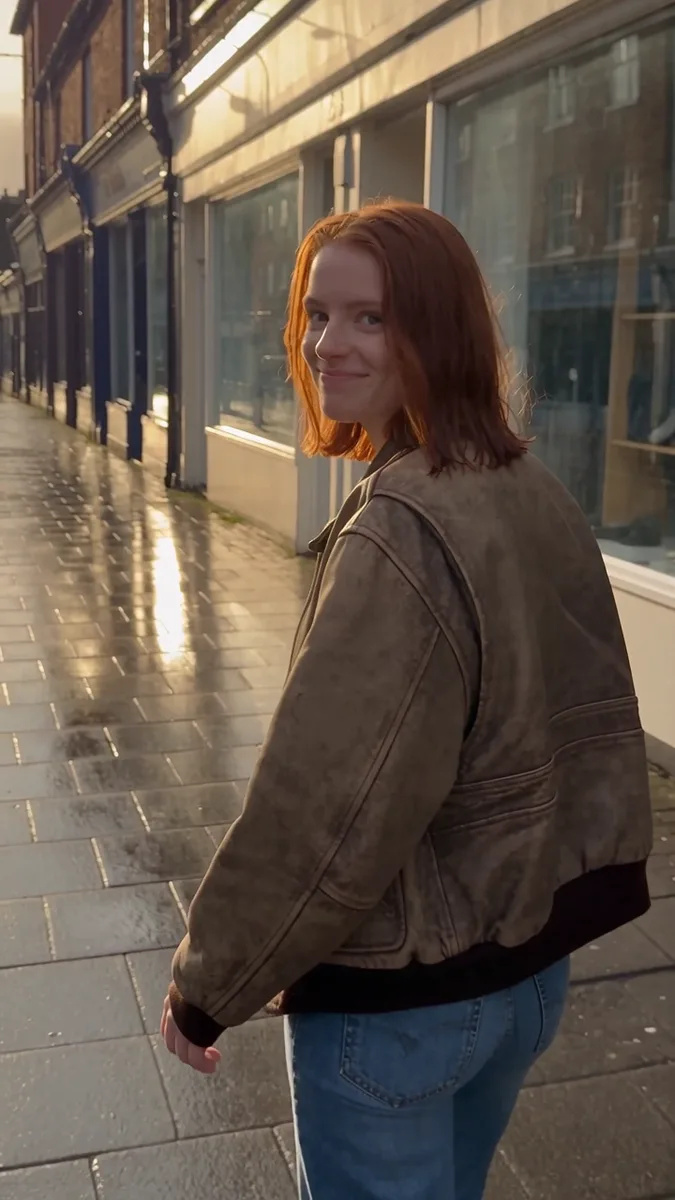
Bring an image. Make the change specific and the details to preserve clear.

How it works
Try it now- 01
Add your image
Drop it in, or pick one of yours.
- 02
Say what to change
A sentence or two is enough.
- 03
Make it
Start creating, then keep working with HowWorks.
Explore the possibilities




Nano Banana 2.1 at a glance
- Modes
- Text to Image, Image Editor
- Resolution
- 1K, 2K, 4K
- Aspect ratios
- Auto, 21:9, 16:9, 9:16, 3:2, 2:3, 4:3, 3:4, 5:4, 4:5, 1:1, 4:1, 1:4, 8:1, 1:8
- Reference images
- Up to 9
- Output images per request
- 1–4
About
Use Nano Banana 2.1 to edit an image from a clear change brief. Upload the picture and describe the revision, such as changing a jacket, replacing the setting or making room in the composition. State which details should remain recognizable and give any additional reference images a clear role. This entry keeps Nano Banana 2.1 selected, with its image-shape and output-size options. Compare the revised picture with the source as you develop the next step.
Questions
How do I describe a focused edit?
Name the subject or area, the change and the features to preserve. For example: simplify the background around the vase; keep its outline, glaze and lighting direction recognizable. Inspect details outside the requested area too.
Can I recompose the picture for a different layout?
Choose a shape for the layout and describe where the subject and empty space should sit. Nano Banana 2.1 includes additional very wide and tall options. Check the crop, newly generated edges and background before using the result.
How many images can I use for an edit?
Use up to nine input images in total for an edit, including the source image. Explain which picture you want to change and what the other images should guide. Compare the result with the relevant inputs.
Which size and shape does the website start with?
It starts at 1K and Auto shape. You can choose 2K or 4K and a frame from Nano Banana 2.1’s menu. Check the selected settings before sending.
Can I request several versions of the edit?
Start with one output image or request up to four in a request. Compare each with the source for the details that matter to the intended use.
Will the rest of the picture stay exactly the same?
Compare the full result with the source, especially faces, text, patterns, reflections and product features. Make the next revision narrower if an important detail changes.
Keep exploring
 FeatureAI Image Editor
Changes to an existing image
 ModelFlux 2 Pro
Up to 9 references
 ModelGPT Image 2.5
Up to 9 references
 ModelNano Banana 2.1
4K · Up to 9 references
 Use caseAlbum Cover Generator
Square artwork for a release
 Use caseProduct Photography
A new setting for your product image
 Use caseThumbnail Generator
Landscape concepts for a video
- ComparisonNano Banana 2.1 vs Flux 2 Pro
Compare output-size and shape choices with a focused single-image workflow.