



Seedance 2.5 First & Last Frame
Set the destination. Give the transition enough time to arrive.


He knew this door led downstairs. He opened it and died below. Footage shows him leave a safety marker, then curve towards the stairwell without visibly turning. Tracking was normal. The new build promised to steer him to safety. Why did it steer him here?
How it works
Try it now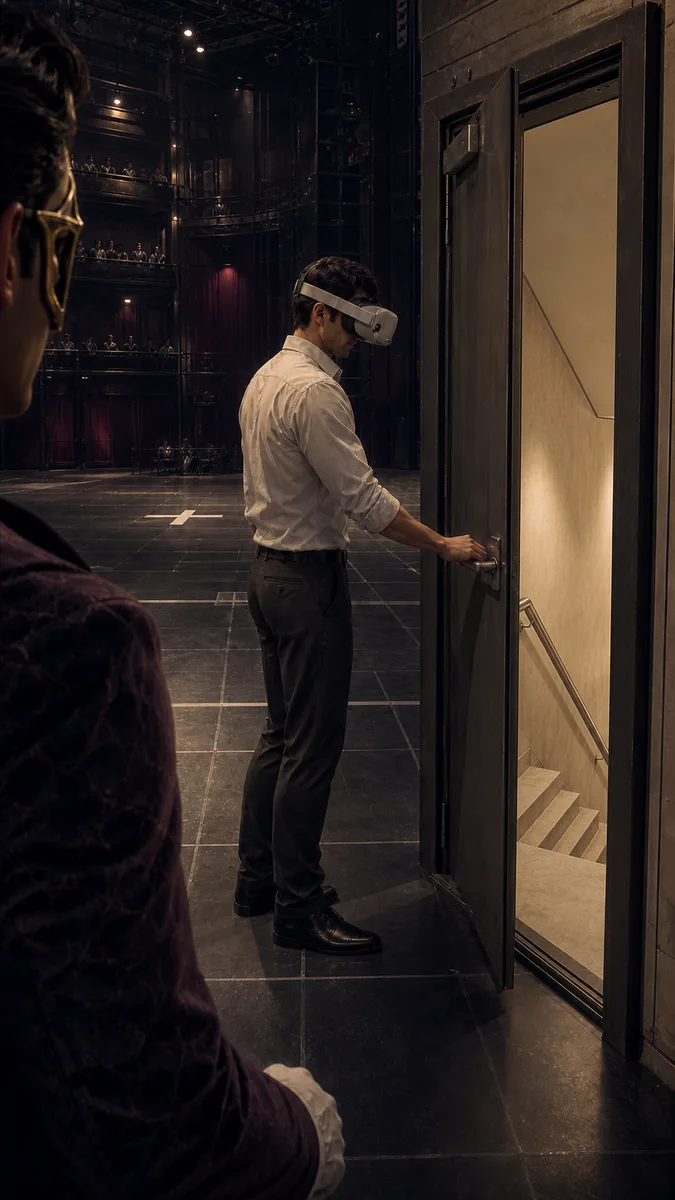 01
01Add your start frame
Drop it in, or pick one of yours.
- 02
Say how it should move
A sentence or two is enough.
- 03
Make it
Start creating, then keep working with HowWorks.
Explore the possibilities
Seedance 2.5 at a glance
- Good at
- One continuous take up to 30s, up to 30 reference images to lock characters. Slowest.
- Modes
- Text to Video, Image to Video, First & Last Frame, Reference to Video
- Length
- 4–30 s (presets 5, 10, 15, 30 s)
- Resolution
- 480p, 720p, 1080p
- Aspect ratios
- 16:9, 9:16, 1:1, 4:3, 3:4, 21:9
- Image-led framing
- May follow the input image; check the output frame
- Sound
- On by default, can be switched off
- Reference images
- Up to 30
About
A pair of prepared frames can give a reveal, transformation or shift of light a clear destination. Seedance 2.5 First & Last Frame takes both images and a brief for the movement between them. Its 4–30-second range gives you room for a gradual transition. Prepare both images for the frame you want and check the output crop. Keep the two crops and subject details compatible, explain the camera path, and choose whether sound belongs in the shot. Review the transition itself as well as its endpoints before using it in a sequence.
Questions
What does the end-frame image do?
It supplies the intended final composition. Describe the route from the start to that ending. A reference image guides a scene differently and does not replace the required end frame.
How should I prepare the two images?
Use compatible aspect ratios and keep important subject details consistent. Explain any intended change of position, scale, lighting or setting so the transition has a clear direction.
How much time can I give the transition?
Seedance 2.5 supports 4–30 seconds. Choose enough time for the movement without adding unrelated actions merely to fill the duration.
Can I request a silent transition?
Yes. The model has an audio on/off setting. With audio enabled, describe relevant ambience or action sound, then review both sound and motion in the actual result.
Do two endpoint images guarantee the path between them?
The endpoints alone do not determine an exact intermediate path. Describe the movement and inspect the middle frames for subject continuity, geometry and unwanted cuts.
Keep exploring
 ModelSeedance 2.5
4–30 s · 1080p · Sound
 FeatureFirst & Last Frame
Connect two supplied images
- Model featureSeedance 2.5 Image to Video
4–30 s · 1080p · Sound
 ModelMiniMax H3
5–15 s · 4K · Sound
 ModelMiniMax H3 Max
5–15 s · 1080p · Sound
 ModelSeedance 2.0
4–15 s · 4K · Sound
 Use caseAI Animation Generator
Make an animated scene
 Use caseAI TikTok Video Generator
Plan a vertical short