



MiniMax H3 Max Reference to Video
Bring the references that matter. Build the scene on Standard.


You're late. I've been waiting a long time.
How it works
Try it now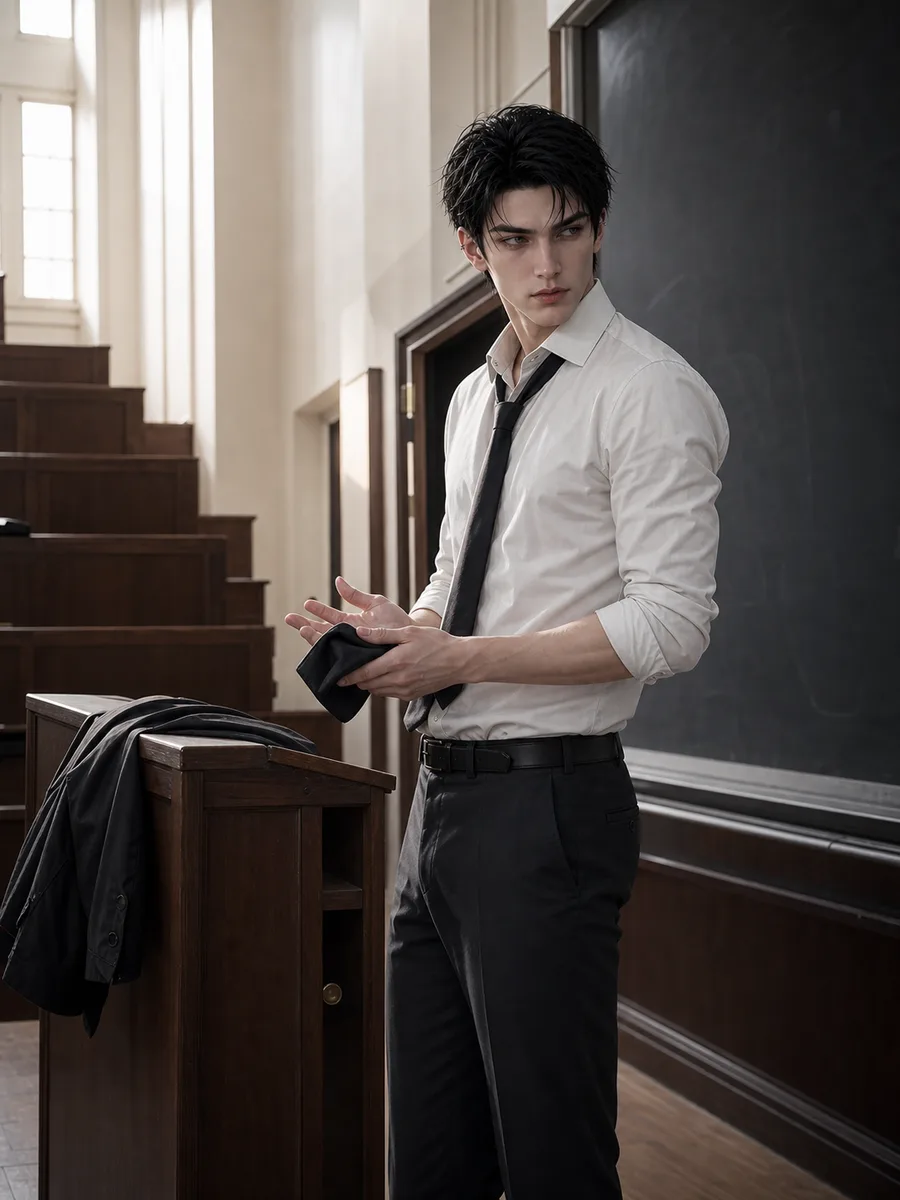 01
01Add your reference
Drop it in, or pick one of yours.
- 02
Say what you want
A sentence or two is enough.
- 03
Make it
Start creating, then keep working with HowWorks.
Explore the possibilities
MiniMax H3 Max at a glance
- Good at
- Fastest to render, with a Turbo tier for quick drafts. 5–15s, up to 1080p.
- Modes
- Text to Video, Image to Video, First & Last Frame, Reference to Video
- Length
- 5–15 s (presets 5, 10, 15 s)
- Resolution
- 480p, 720p, 1080p
- Aspect ratios
- 16:9, 9:16, 1:1, 4:3, 3:4, 21:9
- Image-led framing
- May follow the input image; check the output frame
- Sound
- Always on
- Reference images
- Up to 9
- Tiers
- Standard · Turbo
About
Use references when the subject or treatment should guide a new scene without fixing its opening frame. MiniMax H3 Max reference to video supports up to nine images and uses Standard; Turbo does not support this operation. Explain what each image contributes, then write one main action, camera behavior and relevant sounds. Choose 5–15 seconds and output through 1080p. Inspect how the scene used the references, including recognizable features, proportions and lettering, before using the clip.
Questions
Can I use reference-to-video on Turbo?
No. This operation uses Standard. Turbo supports text-to-video, image-to-video and first/last-frame inputs, so choose the operation before deciding on a tier.
How many image references are supported?
The model supports up to nine references. Identify the useful subject, setting or treatment in each one and leave out images that do not serve the scene.
Does a reference become the start frame?
References guide the scene. Use MiniMax H3 Max Image to Video when one picture must supply the opening, or First & Last Frame when both endpoints are required.
Which duration, resolution and sound settings apply?
Choose 5–15 seconds and 480p, 720p or 1080p. Generated audio is always included. Describe the sound and plan editing if the final use needs silence.
How should I judge the reference-led result?
Compare faces, costumes, product shapes and materials with the reference throughout the clip. Review action and sound against the brief too; input support alone does not establish exact preservation.
Keep exploring
 ModelMiniMax H3 Max
5–15 s · 1080p · Sound
 FeatureReference to Video
Guide a shot with image references
 Model featureMiniMax H3 Max Image to Video
5–15 s · 1080p · Sound
 ModelMiniMax H3
5–15 s · 4K · Sound
 ModelSeedance 2.0
4–15 s · 4K · Sound
 ModelSeedance 2.5
4–30 s · 1080p · Sound
 Use caseAI Animation Generator
Make an animated scene
 Use caseAI TikTok Video Generator
Plan a vertical short