



First frame. Last frame. Your video.
Create AI video between two images. Set the opening and ending, then direct the movement between them.


He knew this door led downstairs. He opened it and died below. Footage shows him leave a safety marker, then curve towards the stairwell without visibly turning. Tracking was normal. The new build promised to steer him to safety. Why did it steer him here?
How it works
Try it now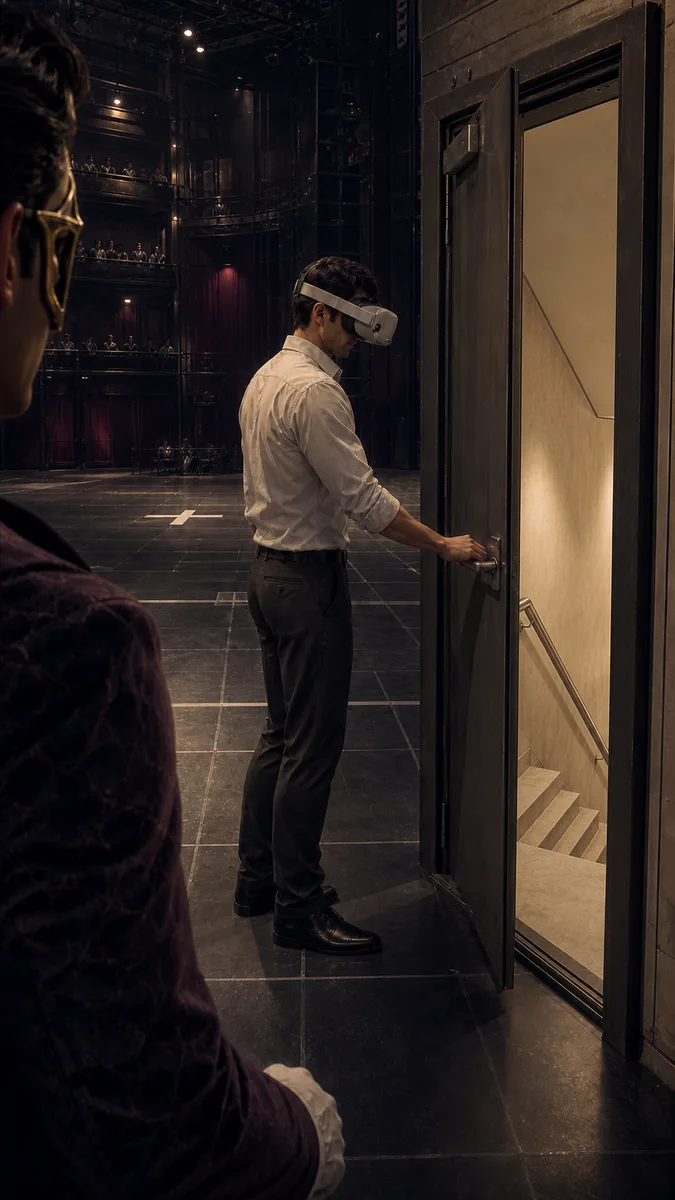 01
01Add your start frame
Drop it in, or pick one of yours.
- 02
Say how it should move
A sentence or two is enough.
- 03
Make it
Start creating, then keep working with HowWorks.
Explore the possibilities
About
First and last frame AI video gives a shot two visual anchors. Upload the opening image and the ending image, then describe how the subject and camera move from one to the other. Related compositions, lighting and subject details make the intended transition easier to explain. Keep the journey focused on a clear action, choose a supported model and duration, then check the motion throughout the clip. A written ending is useful direction, but it does not replace an uploaded final frame.
Questions
What are the required inputs?
Upload one image as the start frame and another as the end frame, then describe the transition. A reference image or a written ending is not a substitute for the required end-frame input.
How do I prepare the two images?
Use compatible crops and keep identifying subject details consistent unless their change is intentional. Explain shifts in position, viewpoint, light or setting so the requested movement is clear.
Which model should I use?
Choose based on the shot. Seedance 2.5 supports up to 30 seconds; the other current models stop at 15. Seedance models have an audio switch, while MiniMax H3 and H3 Max include audio. Resolution and tier choices differ too.
Does this guarantee an exact transition?
Review the whole result for subject changes, unwanted cuts and moving geometry. Supplied endpoints guide the beginning and ending; they do not determine every intermediate frame.
Is this different from reference to video?
Yes. Endpoint images supply the intended opening and ending. Reference images guide a new scene without serving as those required endpoints.
Keep exploring
 FeatureImage to Video
Start with your image
 FeatureReference to Video
Guide a shot with image references
- Model featureSeedance 2.5 First & Last Frame
4–30 s · 1080p · Sound
- Model featureMiniMax H3 Max First & Last Frame
5–15 s · 1080p · Sound
 ModelMiniMax H3
5–15 s · 4K · Sound
 ModelMiniMax H3 Max
5–15 s · 1080p · Sound
 ModelSeedance 2.0
4–15 s · 4K · Sound
 ModelSeedance 2.5
4–30 s · 1080p · Sound