



MiniMax H3 Max First & Last Frame
Make the beginning and ending clear. Give the journey one direction.


Quiet location audio accompanies this street portrait motion study.
How it works
Try it now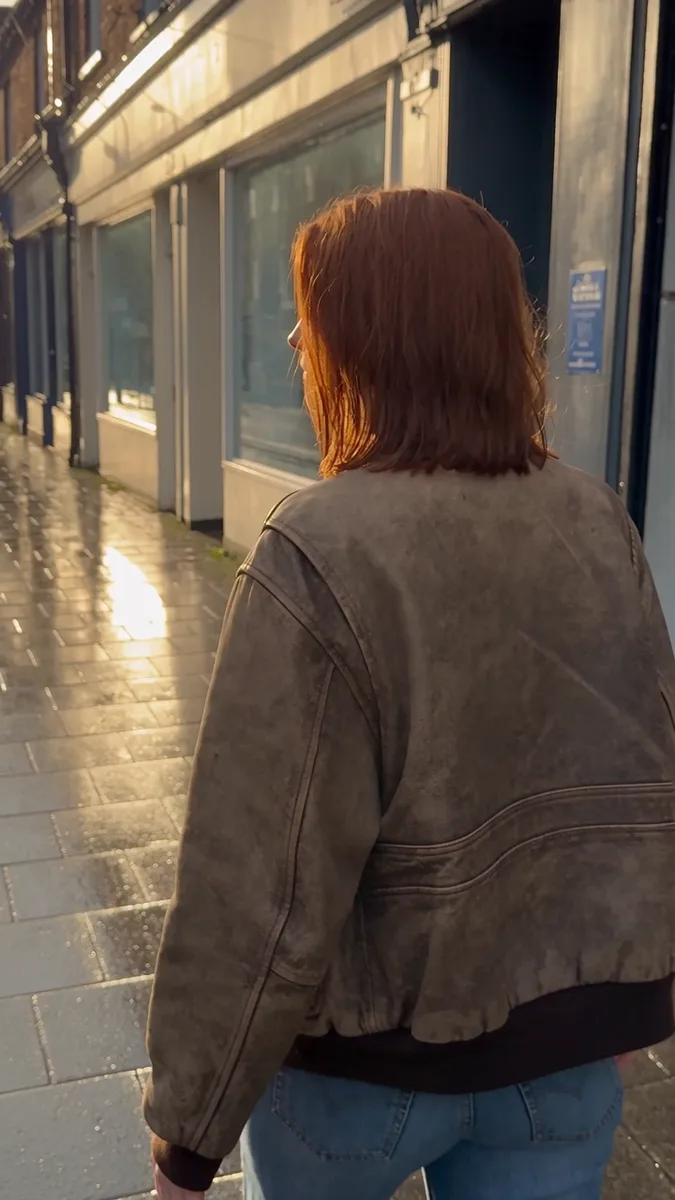 01
01Add your start frame
Drop it in, or pick one of yours.
- 02
Say how it should move
A sentence or two is enough.
- 03
Make it
Start creating, then keep working with HowWorks.
Explore the possibilities
MiniMax H3 Max at a glance
- Good at
- Fastest to render, with a Turbo tier for quick drafts. 5–15s, up to 1080p.
- Modes
- Text to Video, Image to Video, First & Last Frame, Reference to Video
- Length
- 5–15 s (presets 5, 10, 15 s)
- Resolution
- 480p, 720p, 1080p
- Aspect ratios
- 16:9, 9:16, 1:1, 4:3, 3:4, 21:9
- Image-led framing
- May follow the input image; check the output frame
- Sound
- Always on
- Reference images
- Up to 9
- Tiers
- Standard · Turbo
About
Use two prepared endpoint images when a reveal or camera movement should arrive at a specific composition. MiniMax H3 Max First & Last Frame supports Standard and Turbo and includes generated audio. Upload the images in their respective roles, then explain the movement between them. Choose 5–15 seconds and output through 1080p. Keep the subject and crops compatible across both inputs, and review the transition for unwanted cuts, changing geometry or details that drift from the source.
Questions
Does Turbo support first and last frames?
Yes. MiniMax H3 Max supports this operation on Standard and Turbo. Turbo does not support Reference to Video, which uses a different input setup.
How do I prepare the endpoints?
Keep identifying details and crops compatible. Describe intended changes in position, lighting or viewpoint, and name the path the camera or subject should follow.
How long can the transition be?
Choose 5–15 seconds. Use a duration suited to the movement and inspect whether the clip reaches the intended ending without unwanted cuts.
Can I choose 4K or turn sound off?
MiniMax H3 Max offers 480p, 720p and 1080p and always includes audio. This model has no 4K or audio-off option in the current configuration.
Do two frames define the whole clip?
The images establish the intended beginning and ending, while the prompt describes the transition. Inspect the middle frames for continuity; endpoints alone do not determine an exact path.
Keep exploring
 ModelMiniMax H3 Max
5–15 s · 1080p · Sound
 FeatureFirst & Last Frame
Connect two supplied images
 Model featureMiniMax H3 Max Image to Video
5–15 s · 1080p · Sound
 ModelMiniMax H3
5–15 s · 4K · Sound
 ModelSeedance 2.0
4–15 s · 4K · Sound
 ModelSeedance 2.5
4–30 s · 1080p · Sound
 Use caseAI Animation Generator
Make an animated scene
 Use caseAI TikTok Video Generator
Plan a vertical short