



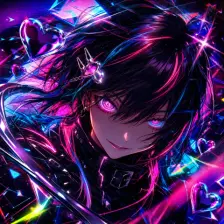



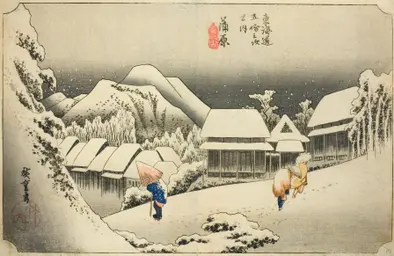
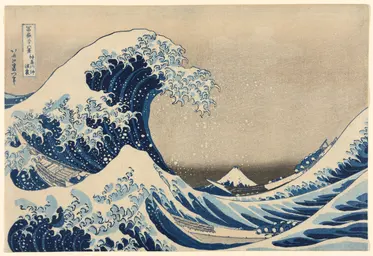
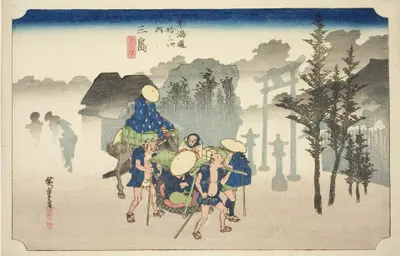

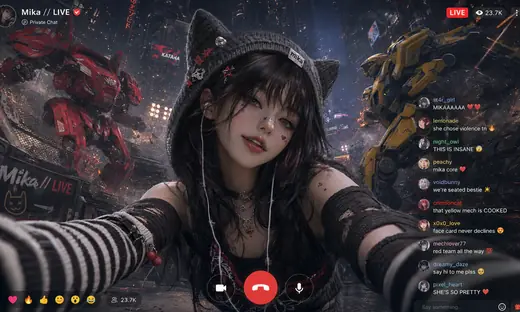



AI thumbnails that say something
An AI thumbnail generator for YouTube and other video platforms. Make the subject and the reason to click clear.
 16:9
How it works
Try it now- 01
Say what you want
A sentence or two is enough.
- 02
Work with HowWorks Agent
Describe the result you want. The Agent works with the tools you choose.
- 03
Make it
Start creating, then keep working with HowWorks.
Explore the possibilities


About
Turn a video idea into a thumbnail people can understand at a glance. Tell HowWorks what the video is about, who it is for and which moment or contrast should draw attention. Choose one focal subject, a readable silhouette and a background that supports it. Use a reference when the composition or visual style matters. Check the result at the small size viewers will see, then finish any title text in your layout. The image should make a clear promise that the video itself can deliver.
Questions
What makes a useful thumbnail brief?
Name the video topic, the central object or action, and what the viewer should understand at a glance. Describe the composition and where text will go. Avoid asking the image to tell several unrelated stories at once.
What shape does this page start with?
The thumbnail preset uses a landscape 16:9 format. Compose for that frame from the beginning and keep essential details away from the edges.
Can I use different visual styles?
Yes. Ask for a photographic scene, illustration or graphic composition that suits the video. A consistent point of view matters more than applying the same style to every topic.
Will this increase my click-through rate?
A generated thumbnail is a visual concept, not a performance guarantee. Click behavior depends on the audience, topic, title, placement and other factors. Evaluate the final thumbnail with your own publishing data.
How much text should I include?
Keep the message short enough to read at the size it will appear. You can request clear space for type and add the final words separately. Check spelling, contrast and whether the image still communicates when the text is removed.
Keep exploring
 ToolAI Image Generator
Images from a brief or a picture
 FeatureAI Image Editor
Changes to an existing image
 ToolAI Video Generator
An AI video generator for scenes from text, images or references. Direct the motion, the camera and the sound.
 FeatureText to Image
From a sentence
 ModelFlux 2 Pro
Up to 8 references
 ModelGPT Image 2.5
Up to 9 references
 ModelNano Banana 2.1
4K · Up to 15 references
 Use caseAlbum Cover Generator
Square artwork for a release
From the blog
- 12 Free Halloween Coloring Pages: Easy & Cozy Printables
Print 12 free Halloween coloring pages: 6 easy designs and 6 cozy scenes. Download individual PDFs or six-page packs in US Letter and A4. No sign-up.
- 12 Pumpkin Painting Ideas, with 6 Free Printable Templates
Easy faces, autumn leaves and bold graphic patterns: 12 no-carve pumpkin painting ideas with color palettes, steps and 6 free printable motif guides.
- Free Halloween Wallpaper: 8 Cozy Phone Designs + 4 Desktop
Download free Halloween wallpapers in dark folk and warm whimsical styles. Eight phone PNGs and four separate desktop compositions, with no sign-up.