












AI GIF Generator
Turn a text prompt or a picture into a GIF.
How it works
Try it now- 01
Say what you want
A sentence or two is enough.
- 02
Work with HowWorks Agent
Describe the result you want. The Agent works with the tools you choose.
- 03
Make it
Start creating, then keep working with HowWorks.
About
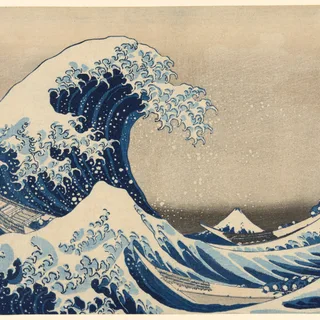
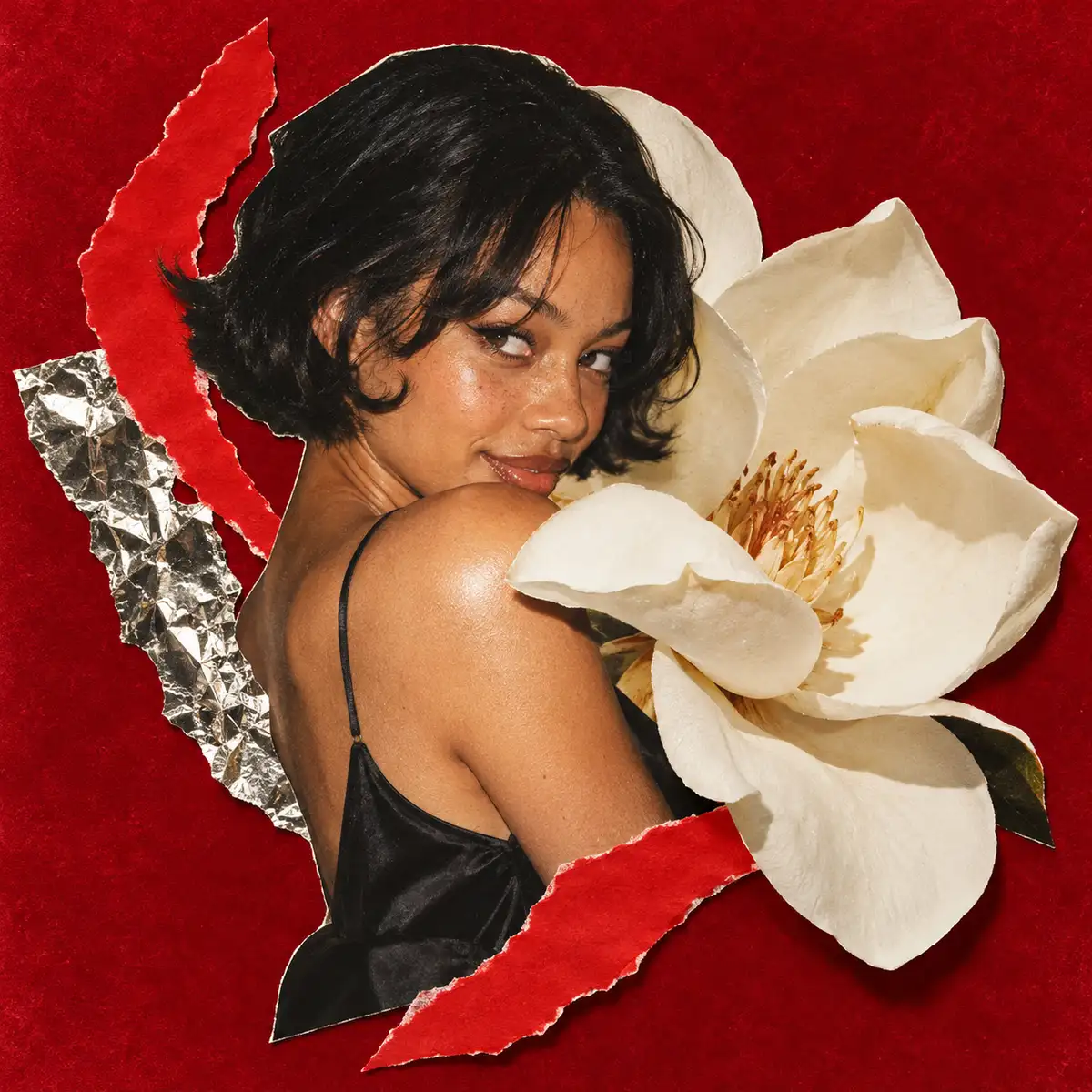
Start with one subject and a clear action: a wave, a blink or a flower opening. Describe the look, the background and what should stay still. This starting point selects GIF with GPT Image 2.6. The result stays in your Images library, where you can replay it, download the original GIF and ask for another version.
Questions
What should I describe?
Name the subject, the visual style and one small movement. Say which parts should stay still, and describe how the movement should begin and end.
Can I download the result?
Yes. Open your finished work and choose Download to get its original GIF file, with the same timing and playback count.
Can I change the result?
Continue in the same project and describe what to change. Earlier versions remain available in the work’s version list.
Keep exploring


From the blog
- 12 Free Halloween Coloring Pages: Easy & Cozy Printables
Print 12 free Halloween coloring pages: 6 easy designs and 6 cozy scenes. Download individual PDFs or six-page packs in US Letter and A4. No sign-up.
- 12 Pumpkin Painting Ideas, with 6 Free Printable Templates
Easy faces, autumn leaves and bold graphic patterns: 12 no-carve pumpkin painting ideas with color palettes, steps and 6 free printable motif guides.
- Free Halloween Wallpaper: 8 Cozy Phone Designs + 4 Desktop
Download free Halloween wallpapers in dark folk and warm whimsical styles. Eight phone PNGs and four separate desktop compositions, with no sign-up.