



Seedance 2.5 Reference to Video
Build the scene from useful references. Give each image a clear job.


They forgot him, like he was never even there. But I remember. We remember. And he's just still waiting. And he's still waiting.
How it works
Try it now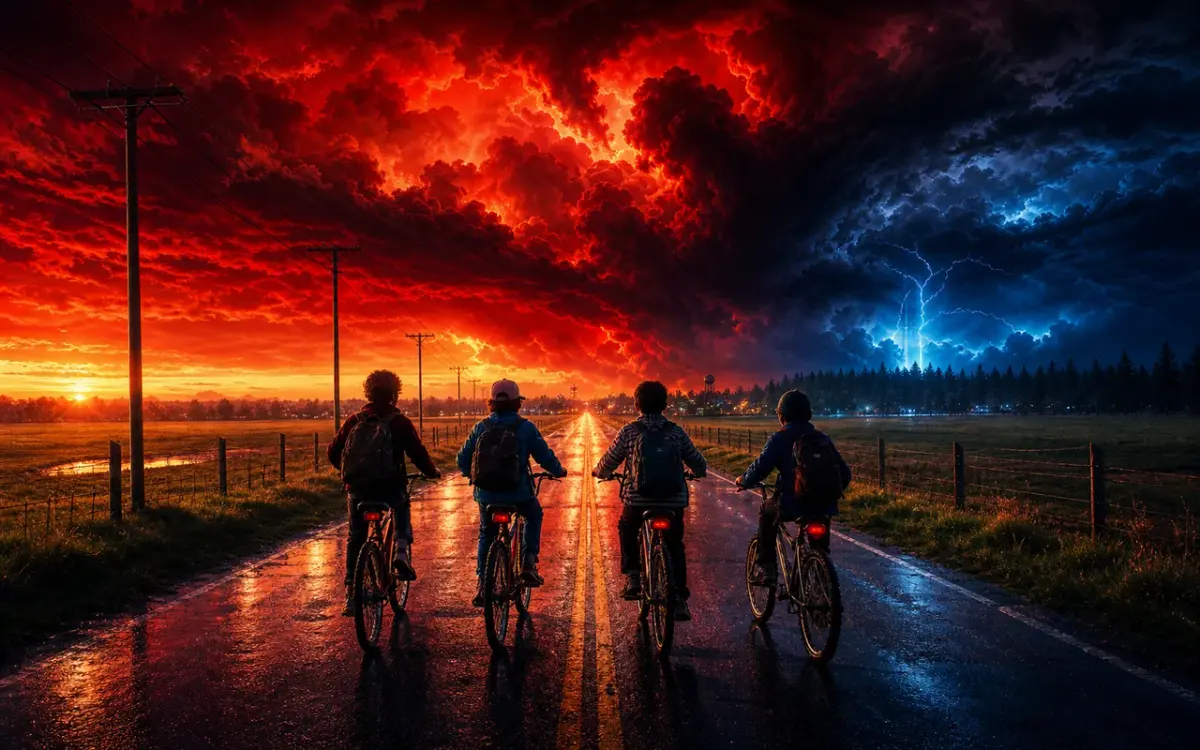 01
01Add your reference
Drop it in, or pick one of yours.
- 02
Say what you want
A sentence or two is enough.
- 03
Make it
Start creating, then keep working with HowWorks.
Explore the possibilities


Seedance 2.5 at a glance
- Good at
- One continuous take up to 30s, up to 30 reference images to lock characters. Slowest.
- Modes
- Text to Video, Image to Video, First & Last Frame, Reference to Video
- Length
- 4–30 s (presets 5, 10, 15, 30 s)
- Resolution
- 480p, 720p, 1080p
- Aspect ratios
- 16:9, 9:16, 1:1, 4:3, 3:4, 21:9
- Image-led framing
- May follow the input image; check the output frame
- Sound
- On by default, can be switched off
- Reference images
- Up to 30
About
A scene may draw its character, object and setting from different images. Seedance 2.5 reference to video supports a larger reference set than the other current video models: its model configuration allows up to 30 images. Give every reference a clear job, then describe a focused scene rather than asking the model to combine everything indiscriminately. Choose 4–30 seconds, output through 1080p and optional audio. Use a start-frame or two-frame workflow when the opening or ending needs a particular supplied composition.
Questions
How many references does Seedance 2.5 support?
The current model configuration supports up to 30 image references. Start with a smaller, clearly explained set when it covers the subject and scene; adding images without a role makes the intended direction harder to describe.
Should the references include my first frame?
A reference supplies visual guidance. If an image must be the opening composition, use Image to Video. Use First & Last Frame when both endpoints need supplied images.
How do I describe several references?
Identify which image shows the subject, which establishes the setting and which contributes a visual treatment. State the important features, then describe the action, camera and pace of the new shot.
Can I combine a longer duration with sound?
Seedance 2.5 supports 4–30 seconds and an audio switch. Describe relevant sounds when audio is enabled, then review both sound and visual continuity in the result.
Will a larger reference set guarantee consistency?
Check faces, costumes, proportions and identifying details across the clip. Reference capacity describes supported inputs, not perfect preservation or a measured advantage for a particular scene.
Keep exploring
 ModelSeedance 2.5
4–30 s · 1080p · Sound
 FeatureReference to Video
Guide a shot with image references
 Model featureSeedance 2.5 Image to Video
4–30 s · 1080p · Sound
 ModelMiniMax H3
5–15 s · 4K · Sound
 ModelMiniMax H3 Max
5–15 s · 1080p · Sound
 ModelSeedance 2.0
4–15 s · 4K · Sound
 Use caseAI Animation Generator
Make an animated scene
 Use caseAI TikTok Video Generator
Plan a vertical short