



MiniMax H3 Image to Video
Let the picture establish the scene. Describe what moves and what you hear.


He knew this door led downstairs. He opened it and died below. Footage shows him leave a safety marker, then curve towards the stairwell without visibly turning. Tracking was normal. The new build promised to steer him to safety. Why did it steer him here?
How it works
Try it now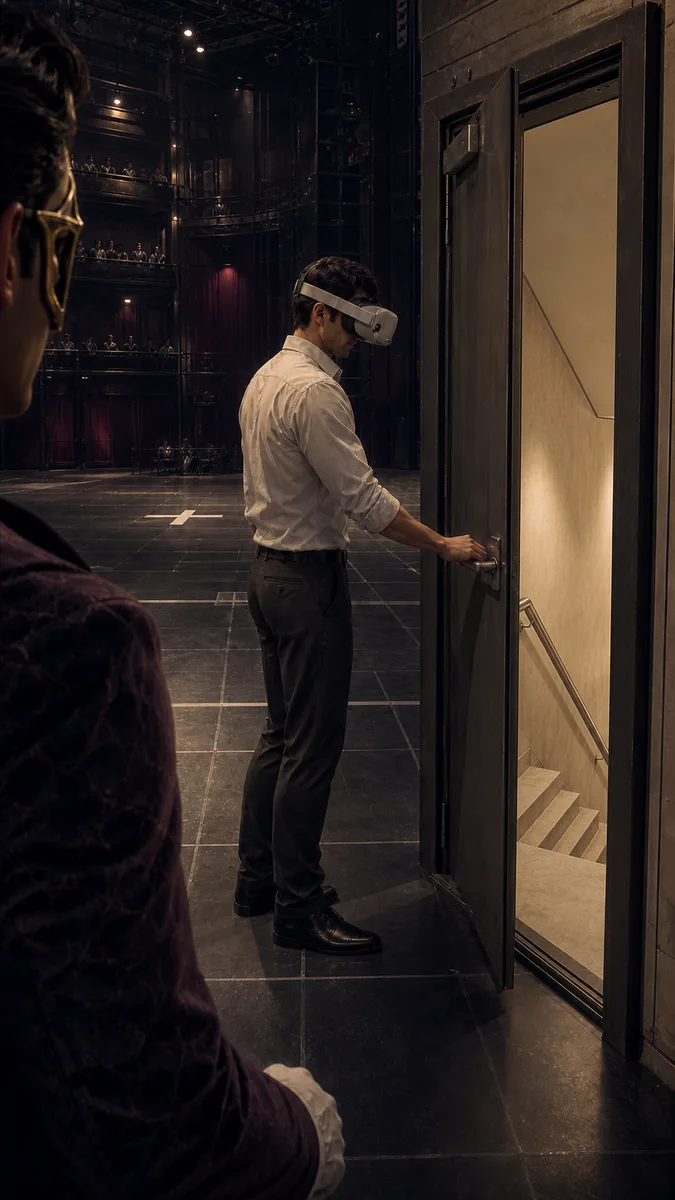 01
01Add your start frame
Drop it in, or pick one of yours.
- 02
Say how it should move
A sentence or two is enough.
- 03
Make it
Start creating, then keep working with HowWorks.
Explore the possibilities
MiniMax H3 at a glance
- Good at
- Best at changing one thing and keeping the rest. Native audio. 5–15s, up to 4K.
- Modes
- Text to Video, Image to Video, First & Last Frame, Reference to Video
- Length
- 5–15 s (presets 5, 10, 15 s)
- Resolution
- 480p, 720p, 2K, 4K
- Aspect ratios
- 16:9, 9:16, 1:1, 4:3, 3:4, 21:9
- Image-led framing
- May follow the input image; check the output frame
- Sound
- Always on
- Reference images
- Up to 9
About
Bring a still when it already contains the product, scene or subject you want to develop. MiniMax H3 uses it as the start frame and includes generated audio. A product study might need a slow camera move and room tone; an outdoor illustration might need wind in the leaves. Describe the motion and sound rather than rewriting every visible detail. Choose 5–15 seconds and an output size through 4K, then inspect the opening, later frames and soundtrack for the details that make the scene usable.
Questions
Does MiniMax H3 use my image as the opening?
Yes. The image supplies the opening frame. Prepare its crop for the intended placement and check any available aspect setting; framing can vary with the generation setup. Use Reference to Video when the image should guide the scene without serving as its required opening.
Can I animate it without generated sound?
MiniMax H3 always includes audio. Describe quiet ambience when appropriate; a silent final clip requires sound editing rather than a model audio-off option.
How do I preserve important image details?
Name the features that should remain recognizable and keep the action focused. Inspect faces, labels, edges and product proportions throughout the clip, not just in the opening frame.
Which duration and resolution settings apply?
MiniMax H3 supports 5–15 seconds and 480p, 720p, 2K or 4K output. Standard is the only tier in the current model configuration.
Can I define the final frame too?
Use MiniMax H3 First & Last Frame for two endpoint images. Describing an ending in the prompt does not supply an end-frame input.
Keep exploring
 ModelMiniMax H3
5–15 s · 4K · Sound
 FeatureImage to Video
Start with your image
- Model featureMiniMax H3 First & Last Frame
5–15 s · 4K · Sound
 ModelMiniMax H3 Max
5–15 s · 1080p · Sound
 ModelSeedance 2.0
4–15 s · 4K · Sound
 ModelSeedance 2.5
4–30 s · 1080p · Sound
 Use caseAI Animation Generator
Make an animated scene
 Use caseAI TikTok Video Generator
Plan a vertical short