









GPT Image 2.6 Flare: Image Editor
Image Editor with GPT Image 2.6 Flare, with the model already selected.

How it works
Try it now- 01
Add your image
Drop it in, or pick one of yours.
- 02
Say what to change
A sentence or two is enough.
- 03
Make it
Start creating, then keep working with HowWorks.
Explore the possibilities
GPT Image 2.6 Flare at a glance
- Good at
- Fast GPT Image generation, transparency, precise edits and SVGs.
- Modes
- Text to Image, Image Editor
- Resolution
- 1K, 2K, 4K
- Aspect ratios
- Auto, 1:1, 4:3, 3:4, 16:9, 9:16
- Reference images
- Up to 16
- Output images per request
- 1–10
- Quality
- Low, Medium, High, Xhigh, Max, Auto
About
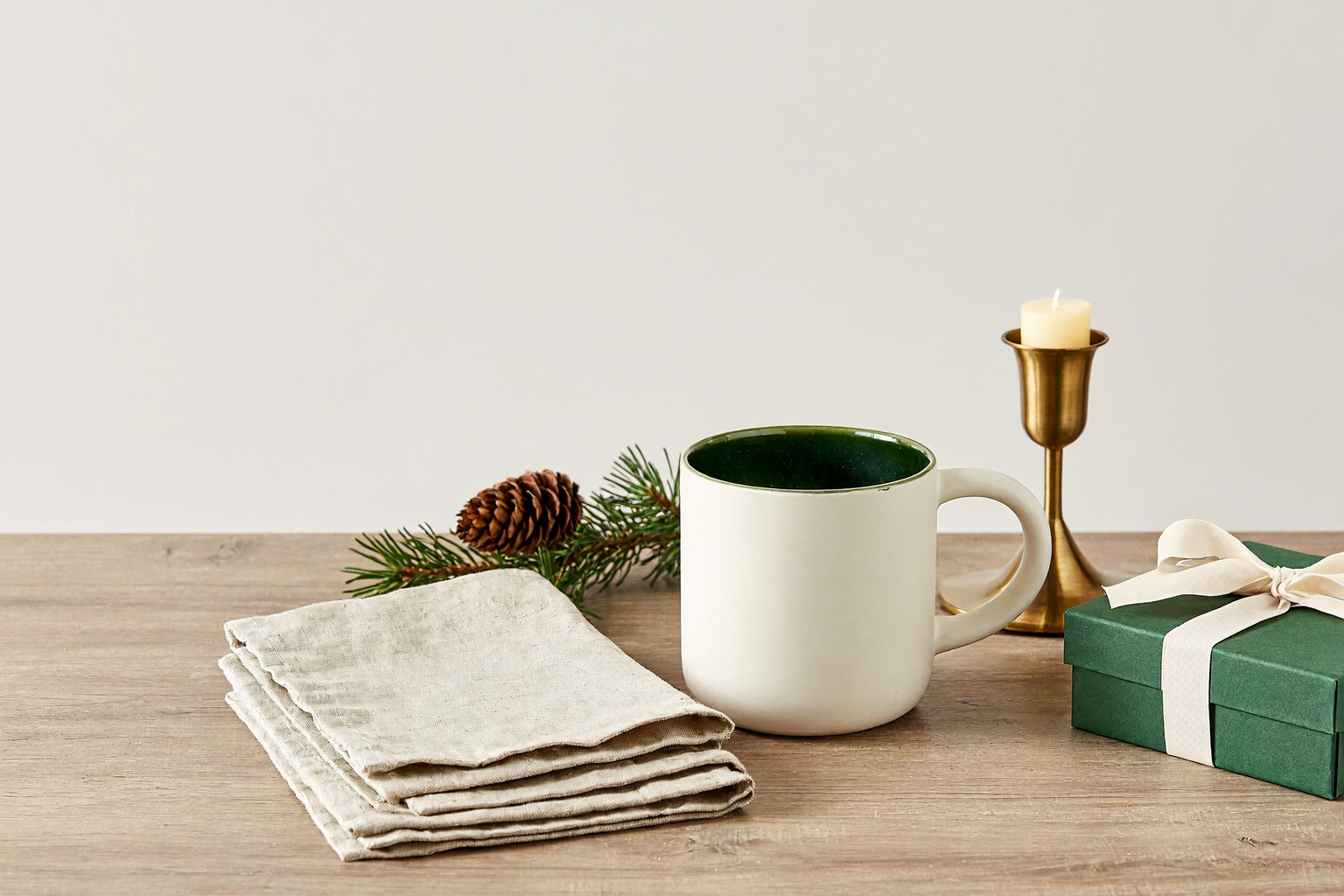
Attach the original picture and name the change. Describe what should remain recognisable as well as the new setting or treatment. The example keeps an ivory mug, a green gift and a brass candle while changing the surroundings. Compare the original and the actual edit before choosing the result. Choose only the inputs and controls shown for this operation; other operations or model versions can have different limits.
Questions
How do I direct an edit with GPT Image 2.6 Flare?
Add the source picture as the image to edit. Say what should change and what must remain, such as the product shape, colours or camera angle. Use a separate reference role for a style or character picture.
What file should I use for this GPT Image 2.6 Flare task?
Image editing produces raster output such as PNG, JPEG or WebP. Keep the source picture and the requested change clear; generating a new SVG and editing an existing picture are different tasks.
How should I review the GPT Image 2.6 Flare example?
Compare the before and after picture for the requested lighting change, and check that the original mug design remains recognisable.


