

















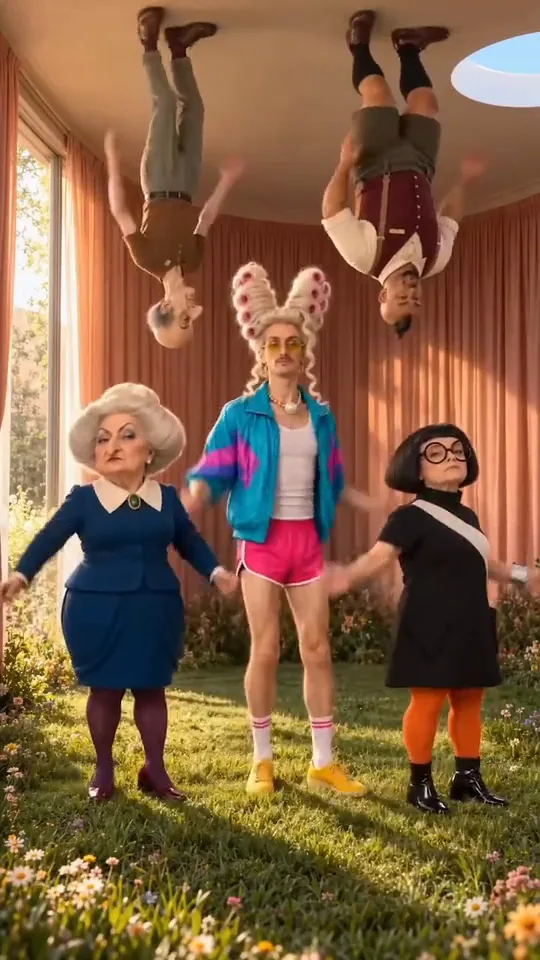


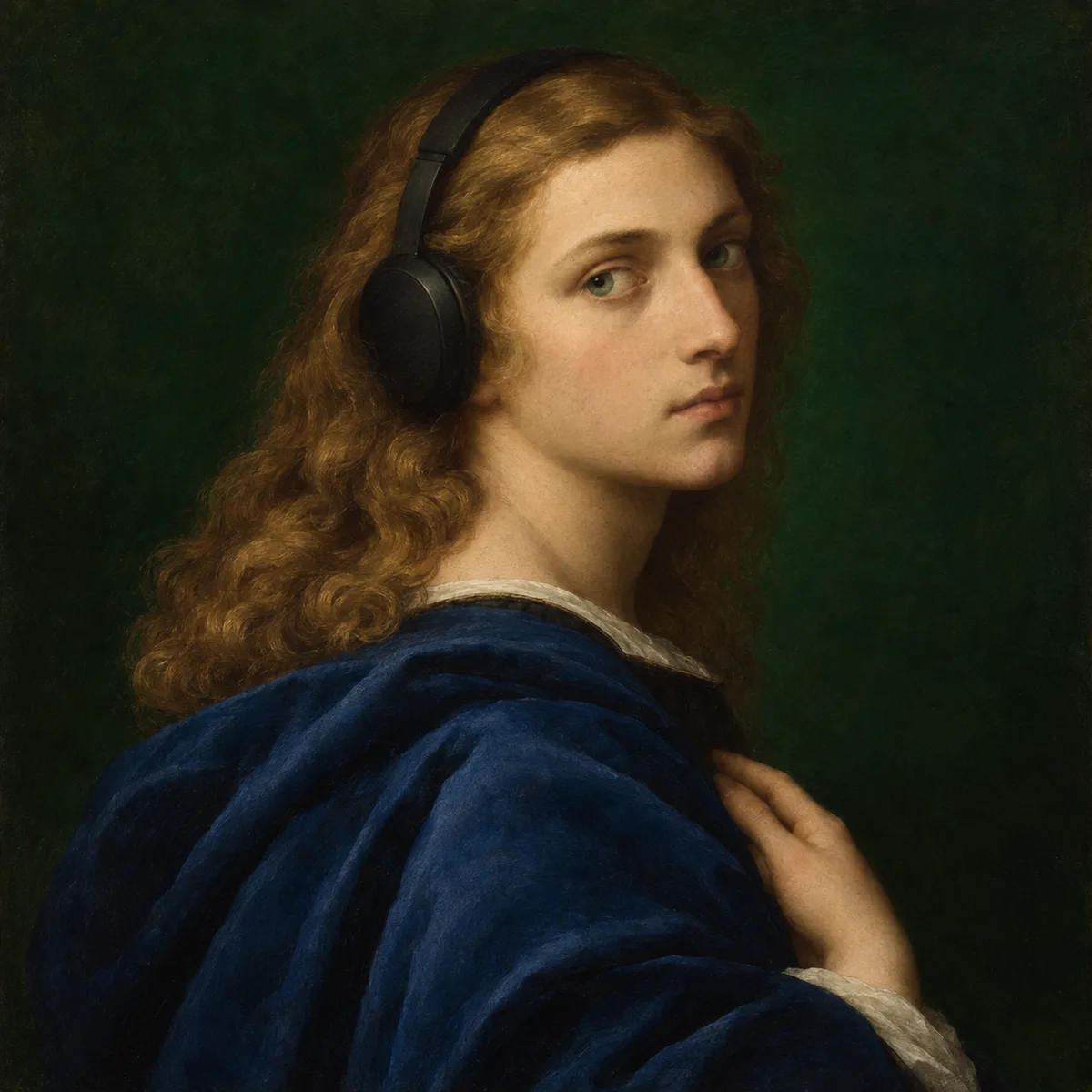

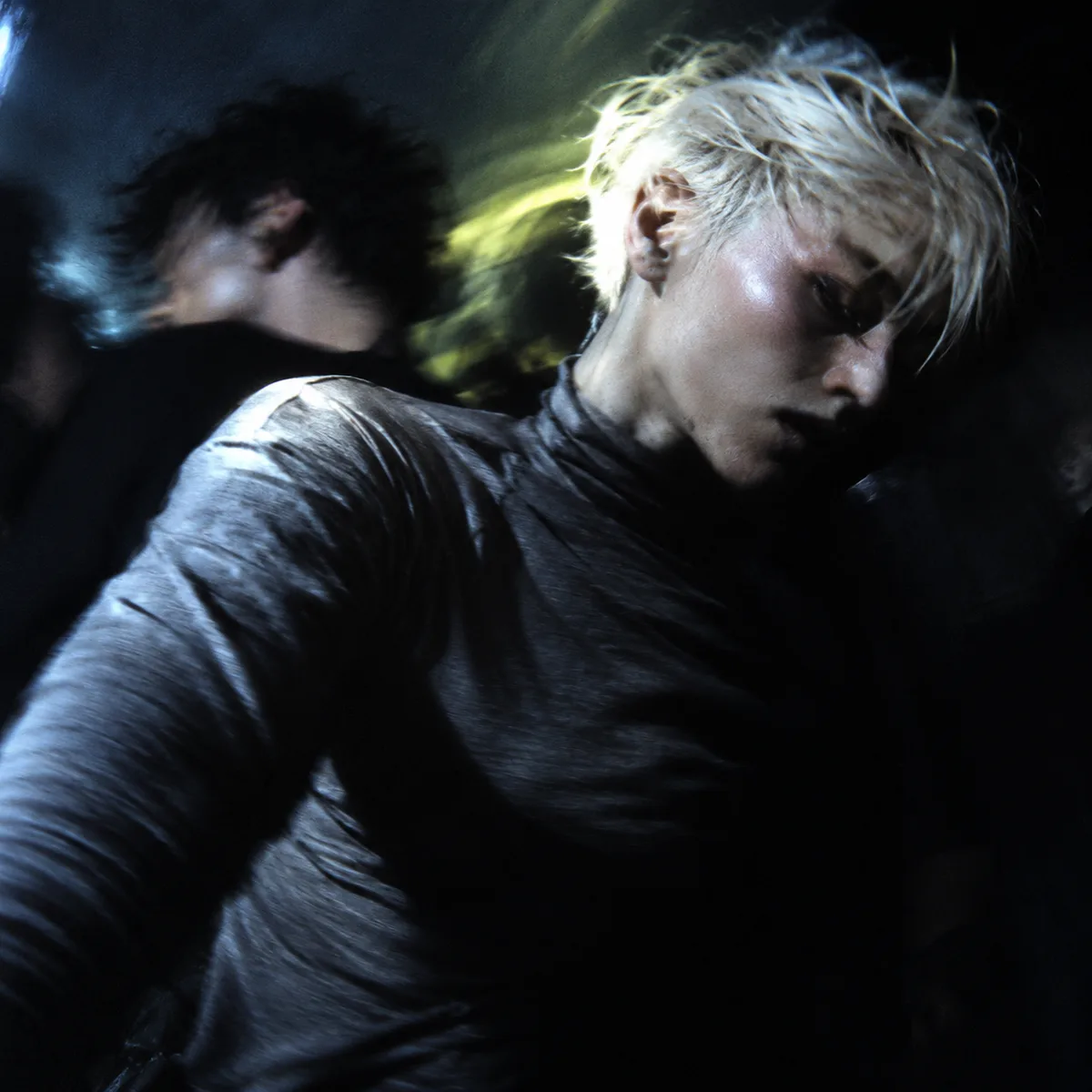
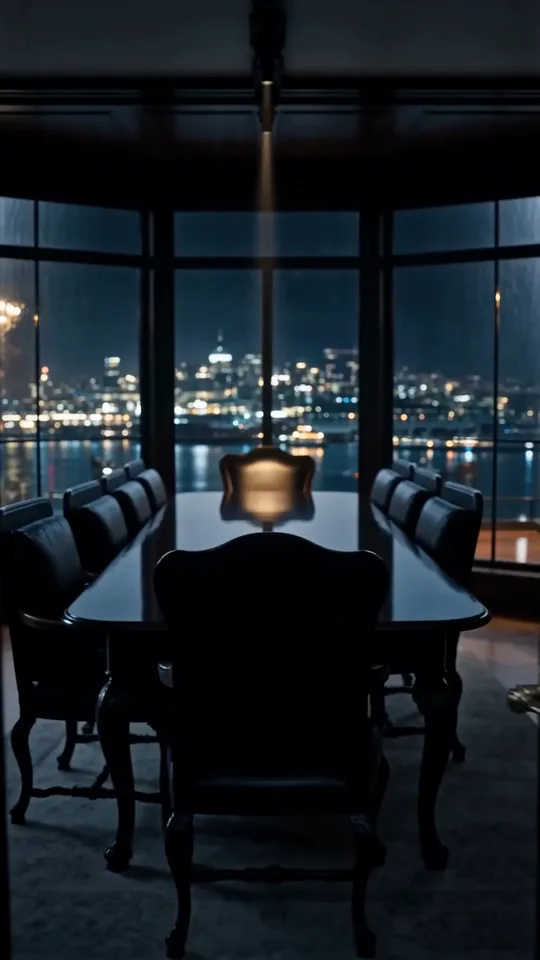




Kling 4.0: Keyframes to Video
Keyframes to Video with Kling 4.0, with the model already selected.


Rhythmic footsteps of heels walking on a hard surface accompanied by a soft background music loop.
How it works
Try it now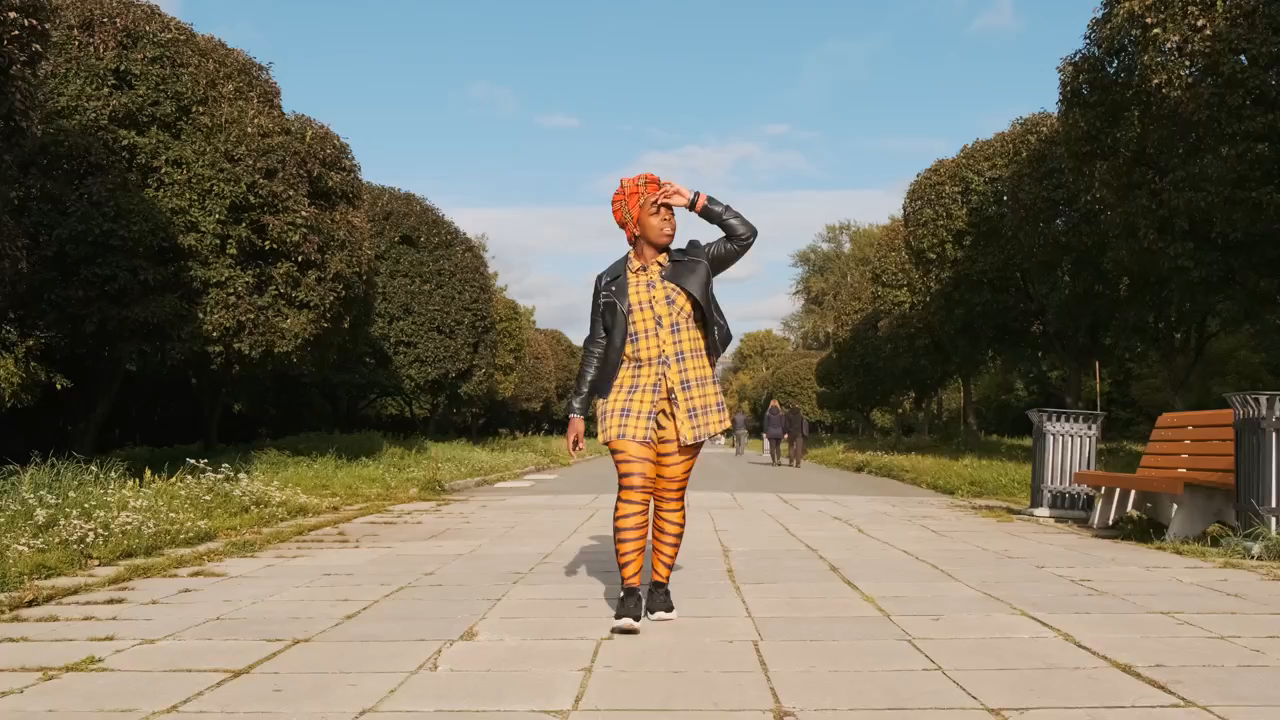 01
Add your start frame
Drop it in, or pick one of yours.
- 02
Say how it should move
A sentence or two is enough.
- 03
Make it
Start creating, then keep working with HowWorks.
Explore the possibilities
Kling 4.0 at a glance
- Good at
- Native audiovisual clips up to 30s, first/last frames, motion references and editing. Up to 1080p.
- Modes
- Text to Video, Image to Video, First & Last Frame, Reference to Video, Edit Video
- Length
- 3–30 s (presets 5, 10, 15, 20, 30 s)
- Resolution
- 720p, 1080p
- Aspect ratios
- 21:9, 16:9, 9:16, 1:1, 4:3, 3:4
- Image-led framing
- May follow the input image; check the output frame
- Sound
- Always on
- Reference images
- Up to 10
About
Arrange a start picture, one or more middle pictures and an ending in the desired sequence. Explain how the subject and camera should progress through them. This operation uses ordered frames rather than a timeline of exact seconds. Review the transitions as well as the frame order, especially when the poses differ. Kling 4.0 accepts ordered middle frames on its supported keyframe workflow, without exact timestamps for every frame.
Questions
Can I put the keyframes at exact timestamps?
This Kling 4.0 workflow uses ordered pictures, not frame-accurate timestamp positions. Supply a start frame, any middle frames and an end frame in the intended sequence. Describe how the subject should move between them, then review the timing in the generated clip.
Why choose Kling 4.0 instead of Kling 4.0 Flash here?
Kling 4.0 supports the first-and-last-frame and ordered-keyframe workflows shown here. Flash does not offer those frame positions in the current HowWorks integration. Choose by the inputs you need, then review the displayed output controls.
Does a storyboard request guarantee exact cuts?
No. A written shot plan expresses the intended progression. Review the generated timing, continuity and transitions; exact edit points may still need an editing step.


