

























Kling 4.0
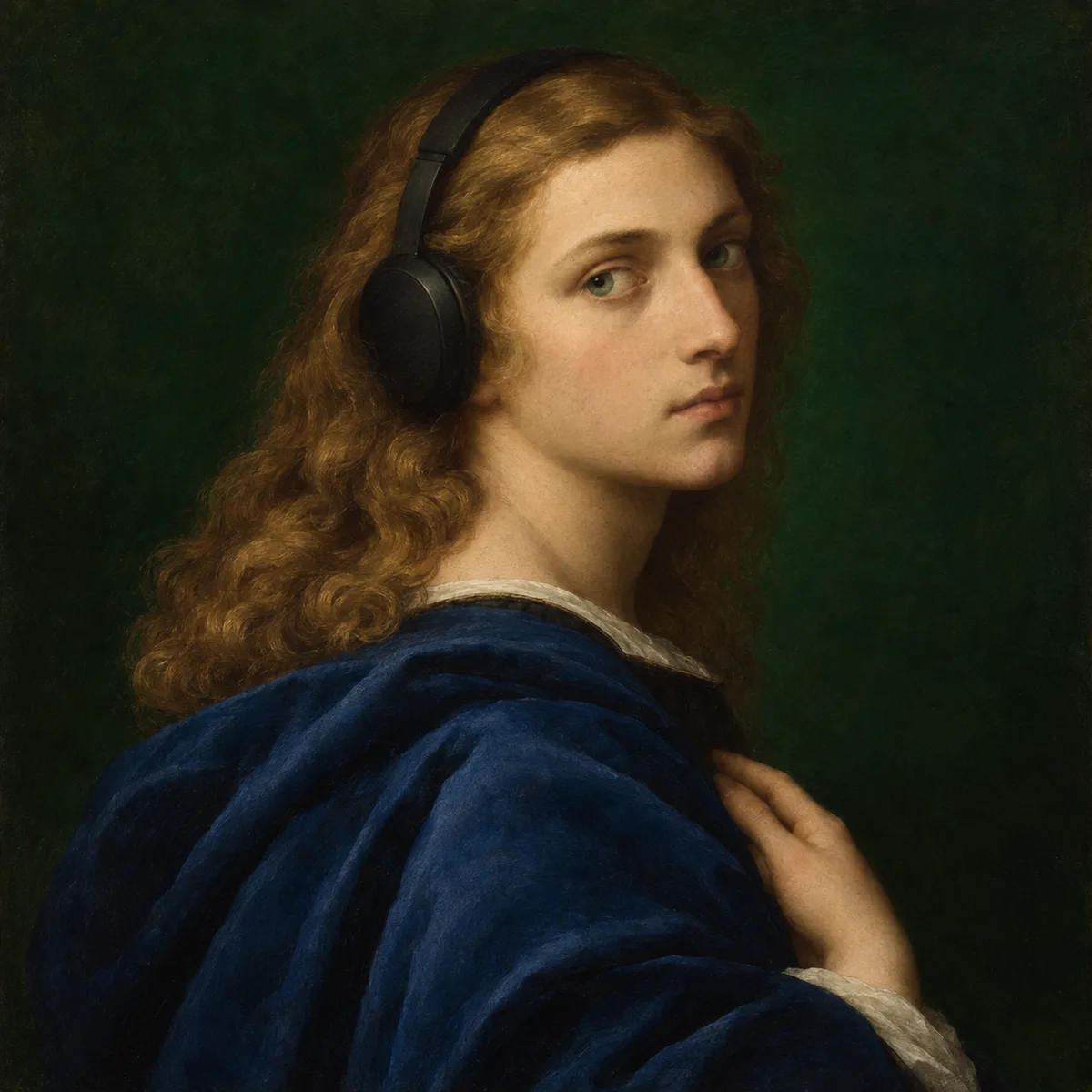
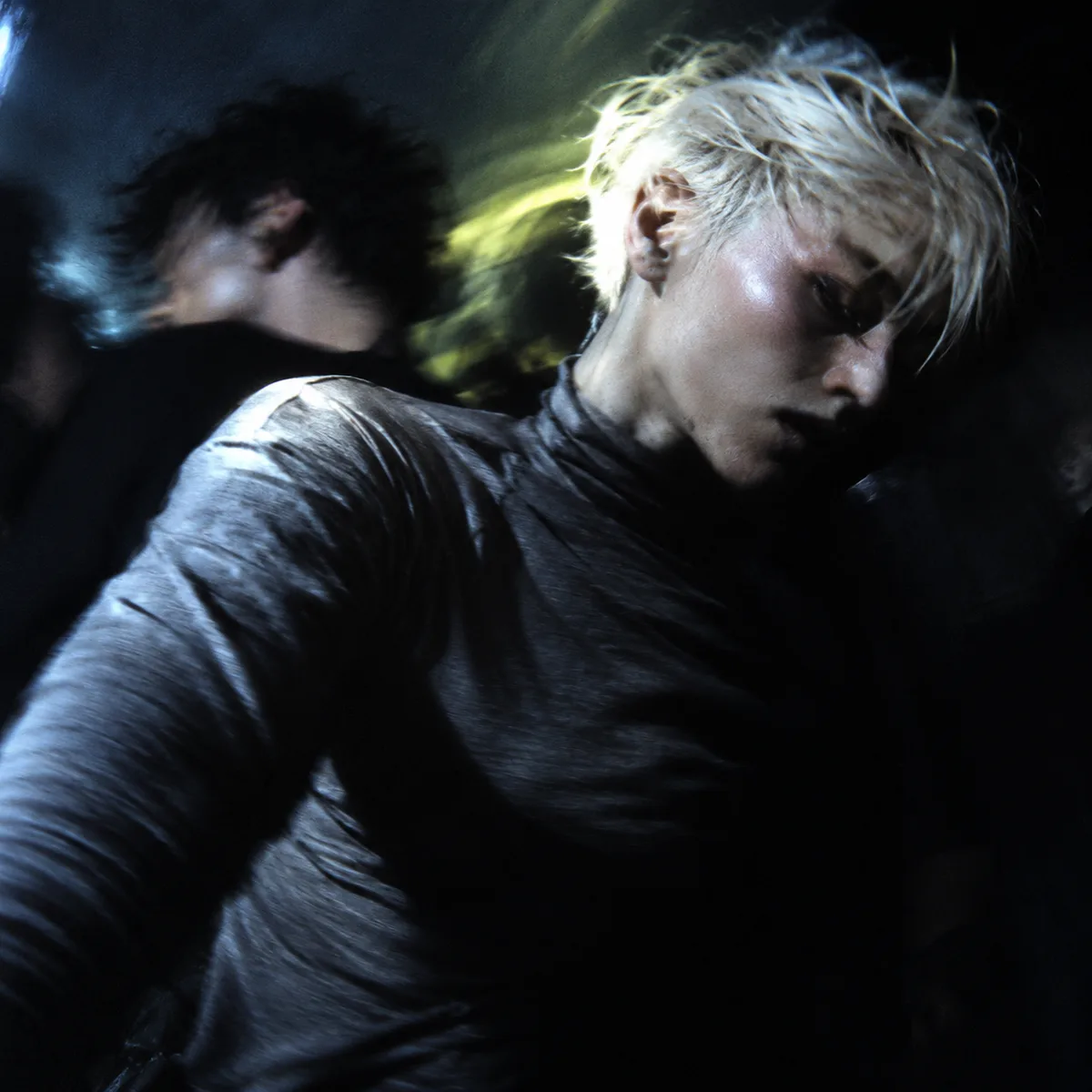
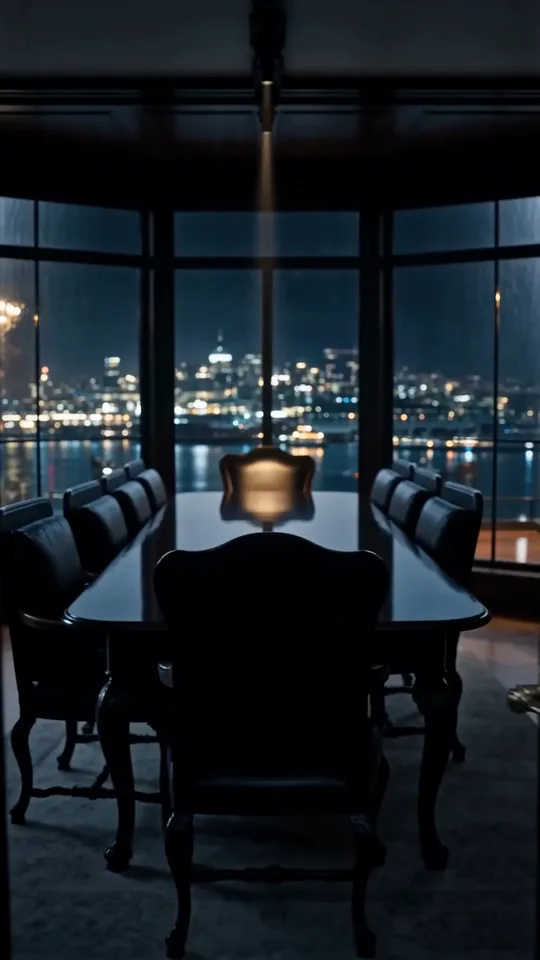
Guide a video with text, pictures and visual references.

Gentle wind blowing softly with a subtle ambient winter atmosphere.
How it works
Try it now- 01
Say what you want
A sentence or two is enough.
- 02
Use Kling 4.0
Choose the settings that fit what you want to make.
- 03
Make it
Start creating, then keep working with HowWorks.
Explore the possibilities

Kling 4.0 at a glance
- Good at
- Native audiovisual clips up to 30s, first/last frames, motion references and editing. Up to 1080p.
- Modes
- Text to Video, Image to Video, First & Last Frame, Reference to Video, Edit Video
- Length
- 3–30 s (presets 5, 10, 15, 20, 30 s)
- Resolution
- 720p, 1080p
- Aspect ratios
- 21:9, 16:9, 9:16, 1:1, 4:3, 3:4
- Image-led framing
- May follow the input image; check the output frame
- Sound
- Always on
- Reference images
- Up to 10
About
Kling 4.0 supports several ways to start a shot in HowWorks: a written brief, a starting picture, first and last frames, ordered keyframes, references or an existing clip to edit. Choose the operation that matches what you already have, then explain the action and camera movement. Reference footage can guide motion or appearance, while keyframes guide progression through a sequence. These are creative controls, not a frame-by-frame motion guarantee. Review the complete video, including its sound and transitions, before choosing a take.
Questions
How do I use Kling 4.0 in HowWorks?
Start with the model selected on this page. Write the brief, add the inputs required by your chosen operation and review the current settings before sending.
Which inputs and settings are supported?
The model specifications and controls on this page show the supported inputs and output settings. Availability can differ by operation; selecting a model does not enable every capability advertised elsewhere.
Does selecting this model change every AI tool in my project?
No. It selects the video generator for this task. The Agent conversation model and other generation tools have their own choices.
How should I evaluate the result?
Compare it with your brief and any source material. Check the whole movement, scene consistency, sound and transitions.


