







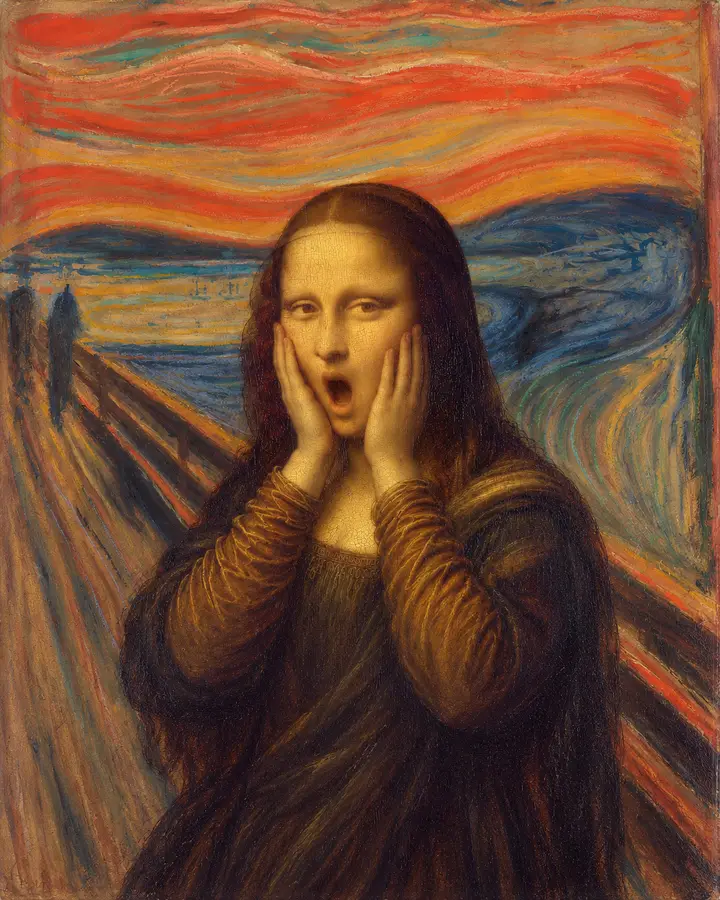
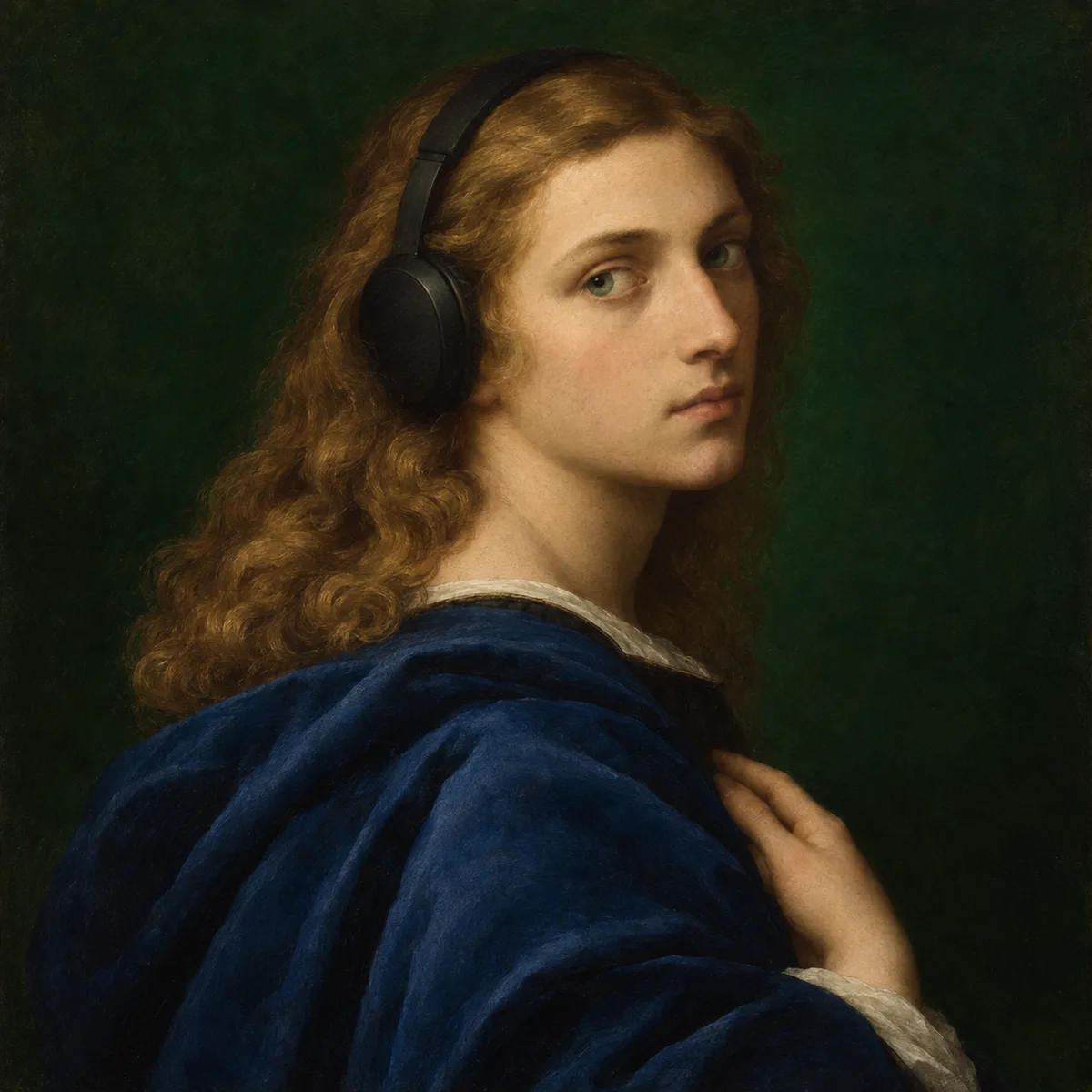
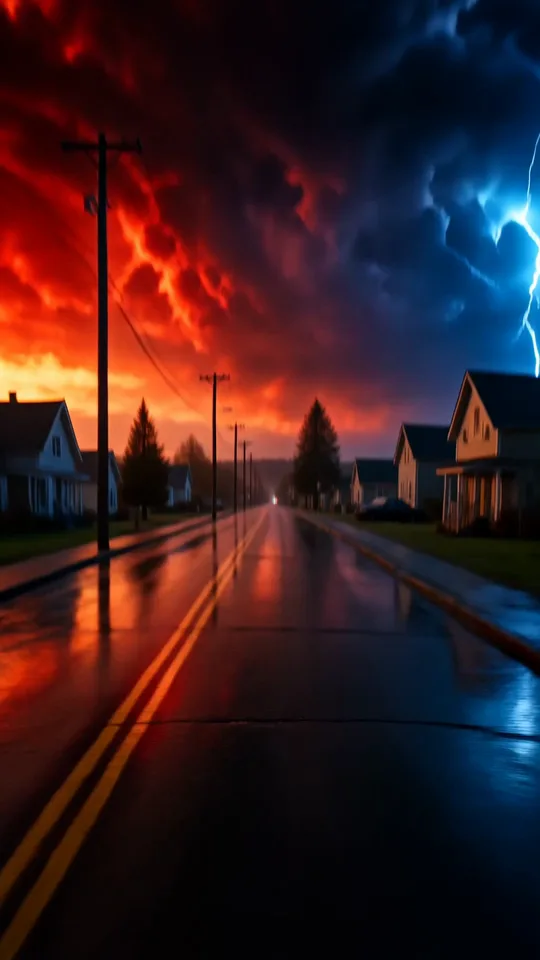
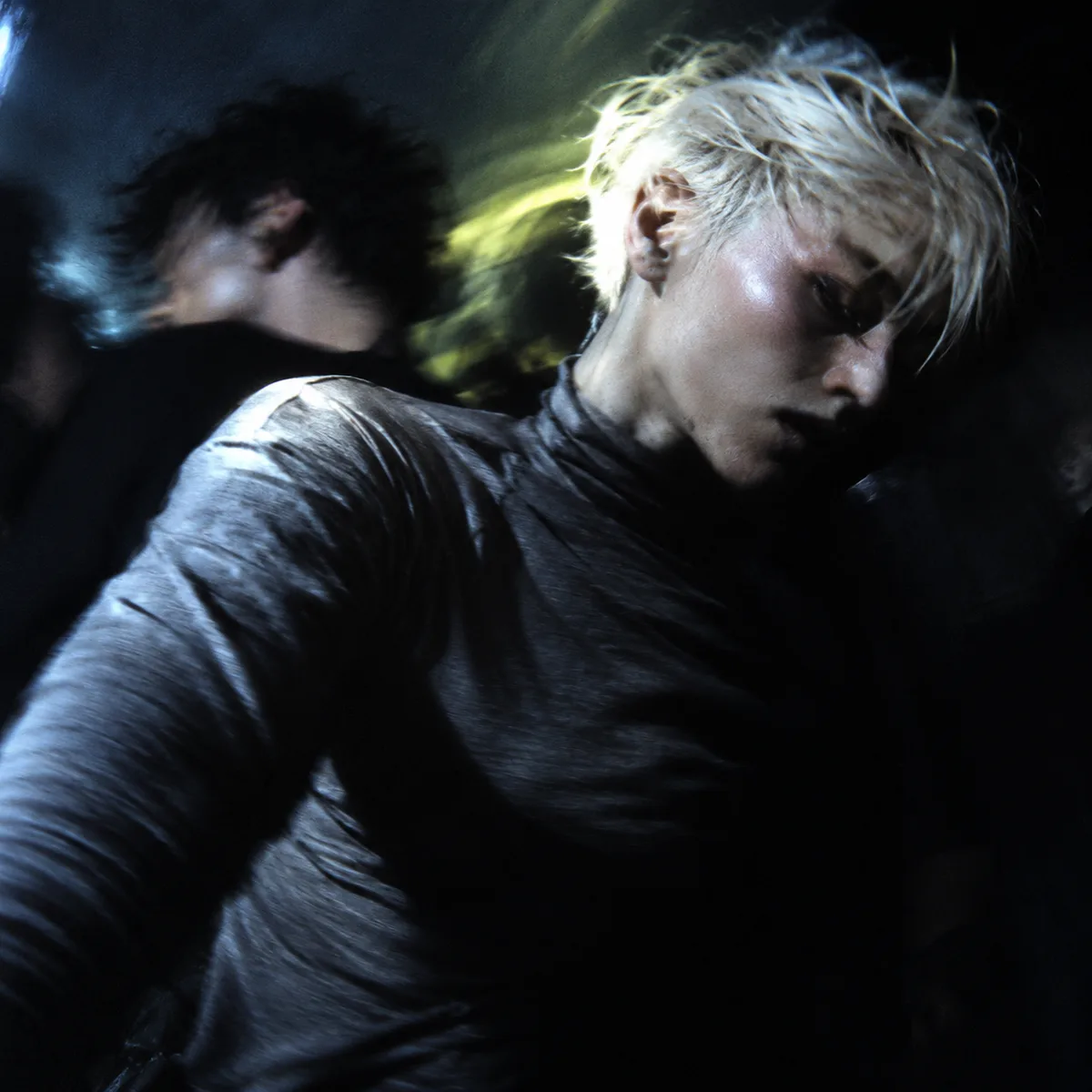



GPT Image 2.6 Sunburst
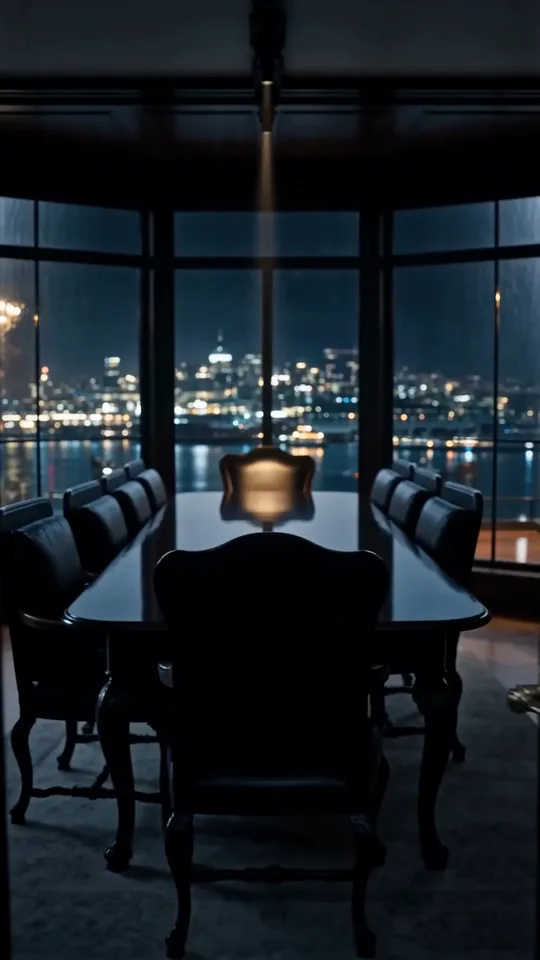
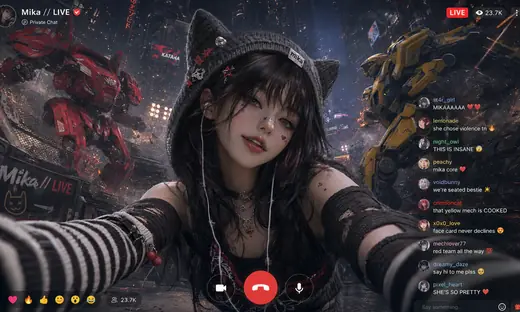
Give a detailed image brief room to resolve.

How it works
Try it now- 01
Say what you want
A sentence or two is enough.
- 02
Use GPT Image 2.6 Sunburst
Choose the settings that fit what you want to make.
- 03
Make it
Start creating, then keep working with HowWorks.
Explore the possibilities

GPT Image 2.6 Sunburst at a glance
- Good at
- Premium detail and precision for intricate final images.
- Modes
- Text to Image, Image Editor
- Resolution
- 1K, 2K, 4K
- Aspect ratios
- Auto, 1:1, 4:3, 3:4, 16:9, 9:16
- Reference images
- Up to 16
- Output images per request
- 1–10
- Quality
- Low, Medium, High, Xhigh, Max, Auto
About
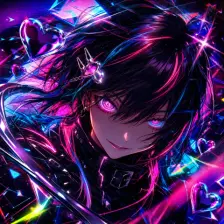
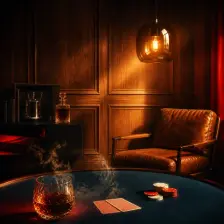
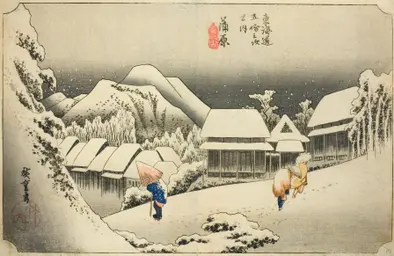
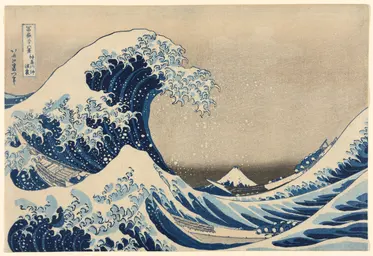
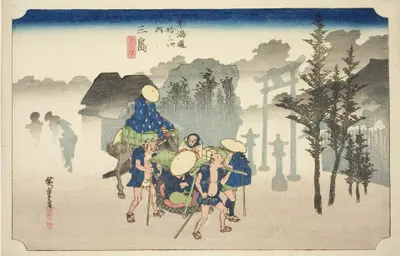
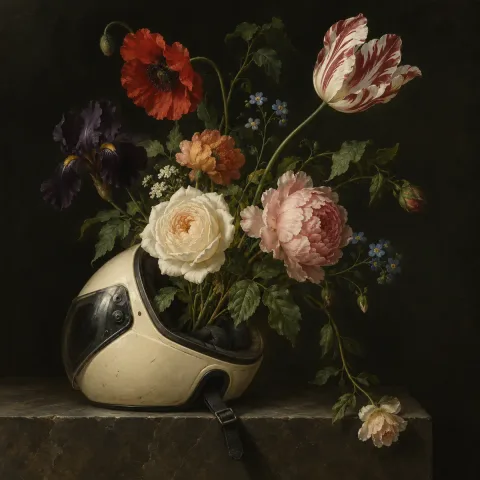
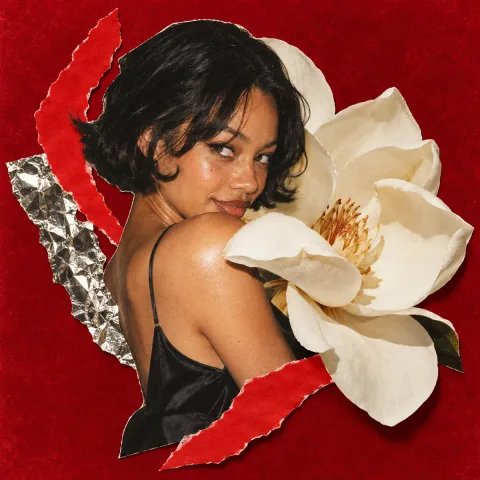
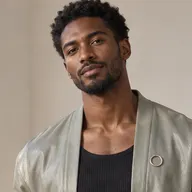
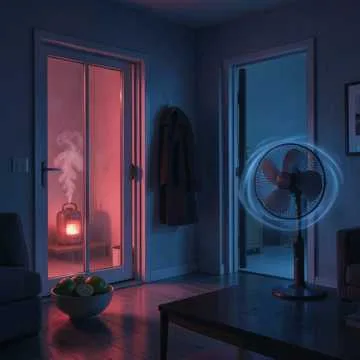
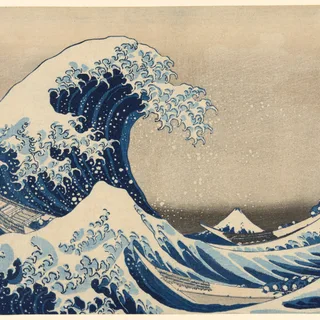
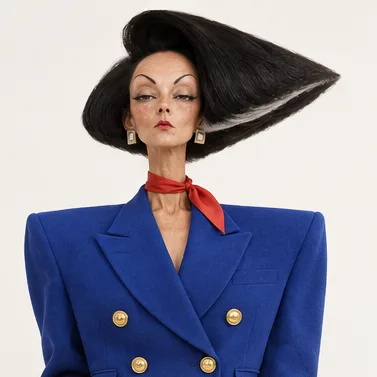
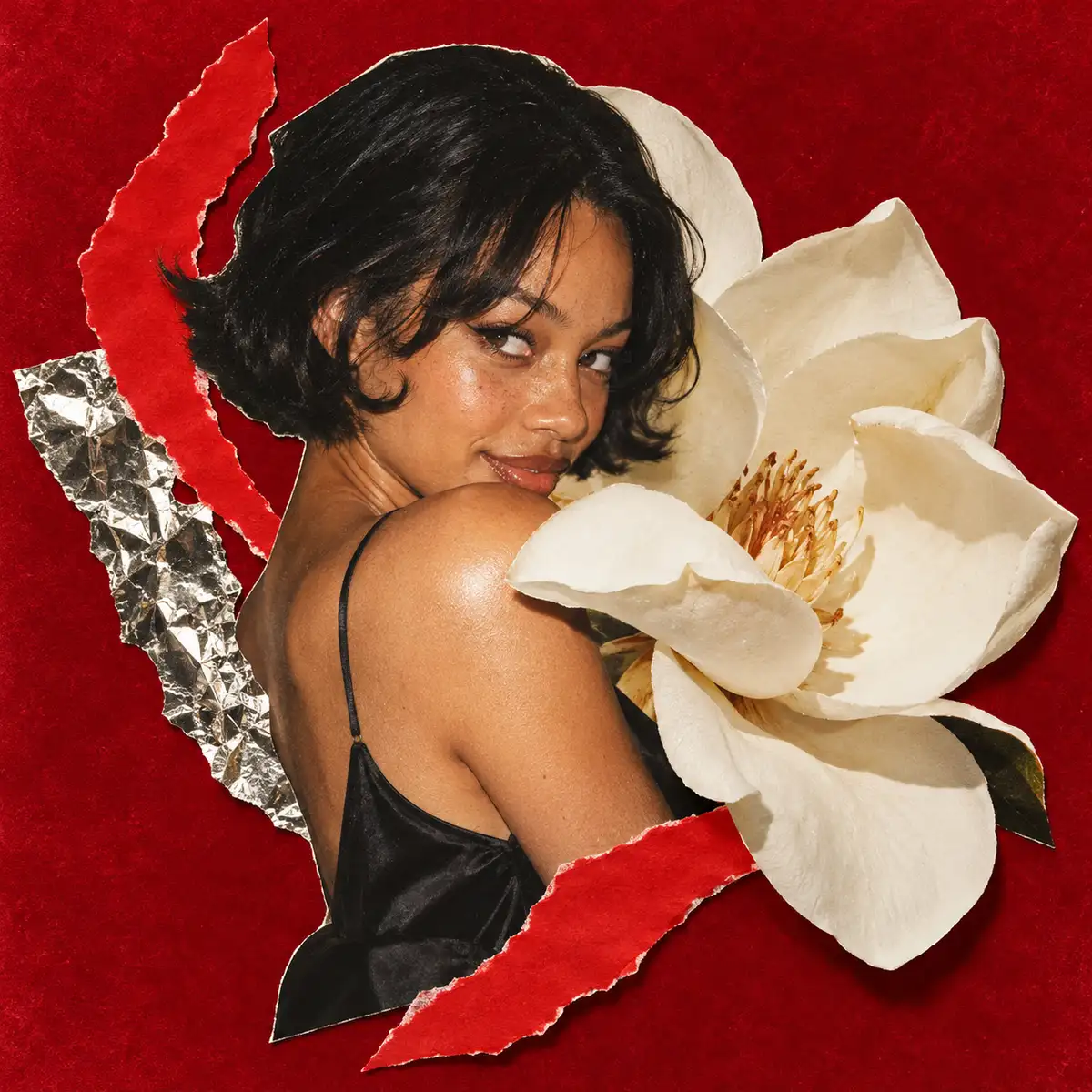
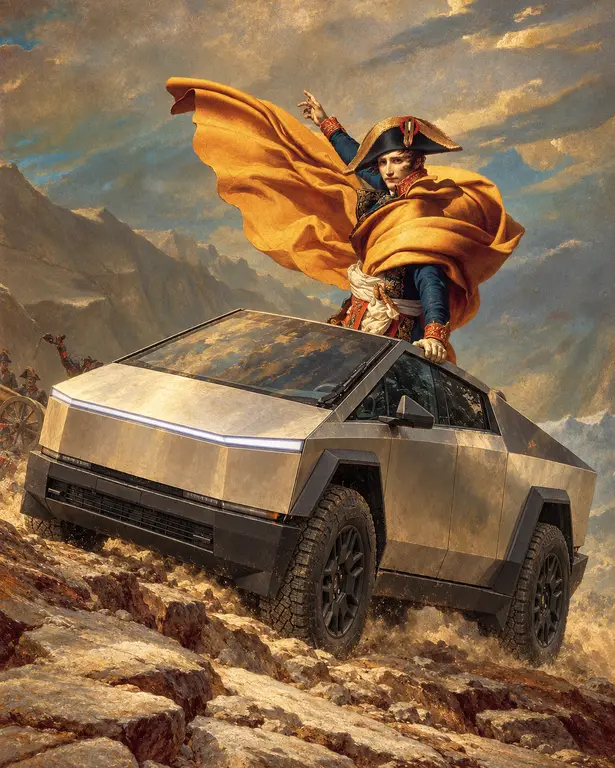
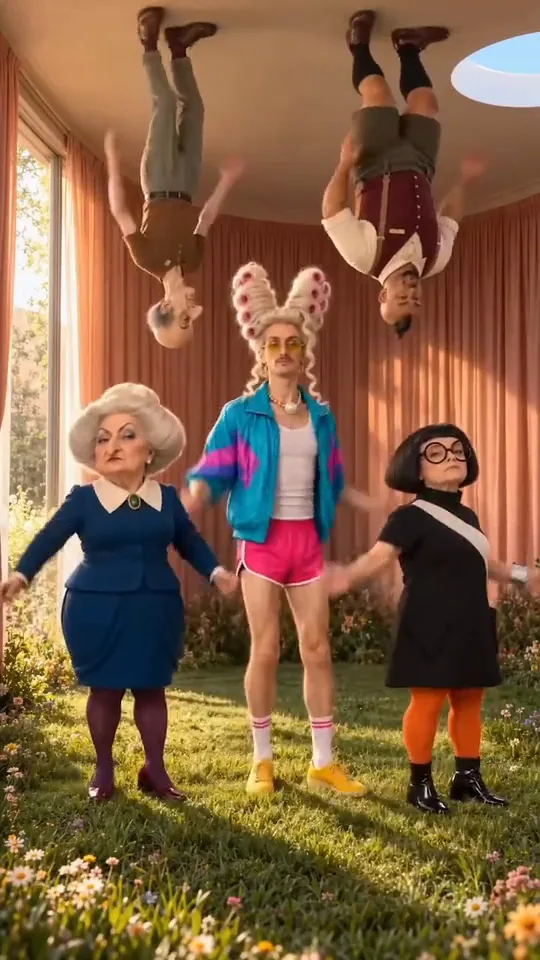
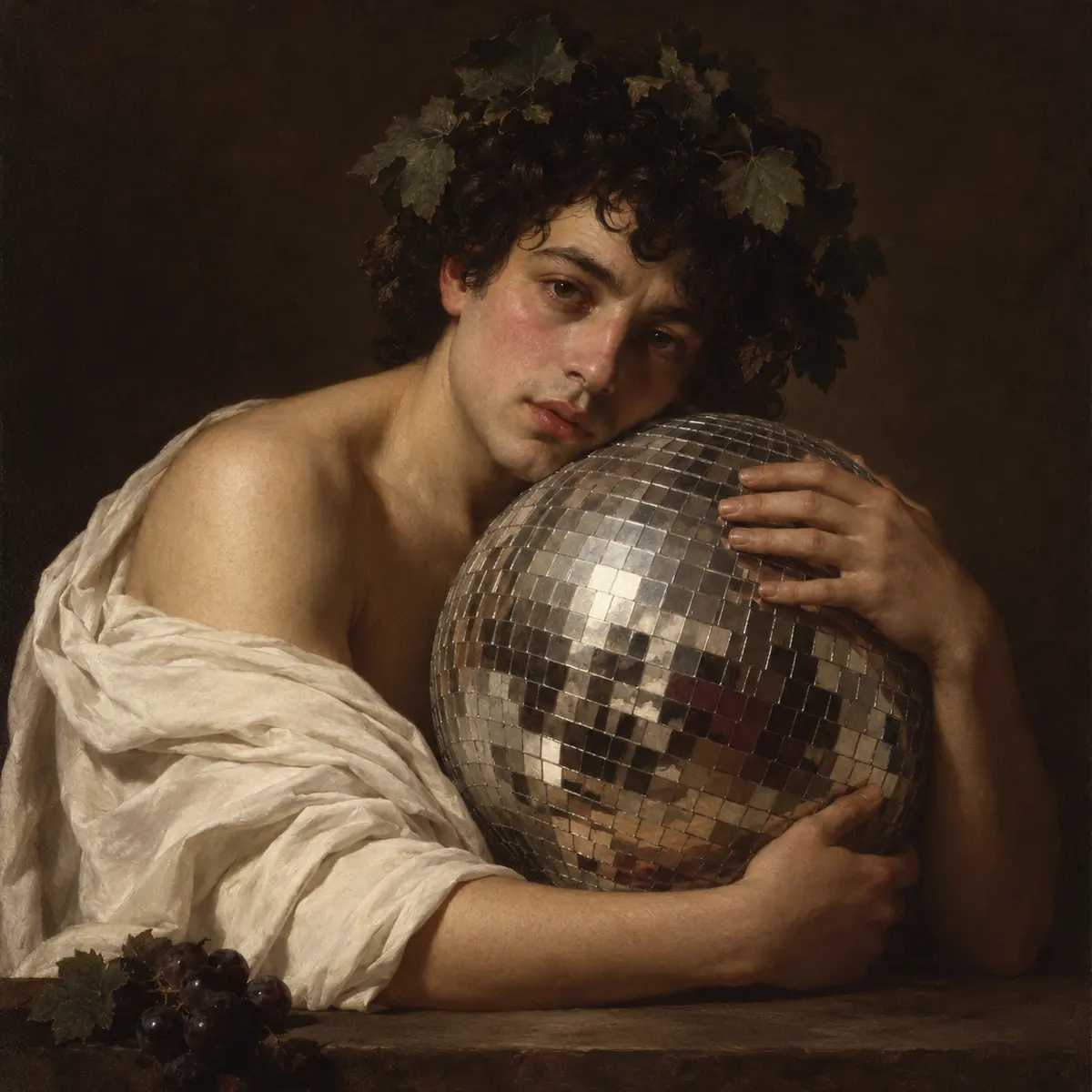
GPT Image 2.6 Sunburst is a separate image model choice for generation and editing in HowWorks. Use a specific visual brief: subject, layout, illustration language, colour palette and lighting. If the picture needs lettering, supply the exact words and describe their order and placement. The Christmas examples explore warm film photography and a painted storybook scene from different visual briefs. These are raster images; review the details and complete composition before treating a generated image as a final design.
Questions
How do I use GPT Image 2.6 Sunburst in HowWorks?
Start with the model selected on this page. Write the brief, add the inputs required by your chosen operation and review the current settings before sending.
Which inputs and settings are supported?
The model specifications and controls on this page show the supported inputs and output settings. Availability can differ by operation; selecting a model does not enable every capability advertised elsewhere.
Does selecting this model change every AI tool in my project?
No. It selects the image generator for this task. The Agent conversation model and other generation tools have their own choices.
How should I evaluate the result?
Compare it with your brief and any source material. Check composition, fine detail, lettering and the intended output format.


