















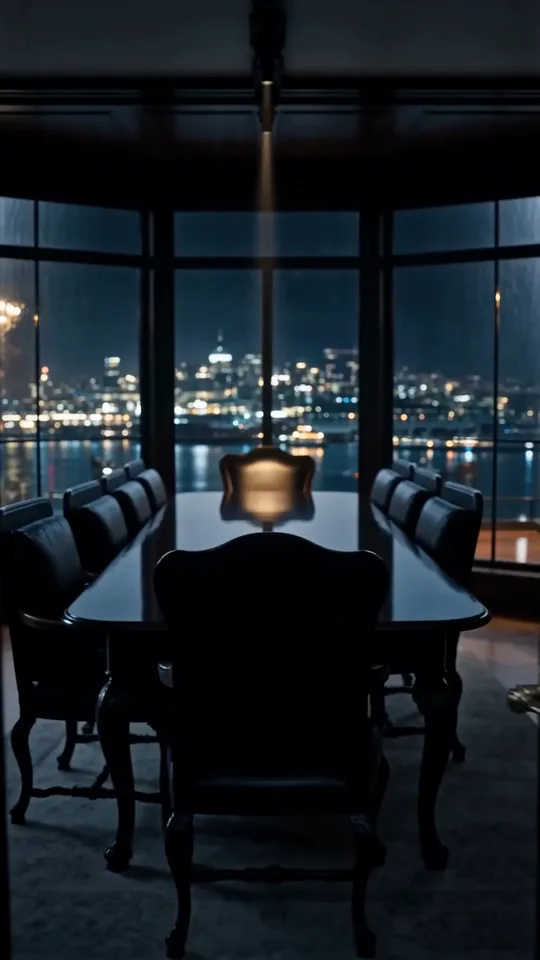




Kling 4.0: Image to Video
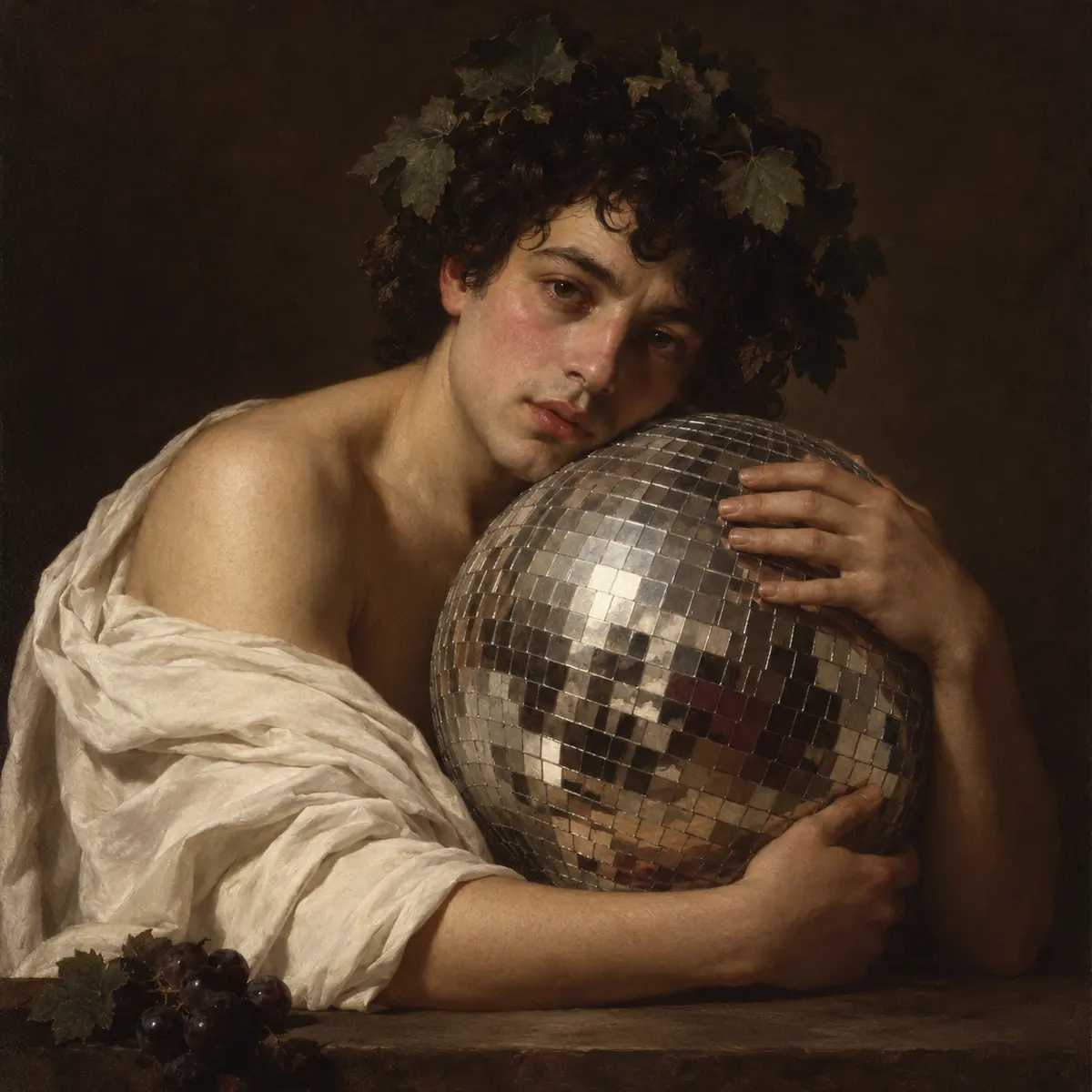
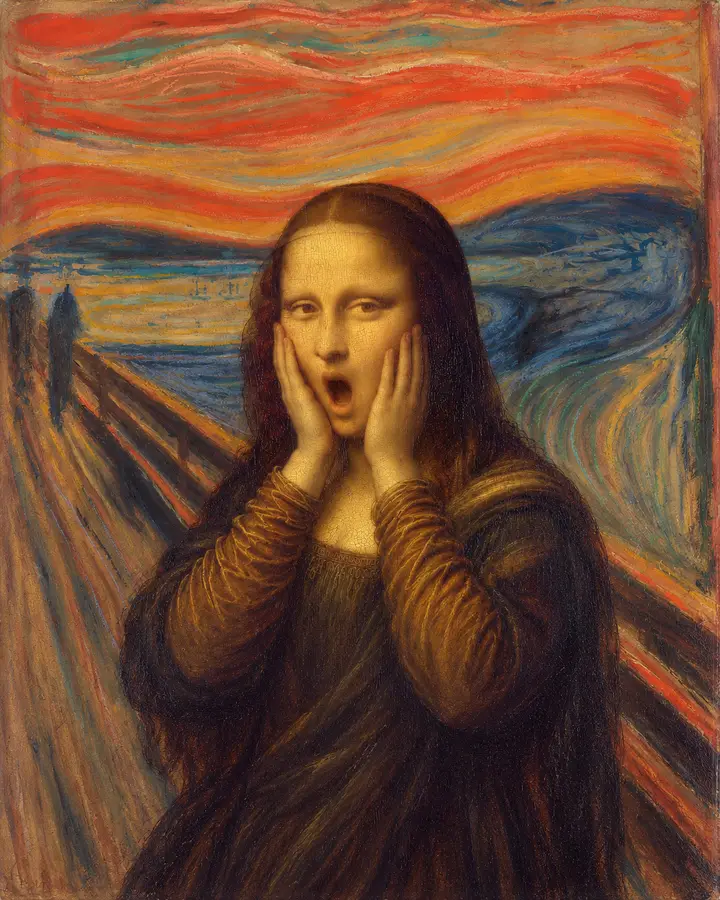
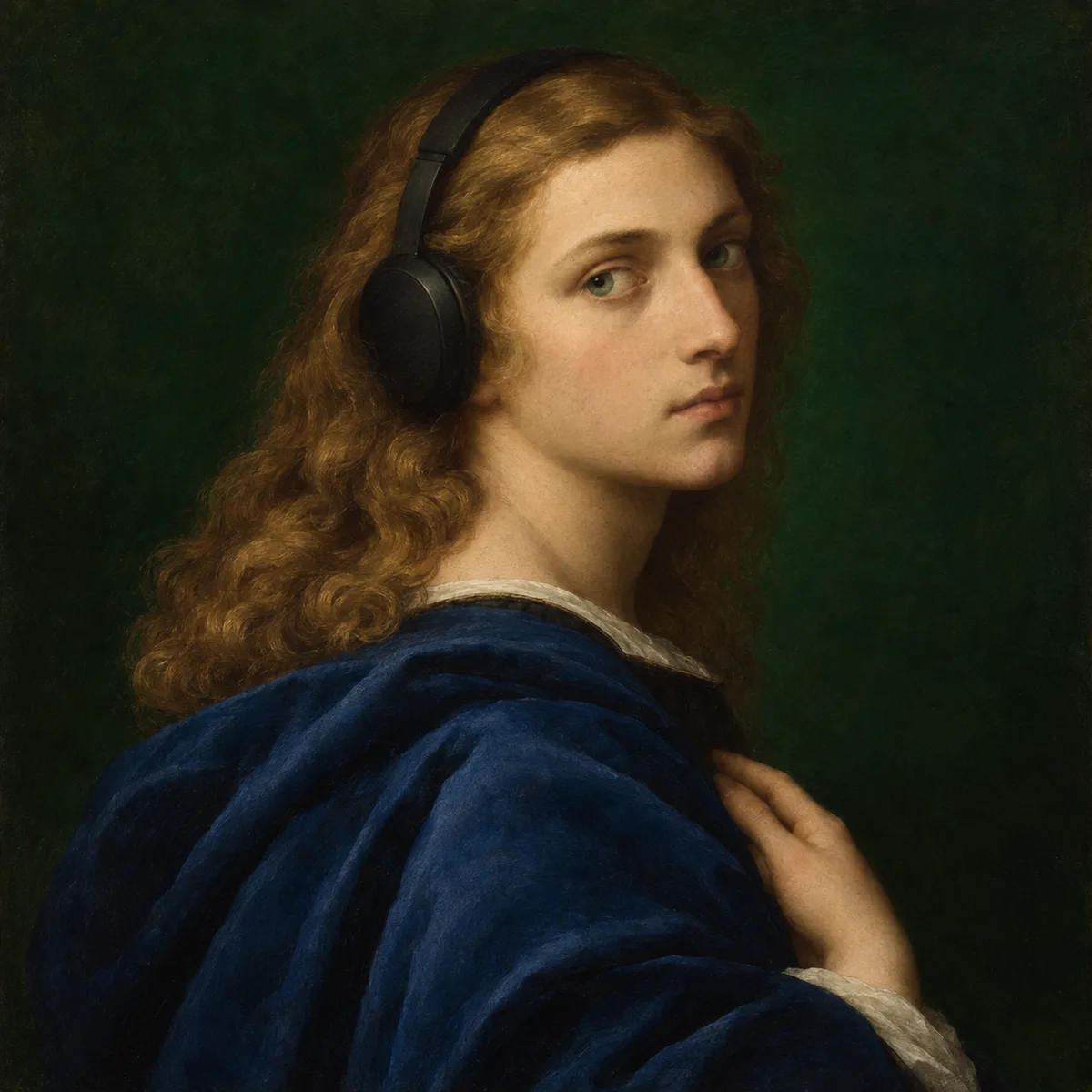
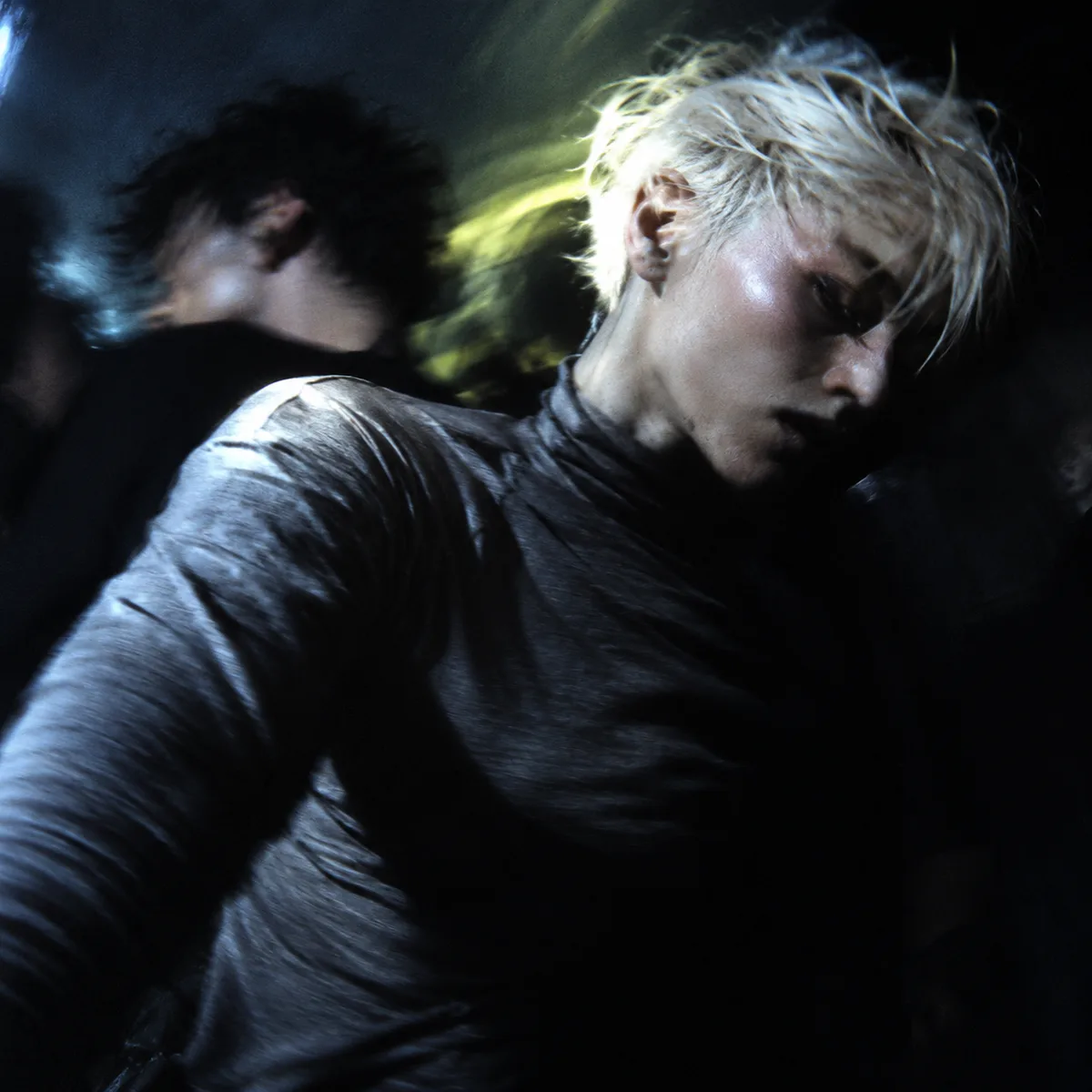
Image to Video with Kling 4.0, with the model already selected.


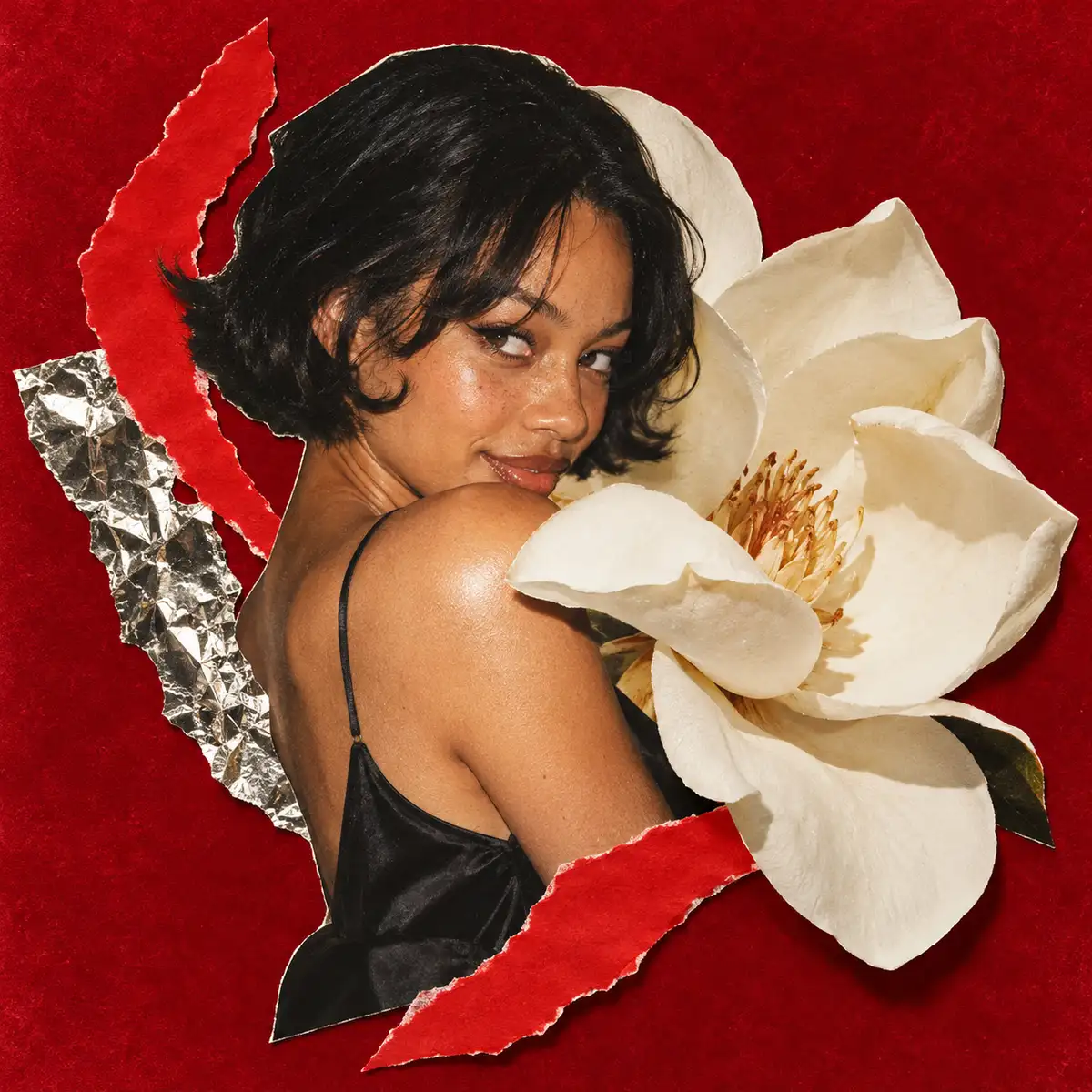
The same woman takes one.
How it works
Try it now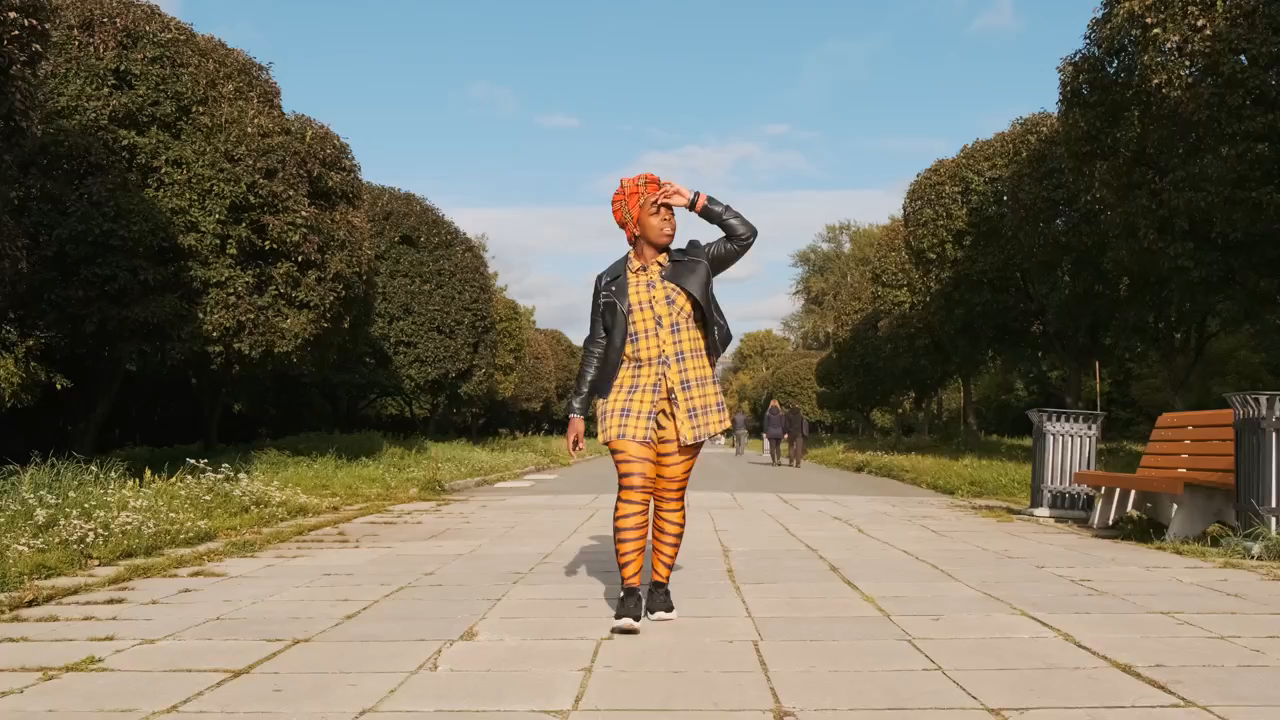 01
Add your start frame
Drop it in, or pick one of yours.
- 02
Say how it should move
A sentence or two is enough.
- 03
Make it
Start creating, then keep working with HowWorks.
Explore the possibilities
Kling 4.0 at a glance
- Good at
- Native audiovisual clips up to 30s, first/last frames, motion references and editing. Up to 1080p.
- Modes
- Text to Video, Image to Video, First & Last Frame, Reference to Video, Edit Video
- Length
- 3–30 s (presets 5, 10, 15, 20, 30 s)
- Resolution
- 720p, 1080p
- Aspect ratios
- 21:9, 16:9, 9:16, 1:1, 4:3, 3:4
- Image-led framing
- May follow the input image; check the output frame
- Sound
- Always on
- Reference images
- Up to 10
About
Supply the opening picture and describe how the shot should move. Explain subject motion and camera movement separately, and keep the action consistent with what is visible in the source. Check the generated video for changes to the face or product, movement that was not requested, and the way the shot ends. Kling 4.0 accepts ordered middle frames on its supported keyframe workflow, without exact timestamps for every frame.
Questions
Does Kling 4.0 use my picture as the starting frame?
Use the Start frame input for image to video. Describe movement and camera behaviour while naming the features to preserve. Watch for shape changes and framing drift throughout the clip, rather than judging the first frame alone.
Why choose Kling 4.0 instead of Kling 4.0 Flash here?
The current Kling 4.0 integration offers 720p and 1080p, with a longer available duration range than Flash. Flash is a separate 720p option. Choose the model around your output and input needs rather than assuming that one sample is a quality benchmark.
Does a storyboard request guarantee exact cuts?
No. A written shot plan expresses the intended progression. Review the generated timing, continuity and transitions; exact edit points may still need an editing step.


