


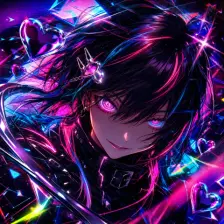
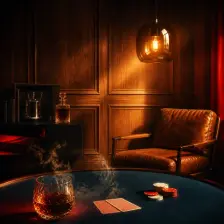


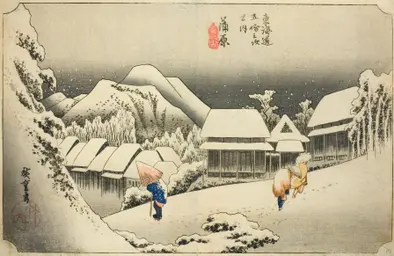
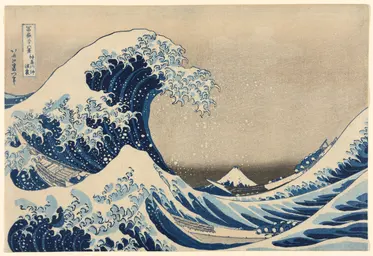
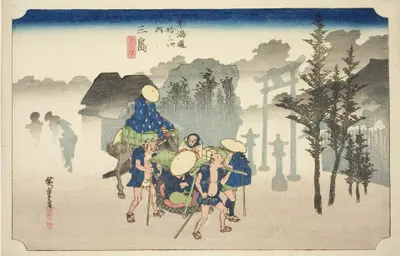
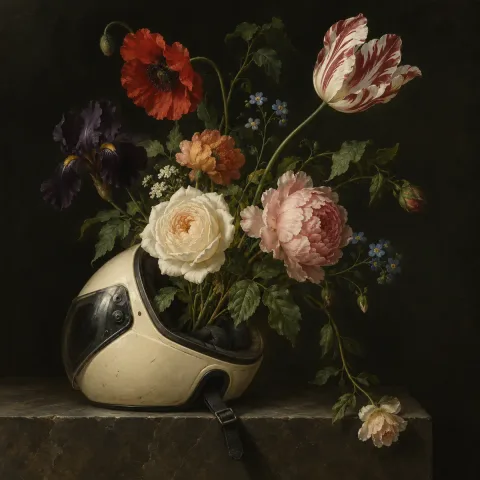
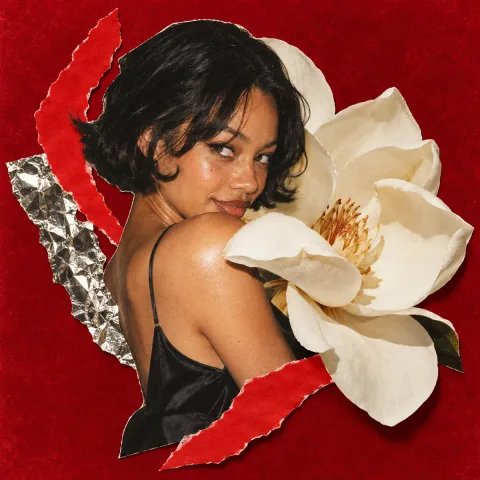
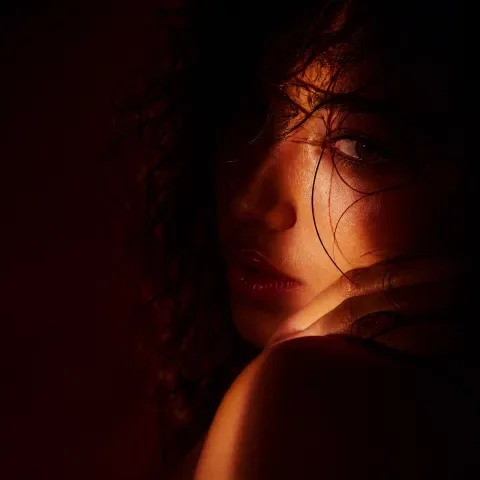

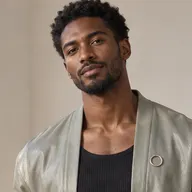
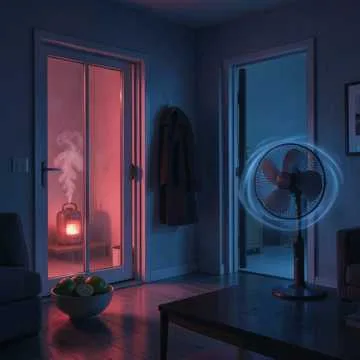
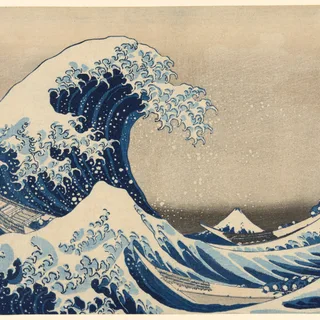
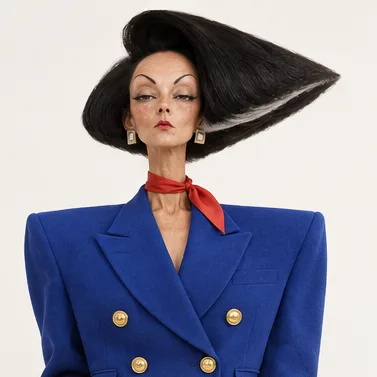
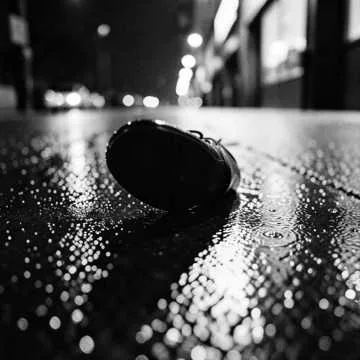
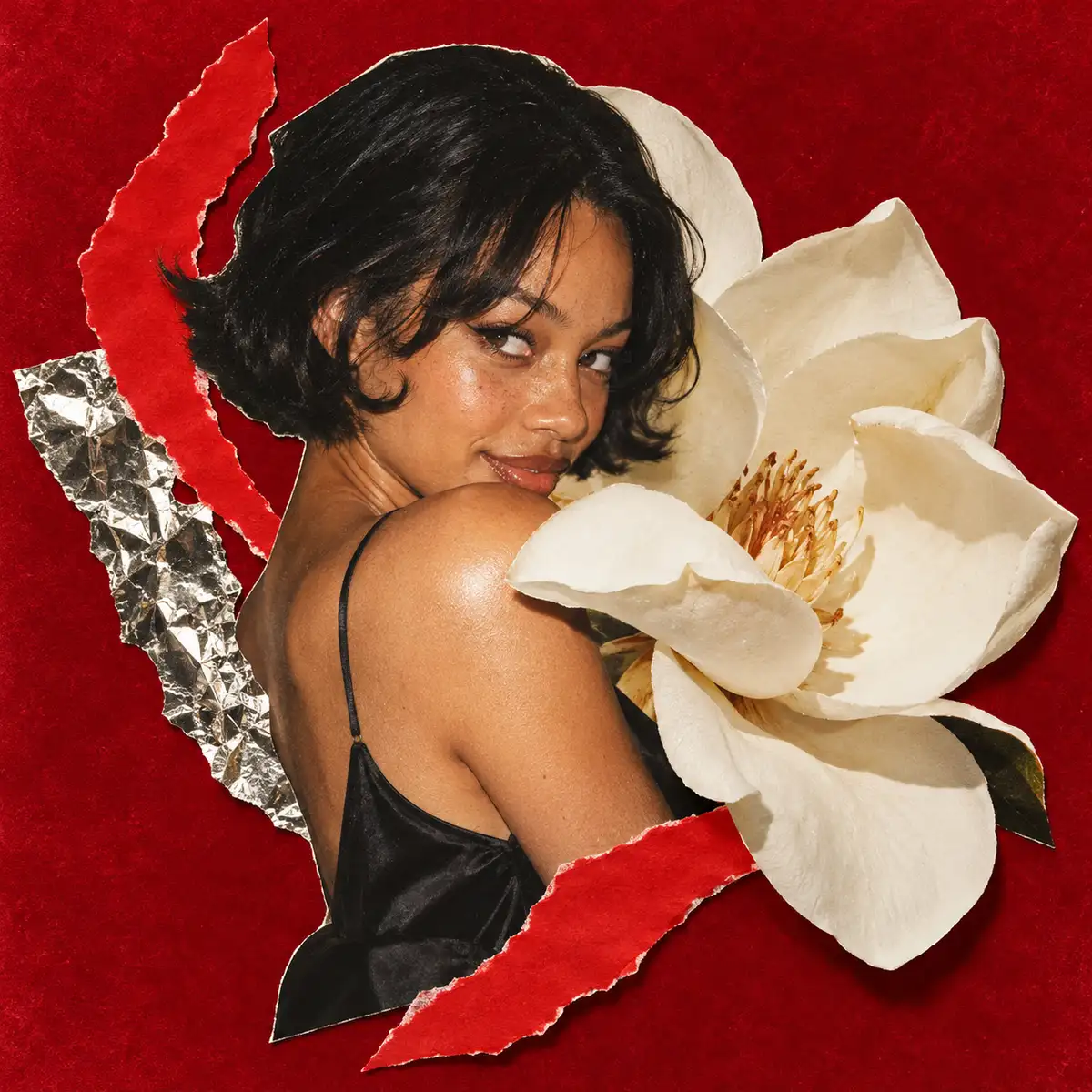
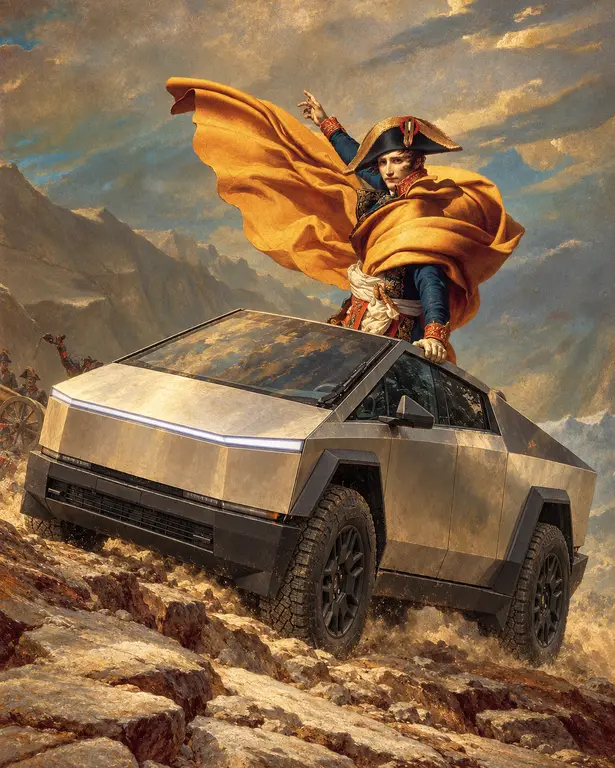
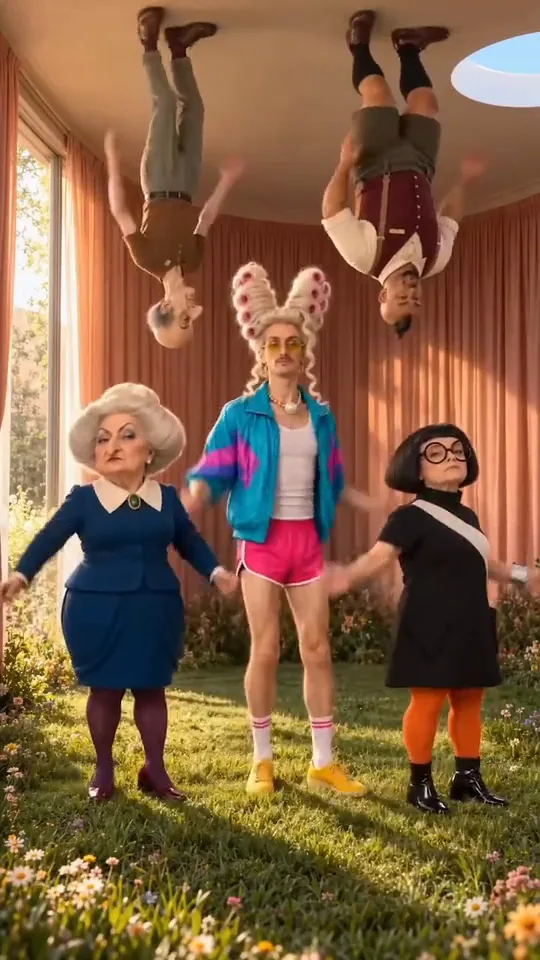
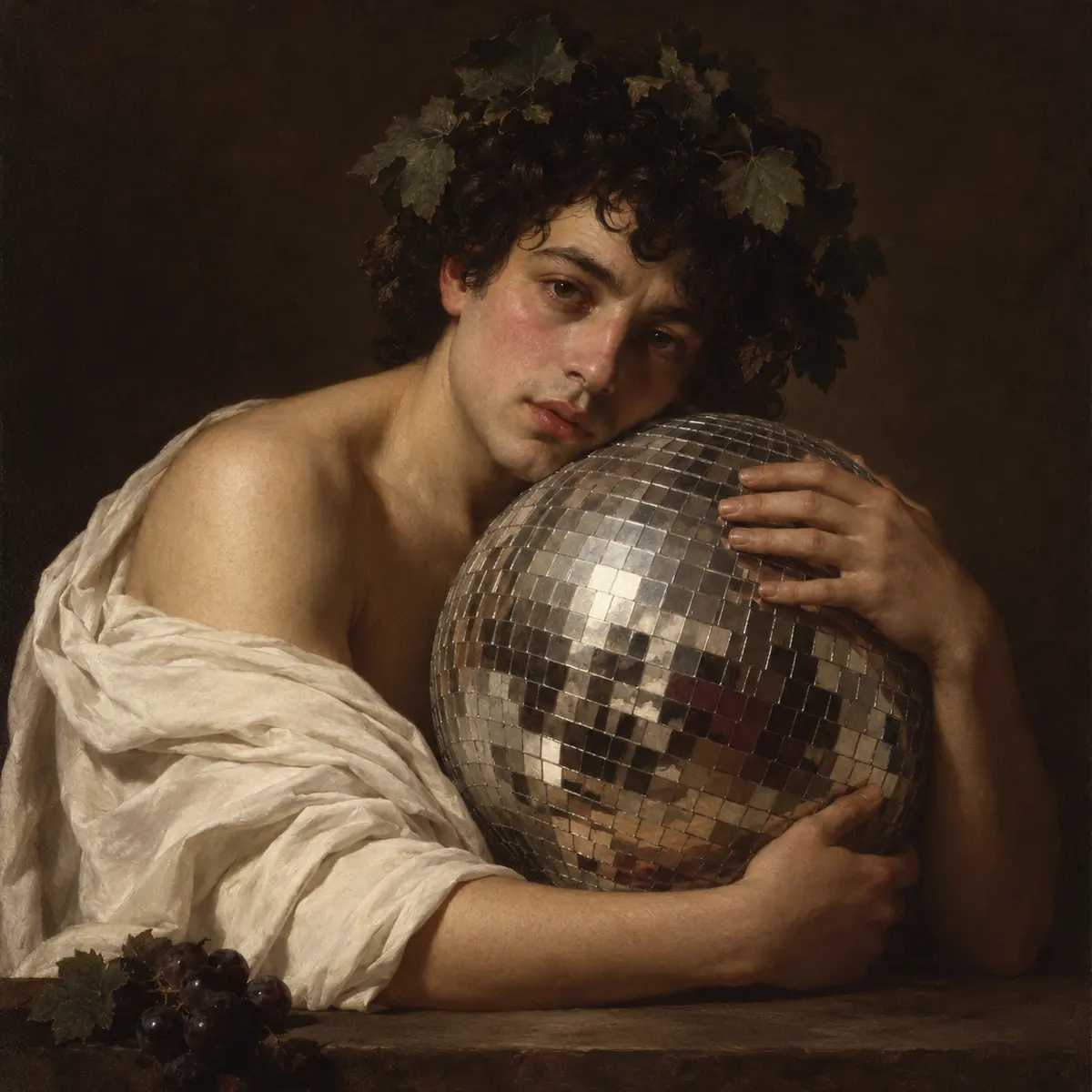
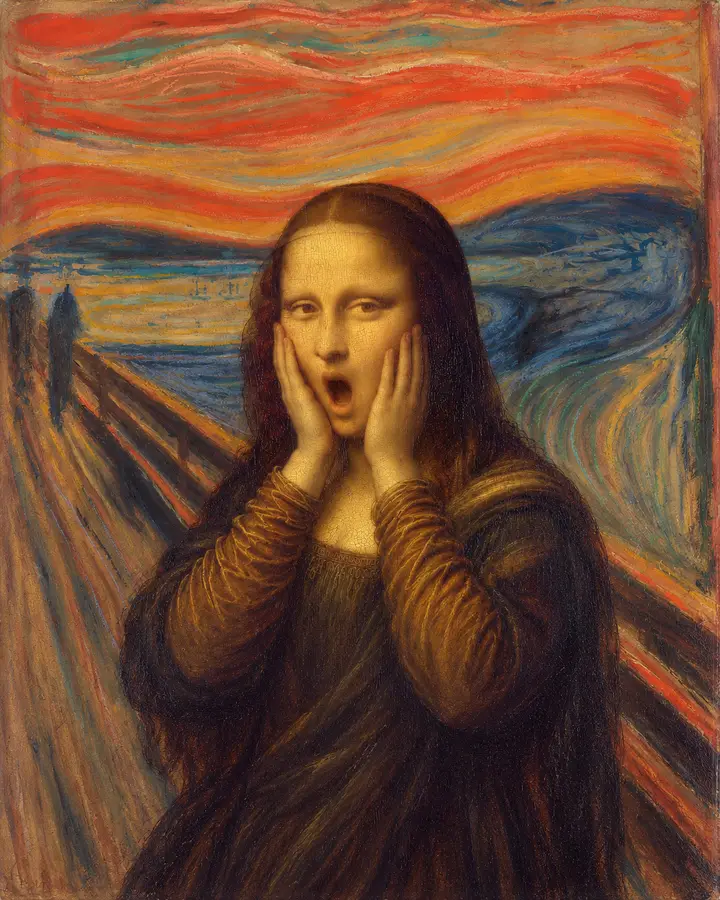
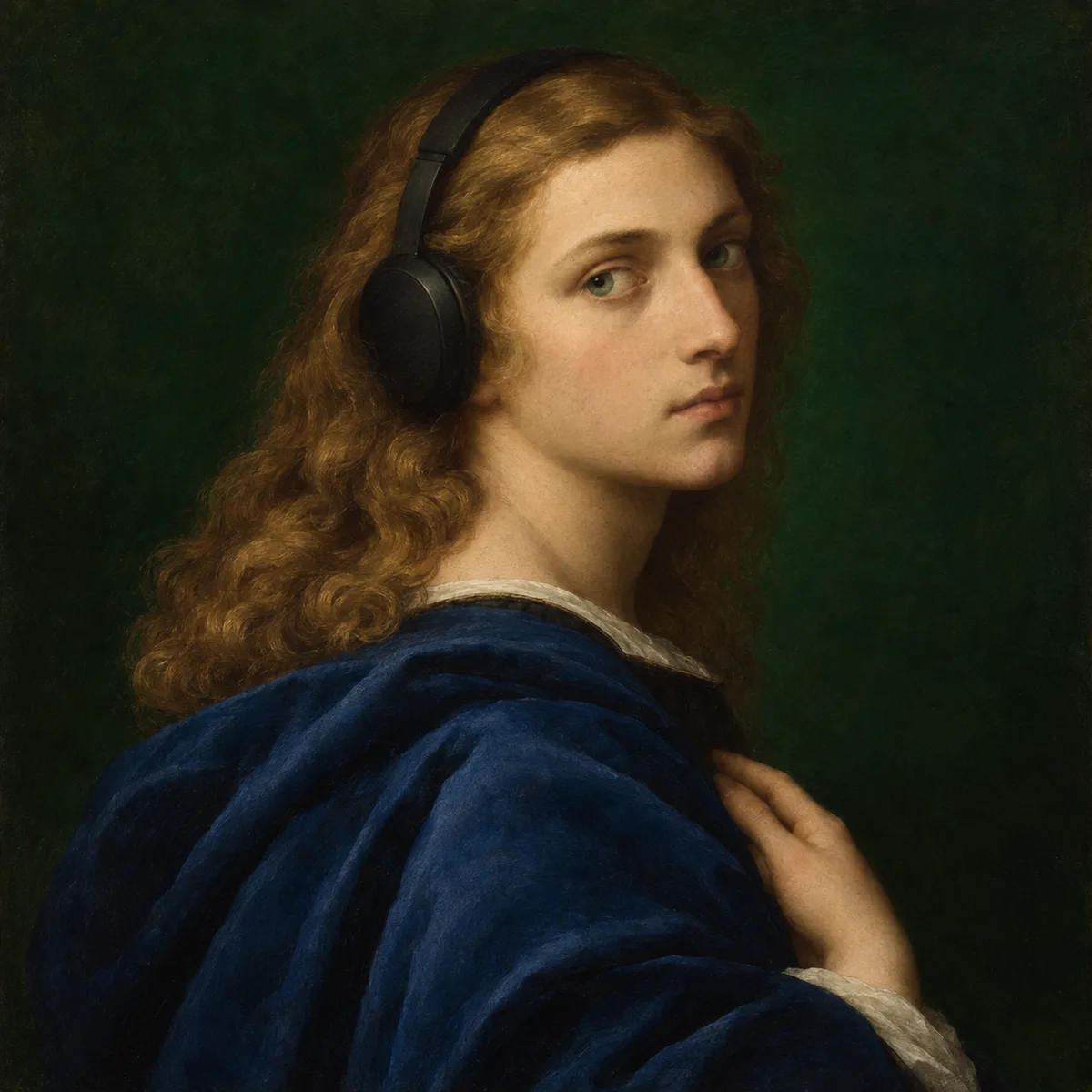
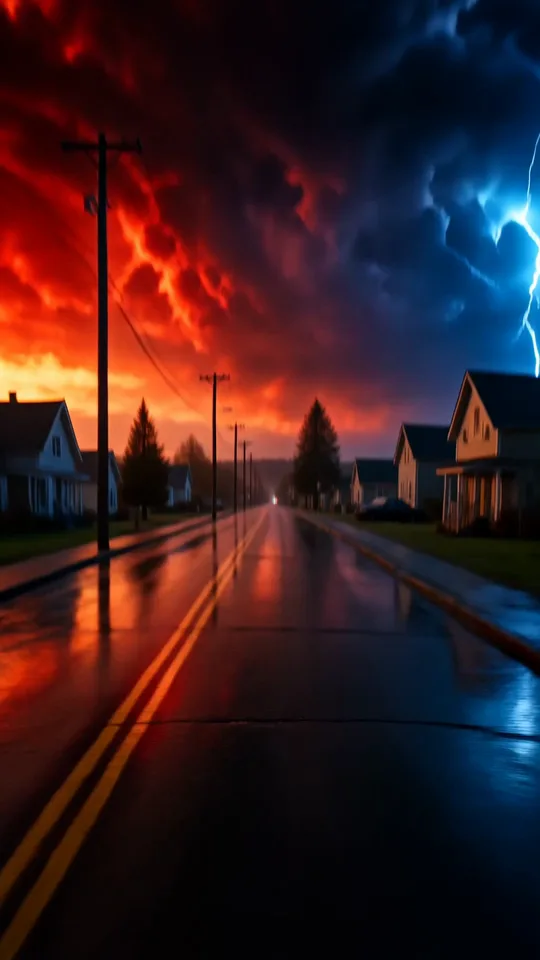
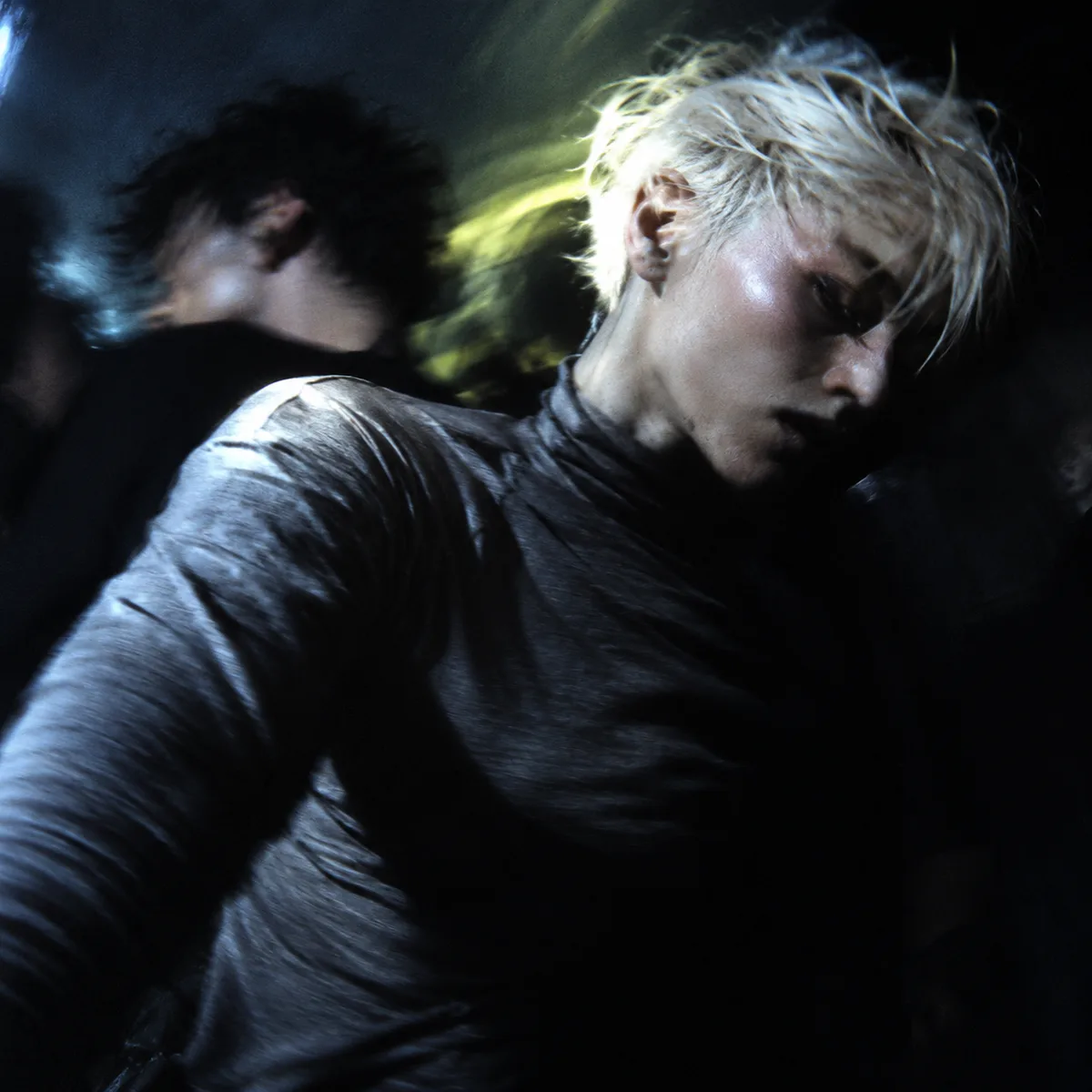
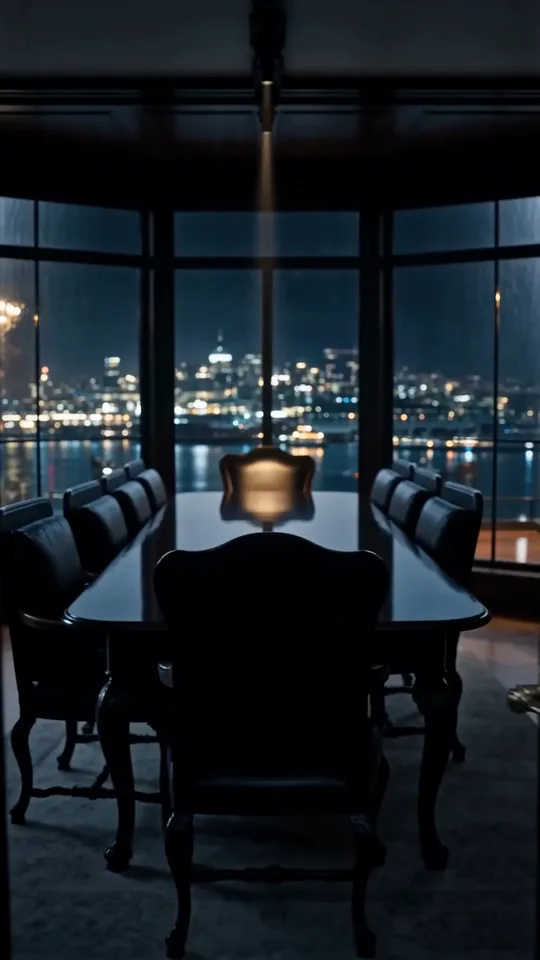
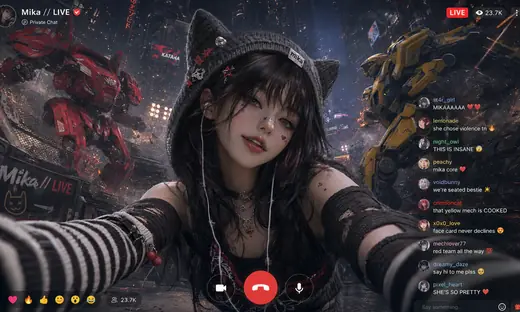



A series of images in one style.
Describe the set and add a style reference. The HowWorks Agent makes images that belong together.
Describe it
Six social posts for my coffee pop-up in one look: grainy film, warm oranges, room for text.
Start with a style


1990s High-Fashion Editorial


Cyber Couture Strobe Lookbook
See what it makes


About
Use Image Series when one picture is not enough: a poster set for a tour, a sticker sheet, a week of social posts, product shots for a catalogue or a set of icons. Describe what each image should show and the style they share, and add style references or brand material when you have them. Choose how many images you want, from 2 to 12, and their aspect ratio, or leave both to the Agent. Each image arrives as its own image work in your project, so you can keep, change or add to the set in the same conversation.

Questions
How many images can I ask for?
From 2 to 12 in one request. Leave the count out and the Agent decides from your brief.
How do the images stay in one style?
Add a style reference or brand material, and describe what every image should share: palette, line, light and framing. The Agent works from that shared style across the whole set.
When should I use the AI Image Generator instead?
Use the AI Image Generator for a single picture. Use Image Series when several pictures need to look like one set.
Can I change one image later?
Yes. Each image is its own work. Ask in the same project to change one, redo it or add more to the set.
Do I need an account?
Yes. Write your request and press Send; after you log in, HowWorks starts a project with your words.