























Wan 3.0: Reference to Video
Reference to Video with Wan 3.0, with the model already selected.

How it works
Try it now- 01
Add your reference
Drop it in, or pick one of yours.
- 02
Say what you want
A sentence or two is enough.
- 03
Make it
Start creating, then keep working with HowWorks.
Explore the possibilities
Wan 3.0 at a glance
- Good at
- Top-ranked text to video. 2–30s in one take, up to 1080p, up to 10 reference images.
- Modes
- Text to Video, Image to Video, Reference to Video
- Length
- 2–30 s (presets 5, 10, 15, 30 s)
- Resolution
- 480p, 720p, 1080p
- Aspect ratios
- 16:9, 9:16, 1:1, 4:3, 3:4
- Image-led framing
- May follow the input image; check the output frame
- Sound
- On by default, can be switched off
- Reference images
- Up to 10
About
Add the supported reference media and explain what it should guide: appearance, action, camera movement or atmosphere. A reference is a creative instruction, not a promise of exact motion capture. Keep the intended relationship to the source clear, then compare the resulting identity, motion and sound with your brief. Choose only the inputs and controls shown for this operation; other operations or model versions can have different limits.
Questions
How is Wan 3.0 reference to video different from image to video?
A reference guides the new shot’s subject, visual character or movement. A Start frame asks the shot to begin from a particular picture. Put each file in its intended role and describe what you want the model to carry into the new result.
What should I check in the Wan 3.0 reference to video example?
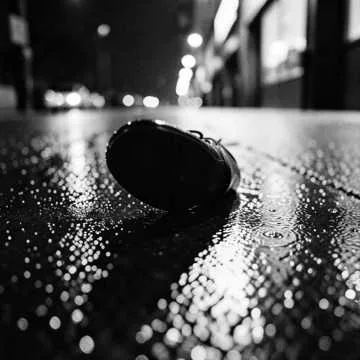
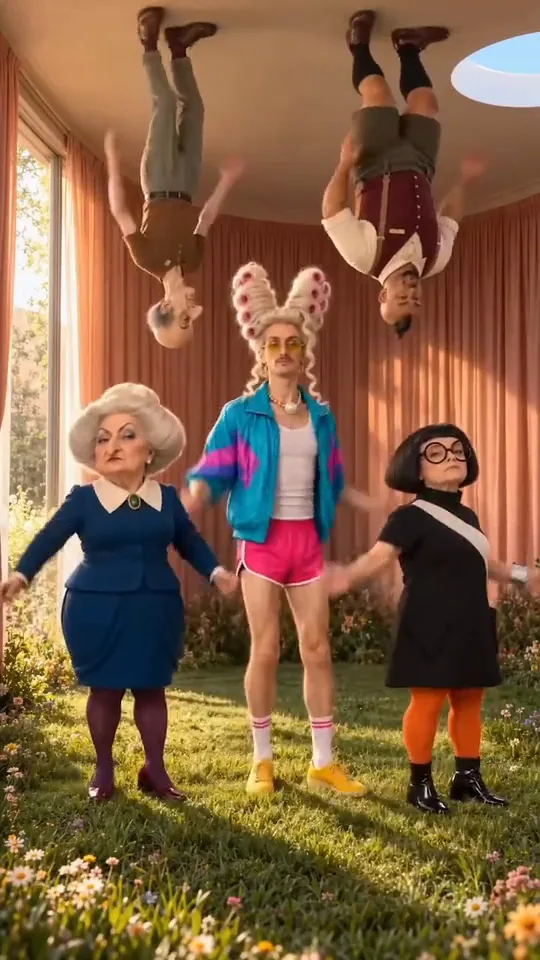
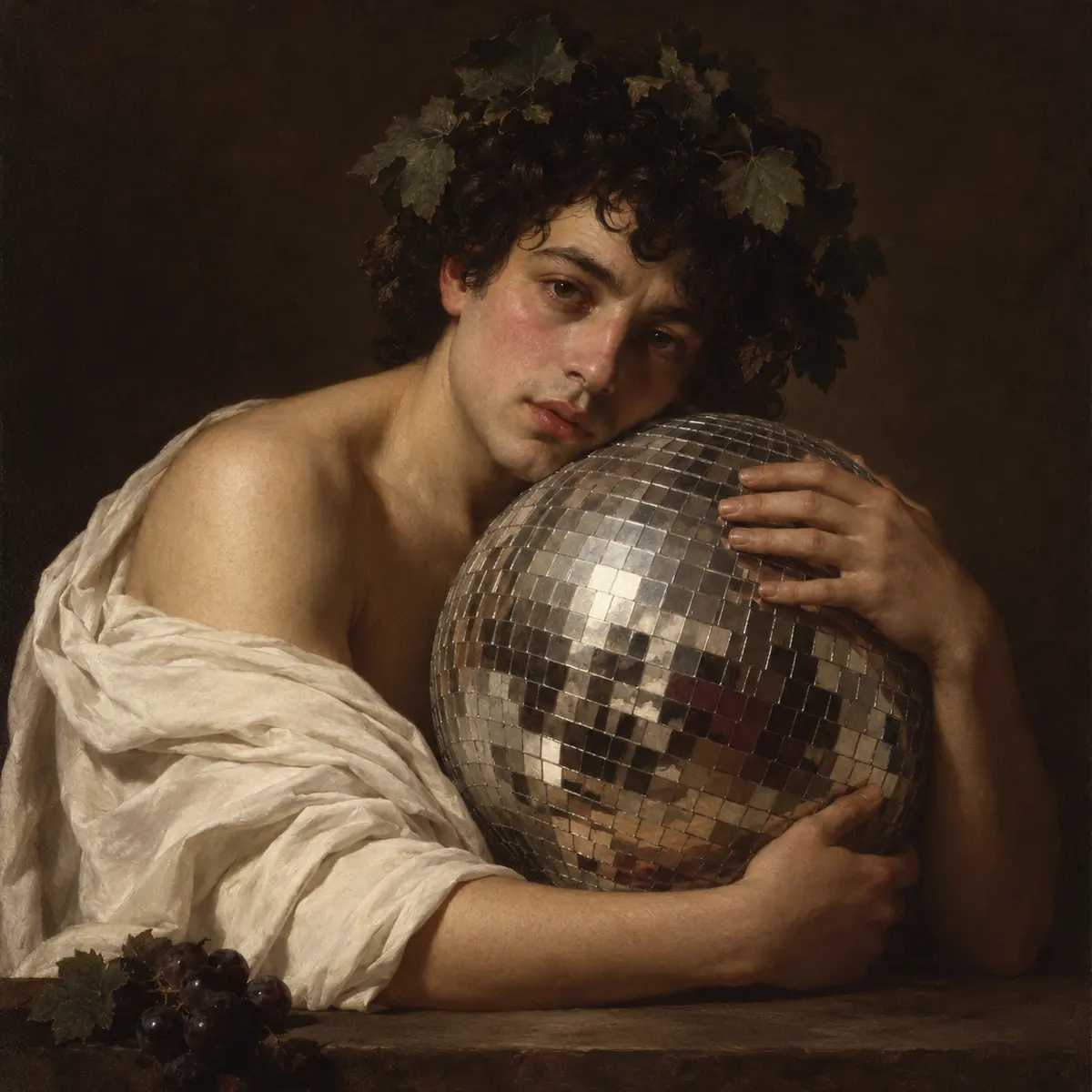
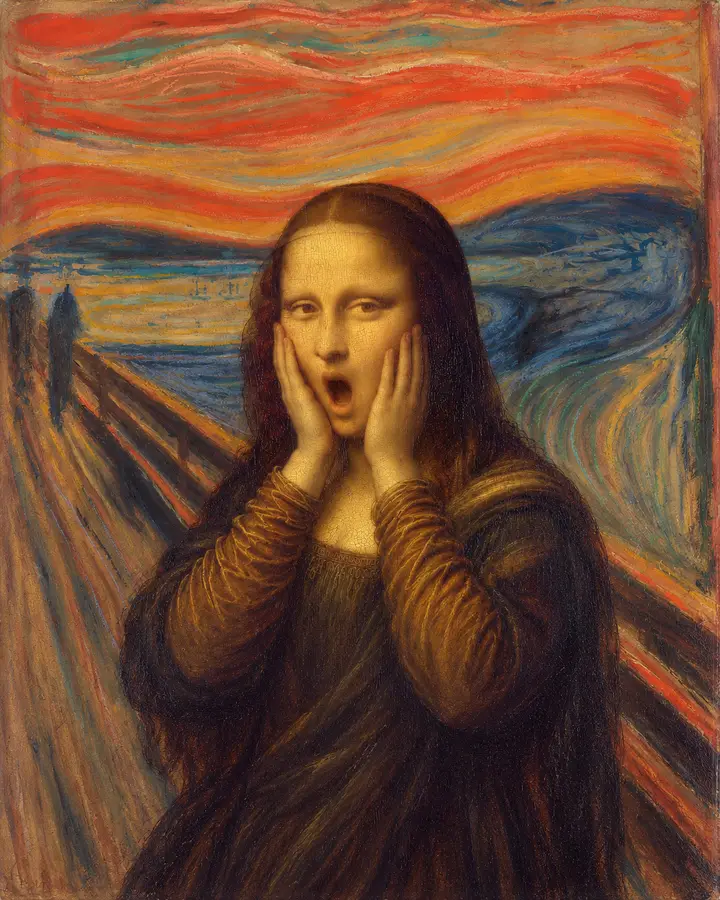
The reference preview demonstrates a party gesture and visual continuity. It is presented without its original test soundtrack, so it should not be used to judge dialogue or sound quality.
Can Wan 3.0 make a silent video?
The current HowWorks model exposes a sound toggle. Choose the sound setting deliberately and check the finished file; the page’s visual preview does not guarantee the same soundtrack or result on a new run.


